
Rental Category Icon Marquee Strip
Description
A slim horizontal marquee strip listing rental categories, each shown as a small rounded icon tile paired with a label. Across two staggered rows it cycles through ‘Apartment rentals’, ‘Beachfront rentals’, ‘Condo rentals’, ‘Pet-friendly rentals’, ‘House rentals’, ‘Villa rentals’ and ‘Unique stays’, with simple monoline icons (a building, a palm beach, a boat, a UFO for unique stays, a house, a hot-air balloon). The items repeat and fade out softly at both edges, signalling a continuous auto-scrolling ticker. On a plain light background with thin black line icons and clean sans labels, it reads as a quick, low-key category browser bridging two larger sections.
Related
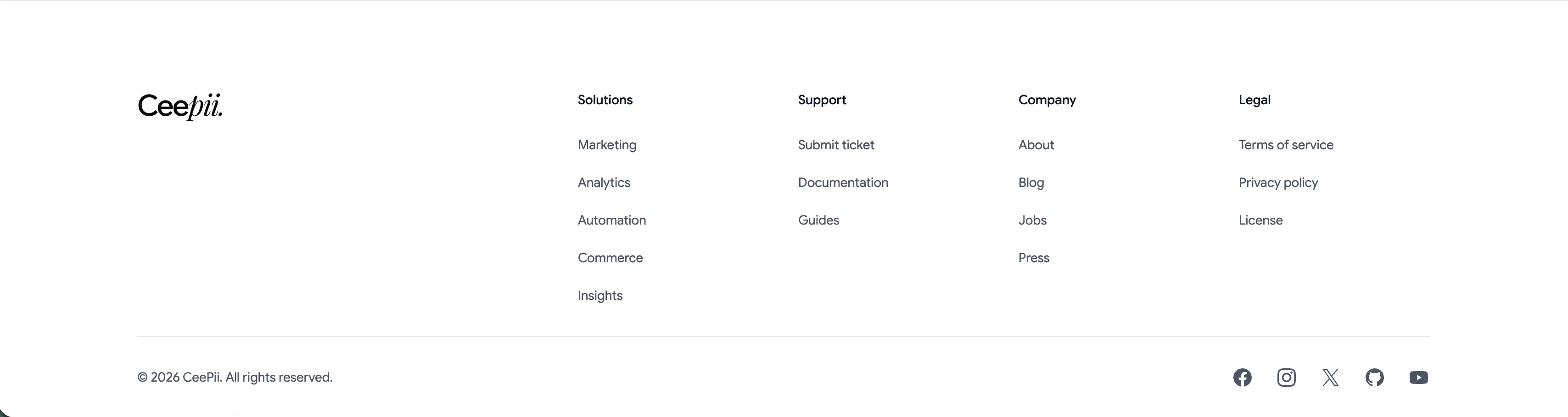
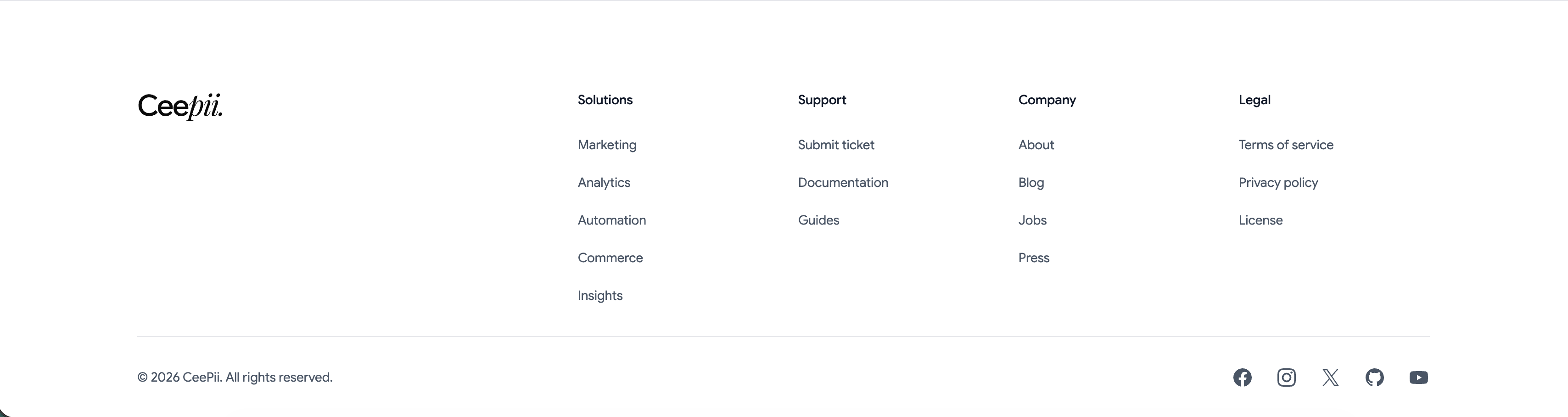
Ceepii Multi-Column Footer With Social Links
A clean white footer anchored by the 'Ceepii.' wordmark at far left. To its right sit four link columns under bold headings: 'Solutions' (Marketing, Analytics, Automation, Commerce, Insights), 'Support' (Submit ticket, Documentation, Guides), 'Company' (About, Blog, Jobs, Press) and 'Legal' (Terms of service, Privacy policy, License). A hairline divider runs across the full width, below which a copyright line, '© 2026 CeePii. All rights reserved.', sits at left and a row of monochrome social icons — Facebook, Instagram, X, GitHub and YouTube — sits at right. The restrained type, ample spacing and single divider give a simple, corporate-clean sitemap footer.
Ceepii-nextjs-template ↗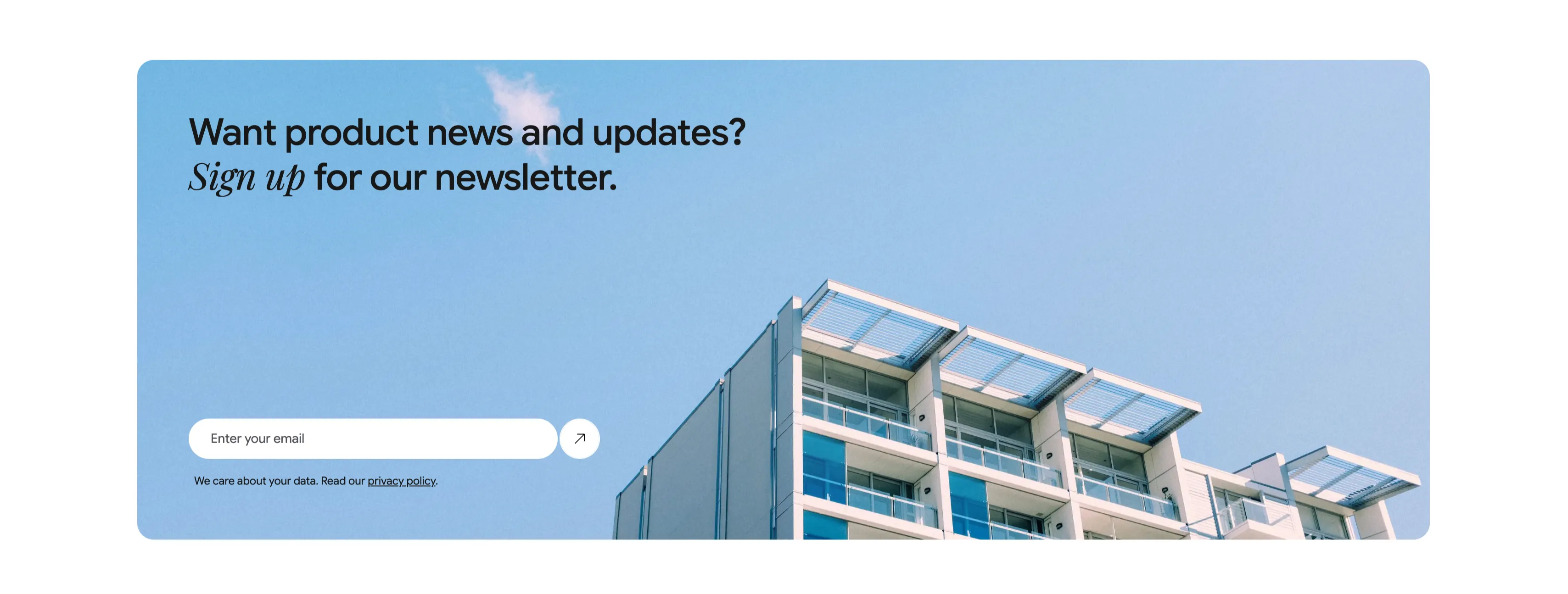
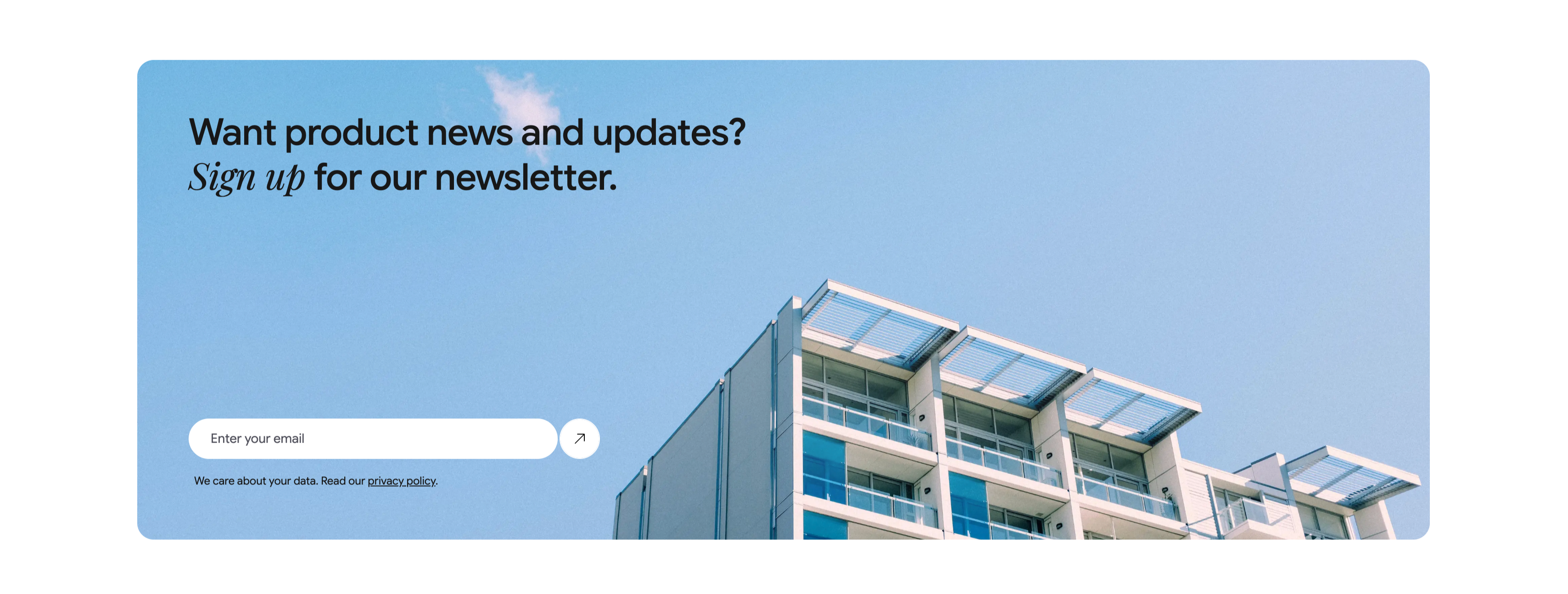
Newsletter Signup Banner With Email Field
A wide, rounded light-blue banner with a photograph of a modern apartment building against a clear sky filling its right side. The left side carries a two-line heading, 'Want product news and updates? Sign up for our newsletter.', with 'Sign up' set in italic serif. Beneath it is a single email capture: a white rounded input placeheld 'Enter your email' paired with a circular up-right arrow submit button. A small line of fine print below reads 'We care about your data. Read our privacy policy.', with 'privacy policy' underlined as a link. The soft blue field, generous rounding and single-field form make a friendly, low-friction newsletter call-to-action.
Ceepii-nextjs-template ↗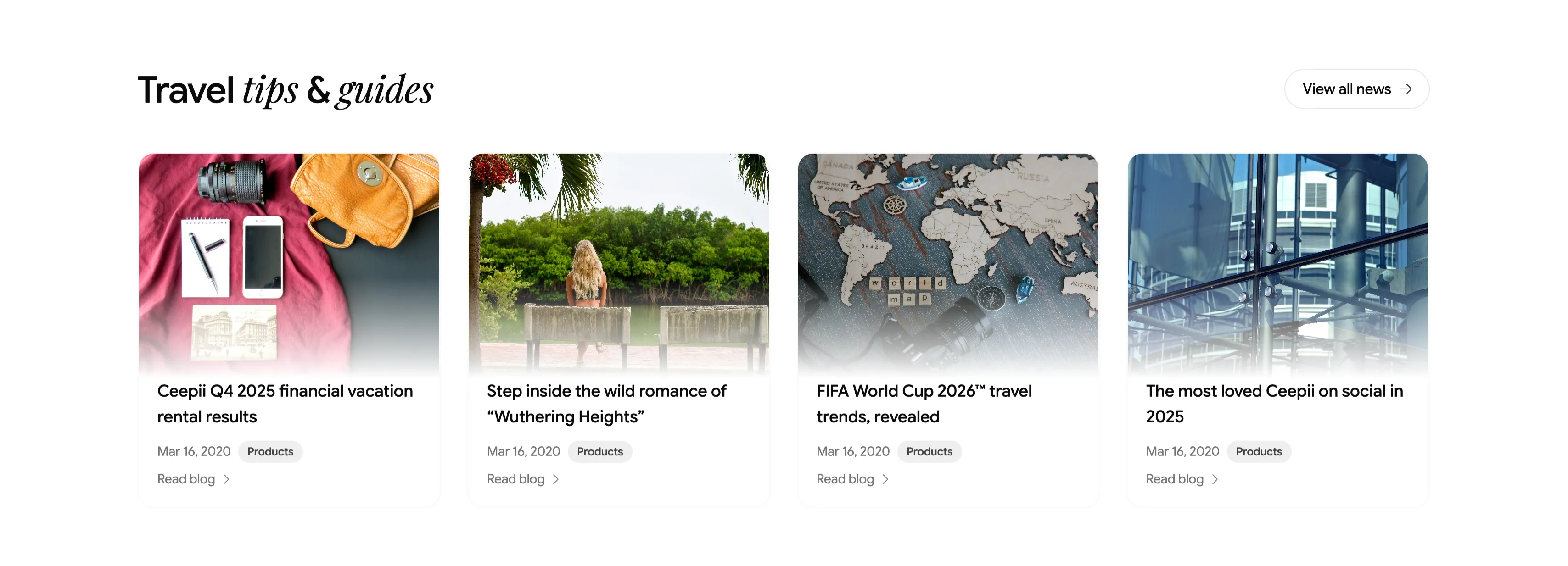
Travel Tips And Guides Blog Card Row
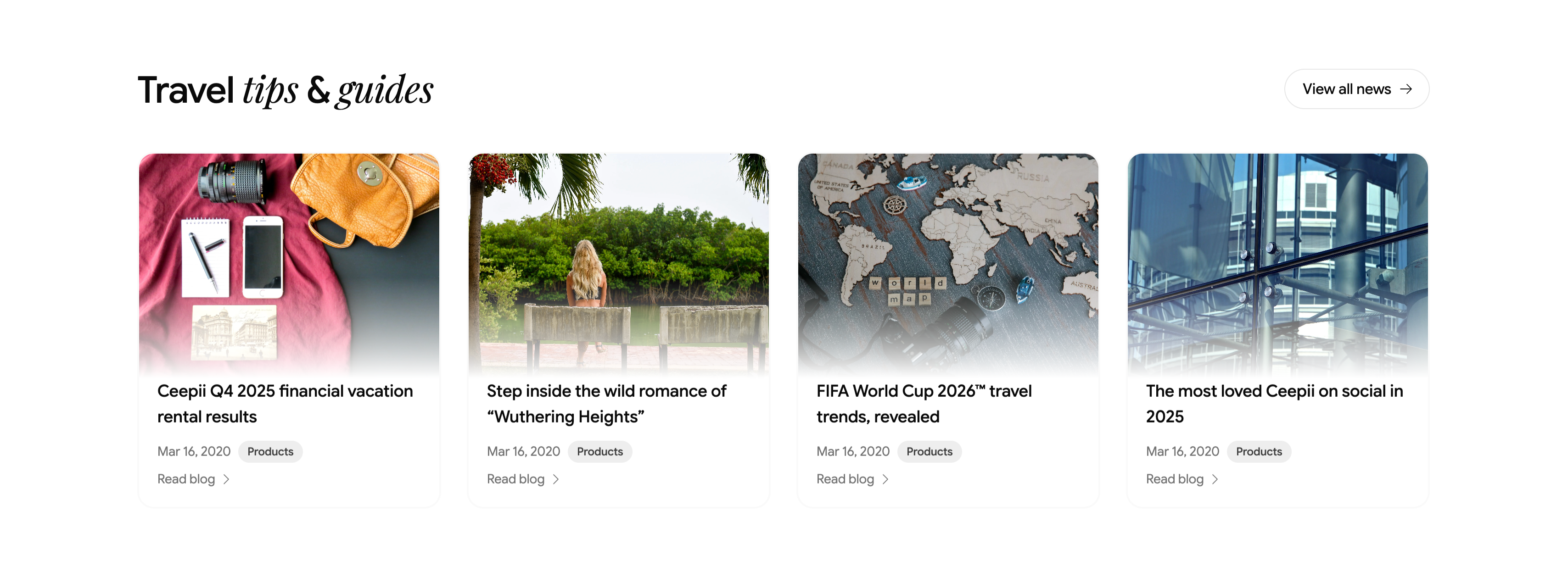
A blog teaser section headed 'Travel tips & guides', with 'tips & guides' in italic serif and a pill 'View all news →' button at upper-right. Below runs a four-up row of article cards, each a rounded cover image above a title, a 'Mar 16, 2020' date, a gray 'Products' category tag, and a 'Read blog →' link. The featured posts are 'Ceepii Q4 2025 financial vacation rental results', 'Step inside the wild romance of "Wuthering Heights"', 'FIFA World Cup 2026™ travel trends, revealed', and 'The most loved Ceepii on social in 2025', with editorial photography (a flat-lay travel kit, a lakeside figure, a wooden world map, and glass architecture). The clean image-over-text cards give a tidy, magazine-style content row.
Ceepii-nextjs-template ↗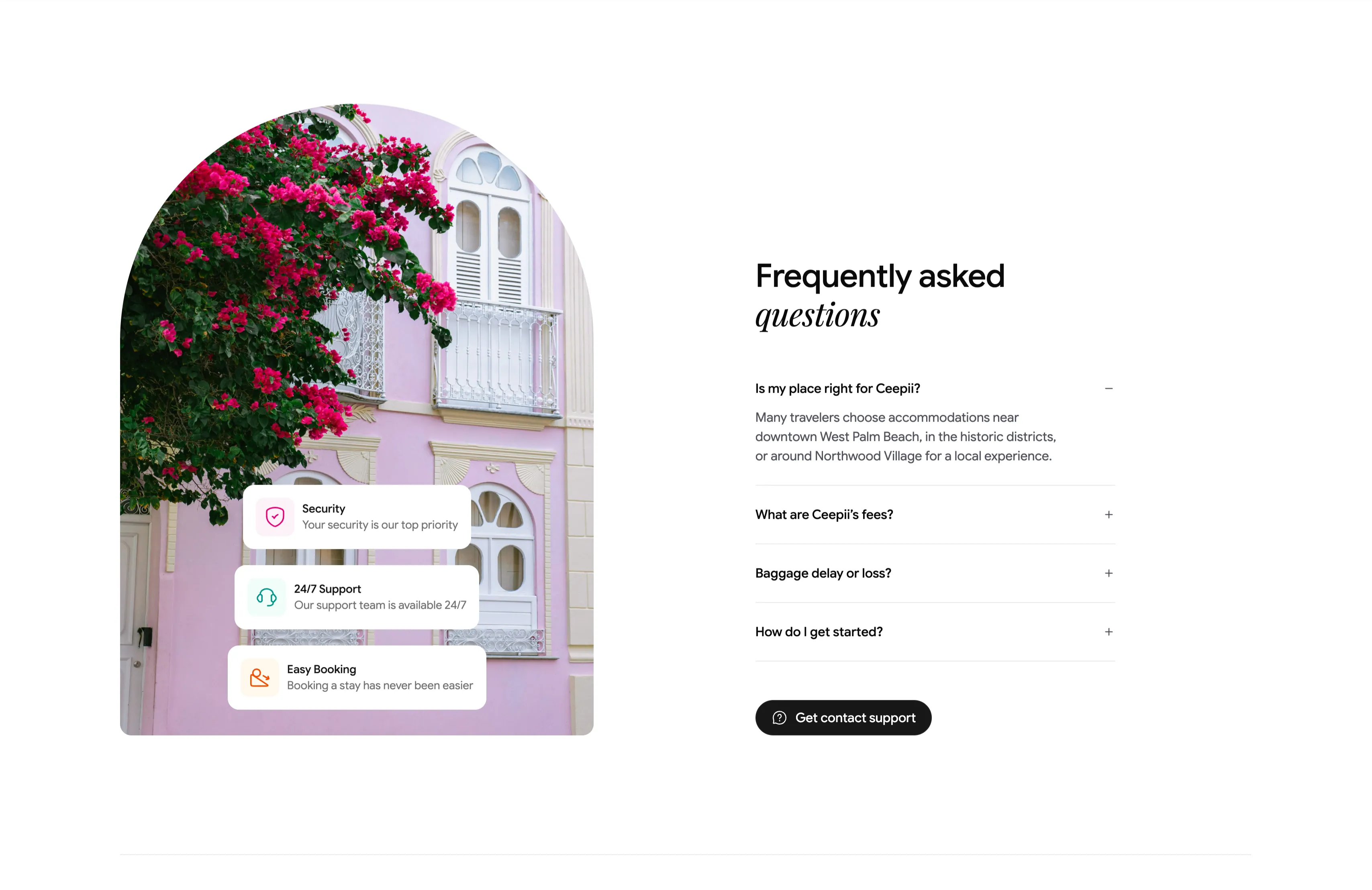
Frequently Asked Questions Accordion With Image
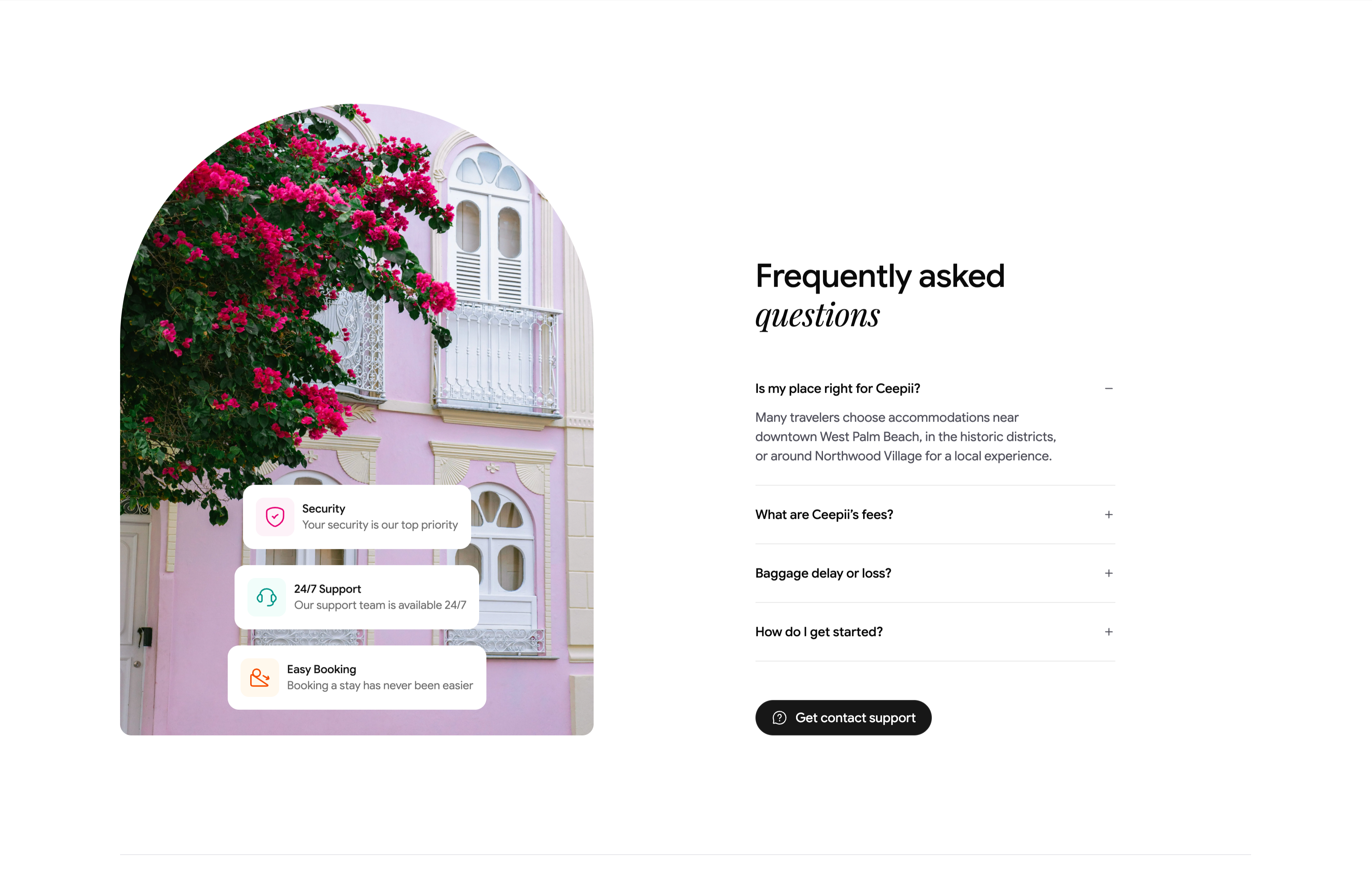
A two-column FAQ section. The left column is a tall arch-topped photograph of a pink colonial facade draped in magenta bougainvillea, with three floating white cards stacked over it — 'Security / Your security is our top priority', '24/7 Support / Our support team is available 24/7', and 'Easy Booking / Booking a stay has never been easier' — each fronted by a colored icon. The right column heads 'Frequently asked questions' (with 'questions' in italic serif) above an accordion list: 'Is my place right for Ceepii?' is expanded to reveal a paragraph about West Palm Beach neighborhoods, followed by collapsed rows 'What are Ceepii's fees?', 'Baggage delay or loss?' and 'How do I get started?', each with a +/− toggle. A black pill 'Get contact support' button closes the column. The expand/collapse toggles and supporting trust cards make a standard but polished FAQ.
Ceepii-nextjs-template ↗Similar features sections
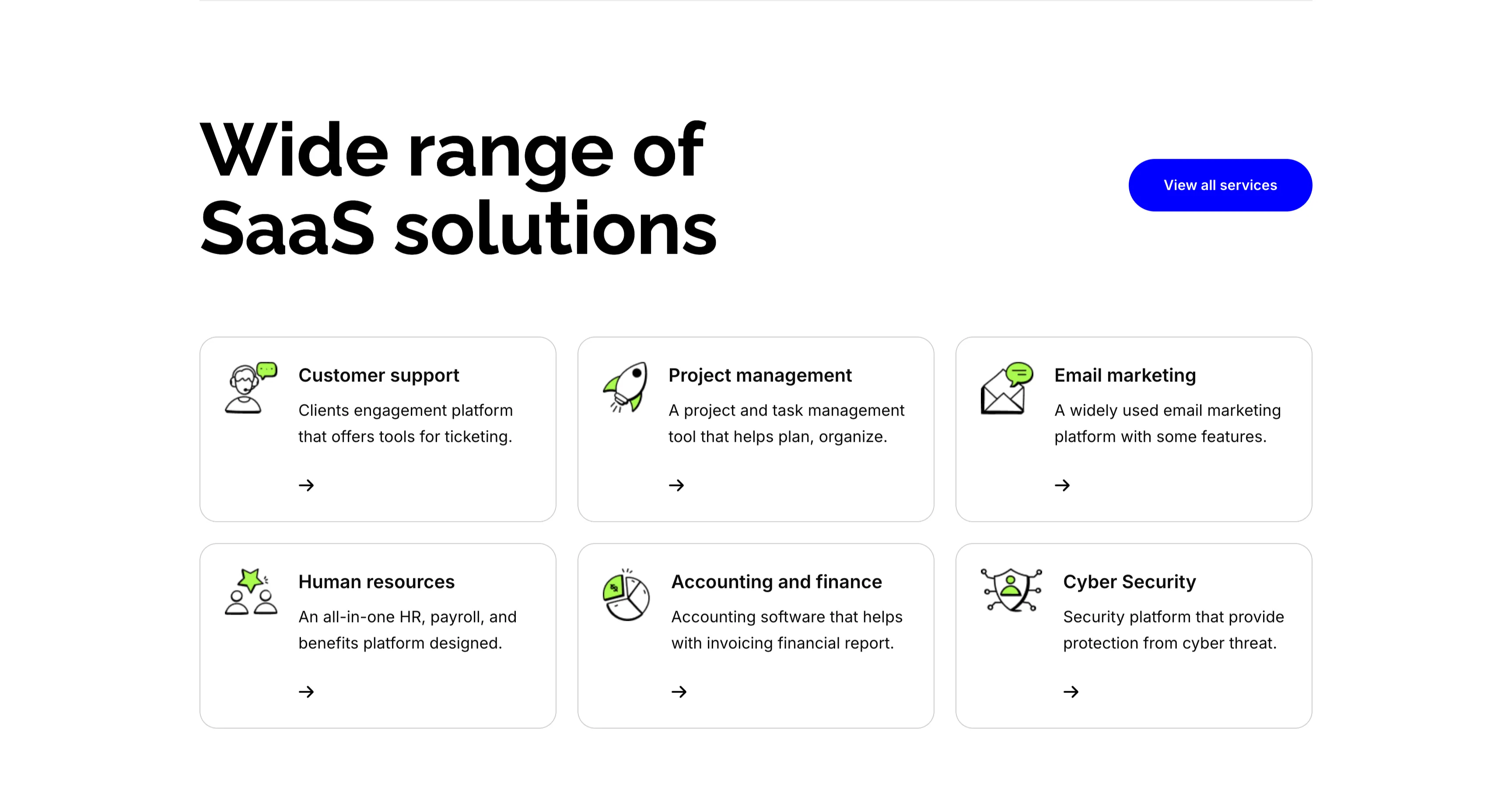
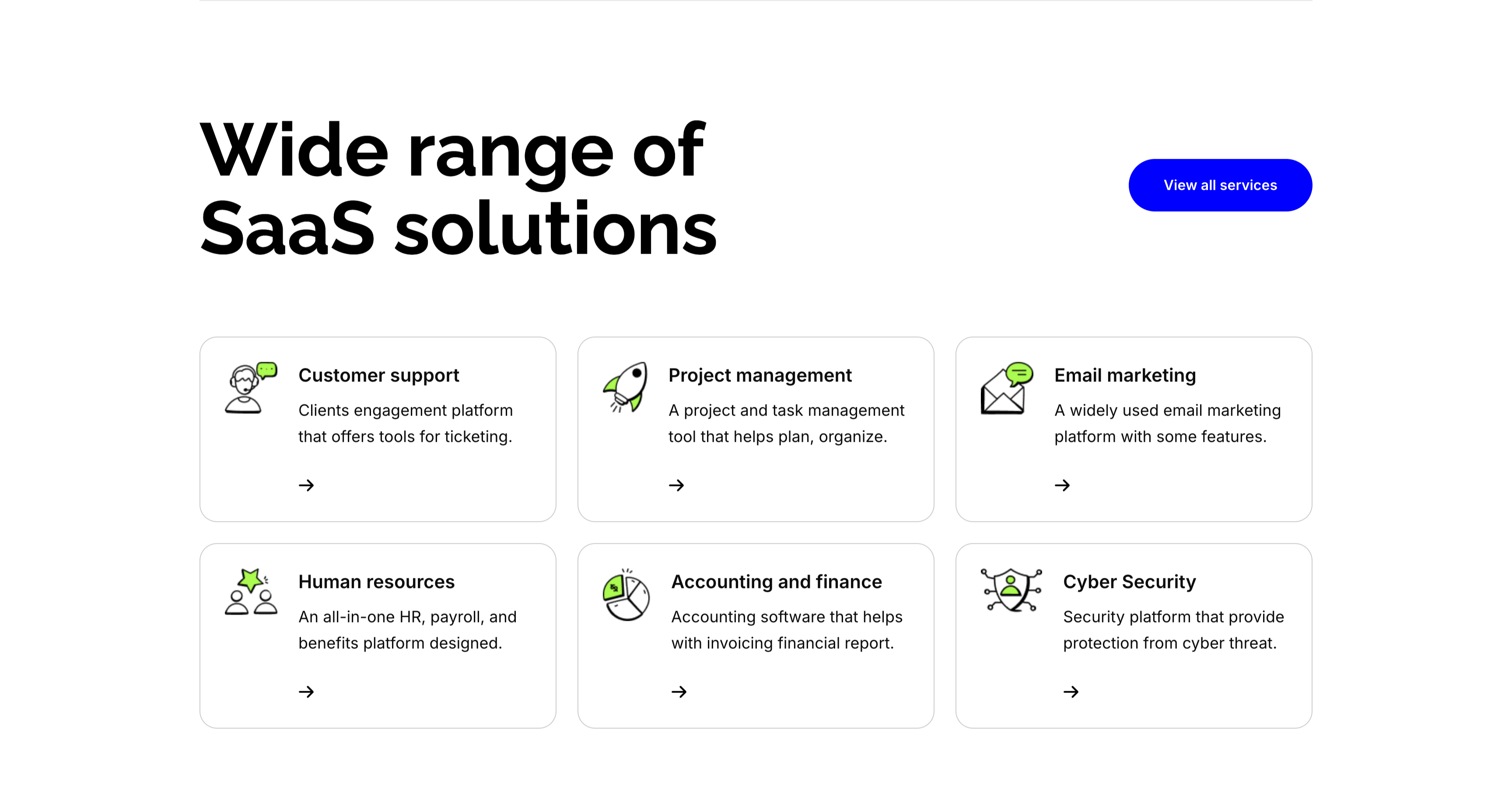
Wide Range Of SaaS Solutions Services Grid
A services section on white. The top pairs an oversized 'Wide range of SaaS solutions' heading on the left with a solid blue 'View all services' button on the right. Below, six white bordered cards form a three-column, two-row grid, each led by a line-and-green illustrative icon, a bold title, a one-line description and a small arrow link: 'Customer support' (ticketing engagement platform), 'Project management' (plan and organize), 'Email marketing' (widely used platform), 'Human resources' (all-in-one HR and payroll), 'Accounting and finance' (invoicing and reports) and 'Cyber Security' (protection from threats). The even icon-card grid makes the breadth of offerings easy to scan.
Zubuz ↗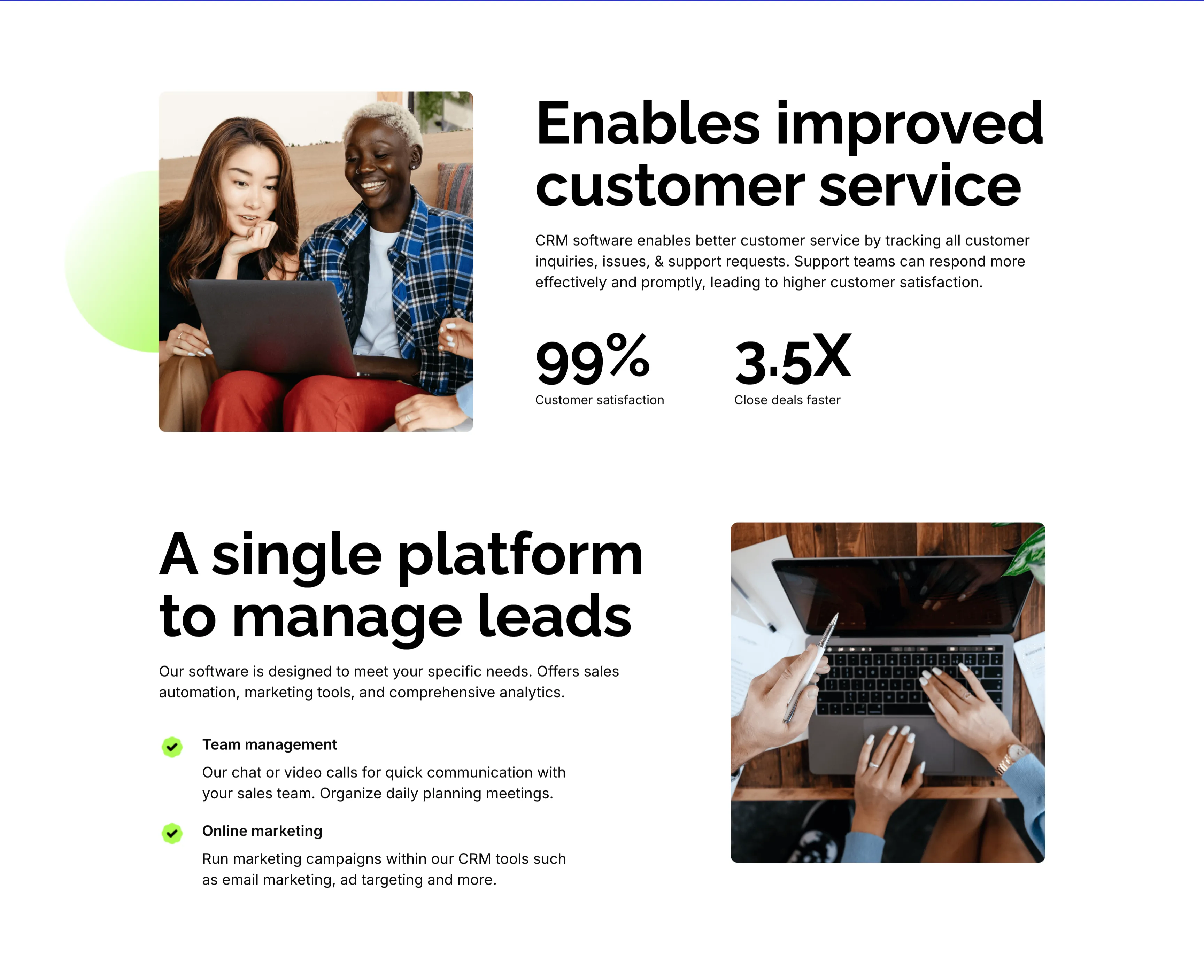
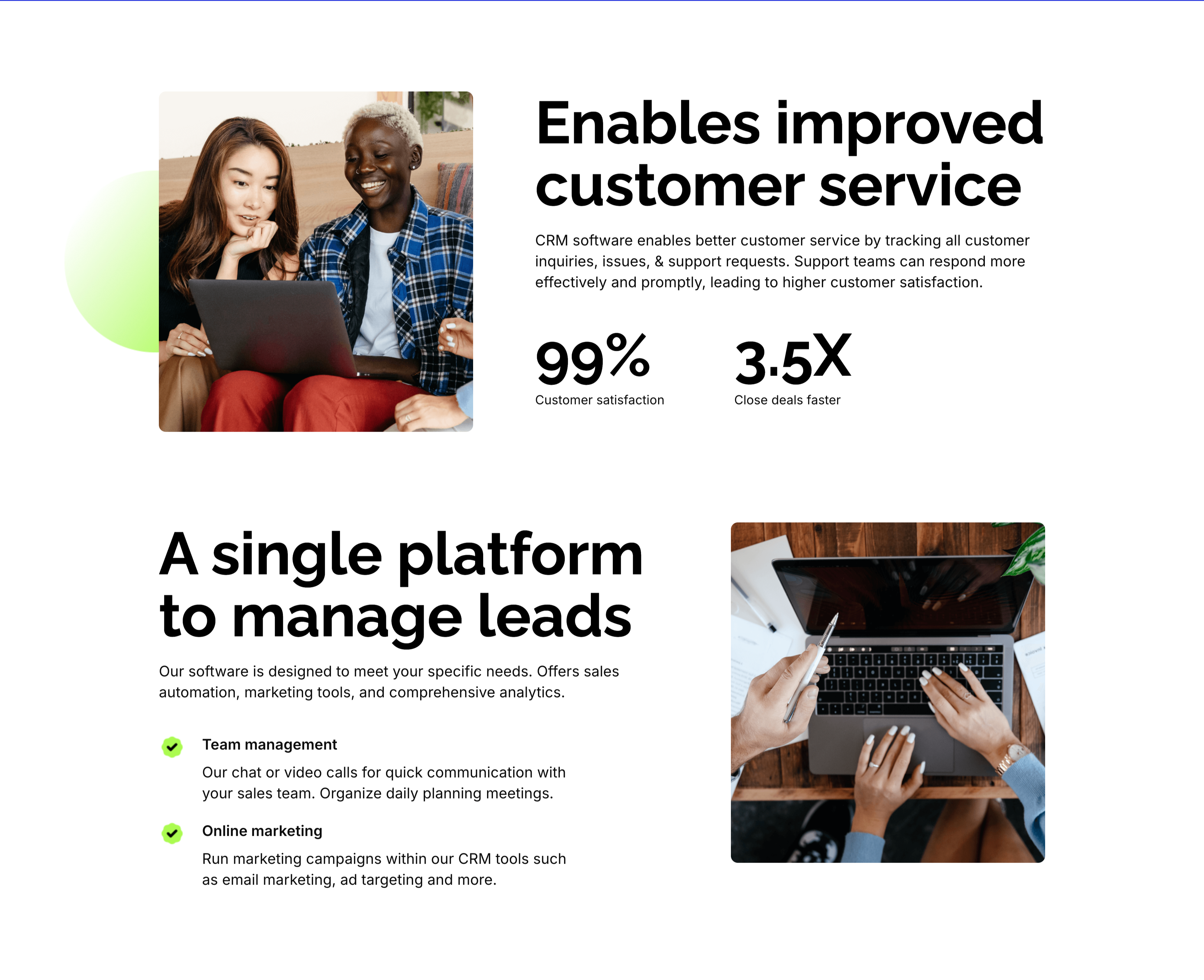
Customer Service And Lead Management Features
Two stacked alternating feature blocks on white, each mixing photography with copy. The upper block places a rounded photo of two colleagues at a laptop on the left beside an oversized 'Enables improved customer service' heading, a paragraph, and two bold stats — '99%' customer satisfaction and '3.5X' close deals faster. The lower block flips the layout: an oversized 'A single platform to manage leads' heading with green-checked items 'Team management' and 'Online marketing' sits left of a top-down photo of hands working at a laptop. The mirrored image-and-text rhythm, punchy metrics and checklist make the CRM benefits tangible and easy to compare.
Zubuz ↗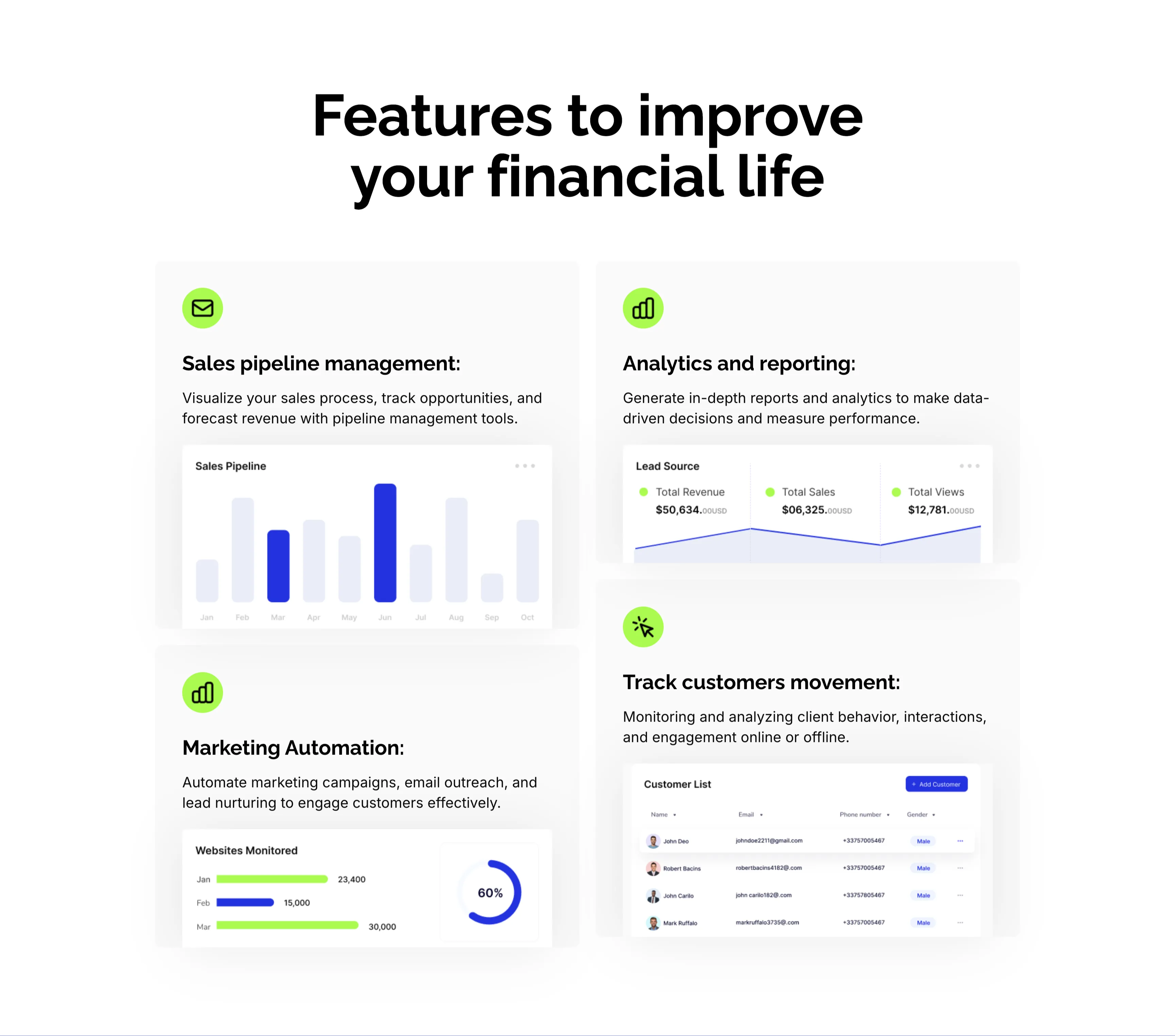
CRM Features With Dashboard Cards
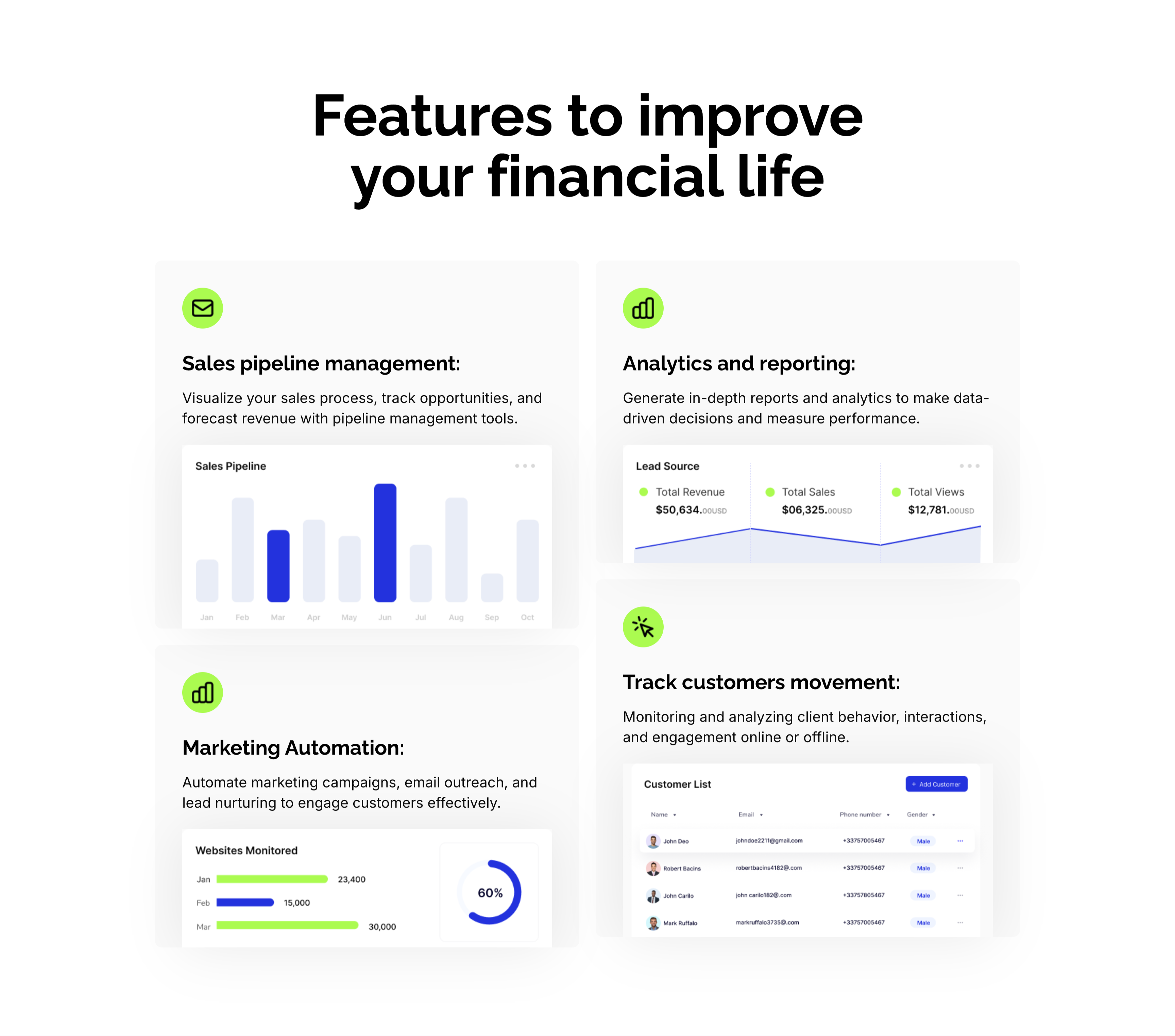
A CRM feature section on a pale background under an oversized centered 'Features to improve your financial life' heading. Four large cards form a 2x2 grid, each led by a lime-green icon, a bold title and a line of copy, then a mini product screenshot: 'Sales pipeline management:' with a monthly bar chart, 'Analytics and reporting:' with a Lead Source panel (Total Revenue $50,634, Total Sales, Total Views), 'Marketing Automation:' with a 'Websites Monitored' bar-and-donut chart, and 'Track customers movement:' with a Customer List table. Embedding a real dashboard fragment in each card makes the abstract CRM capabilities feel concrete and demonstrable.
Zubuz ↗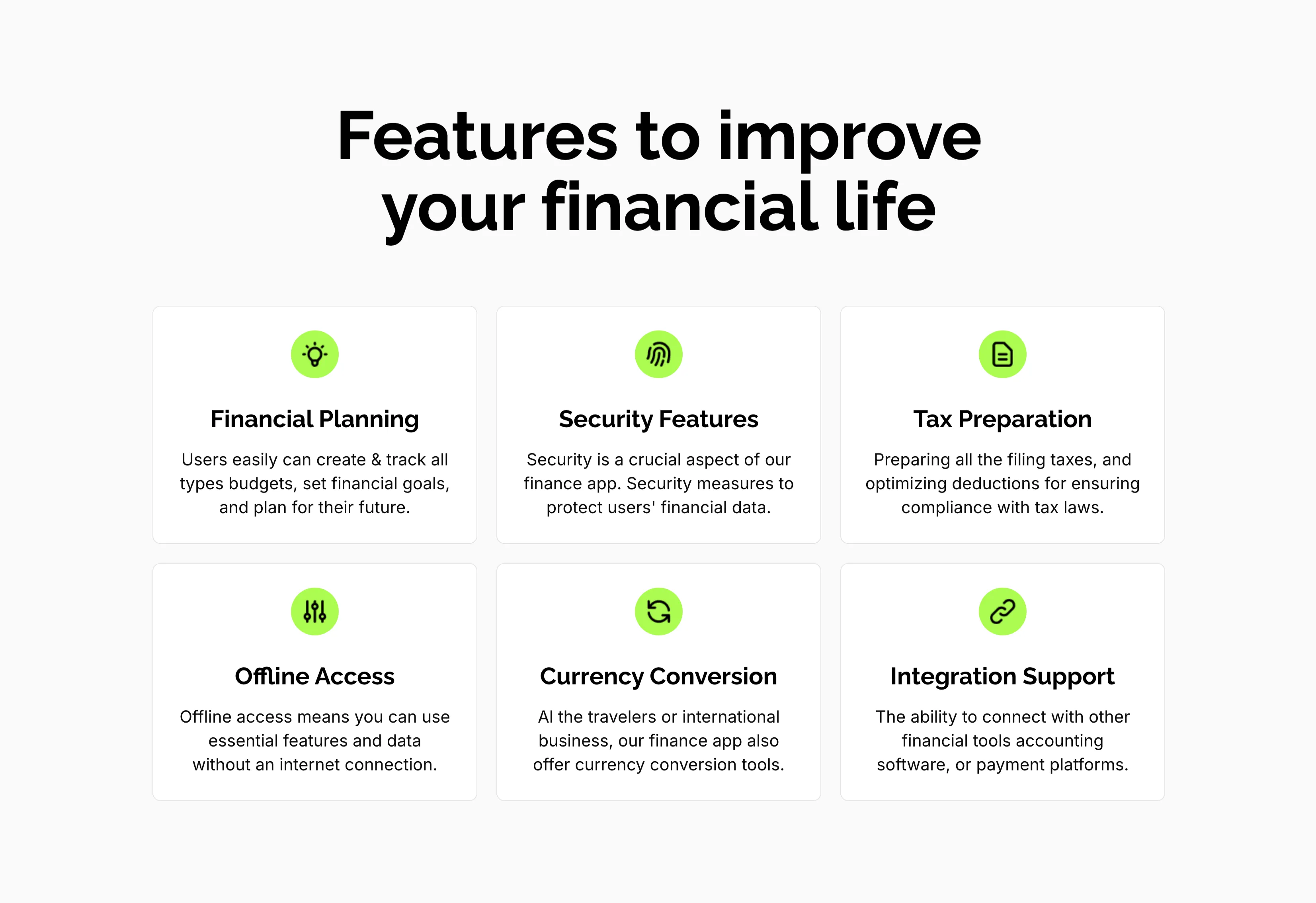
Features To Improve Financial Life Grid
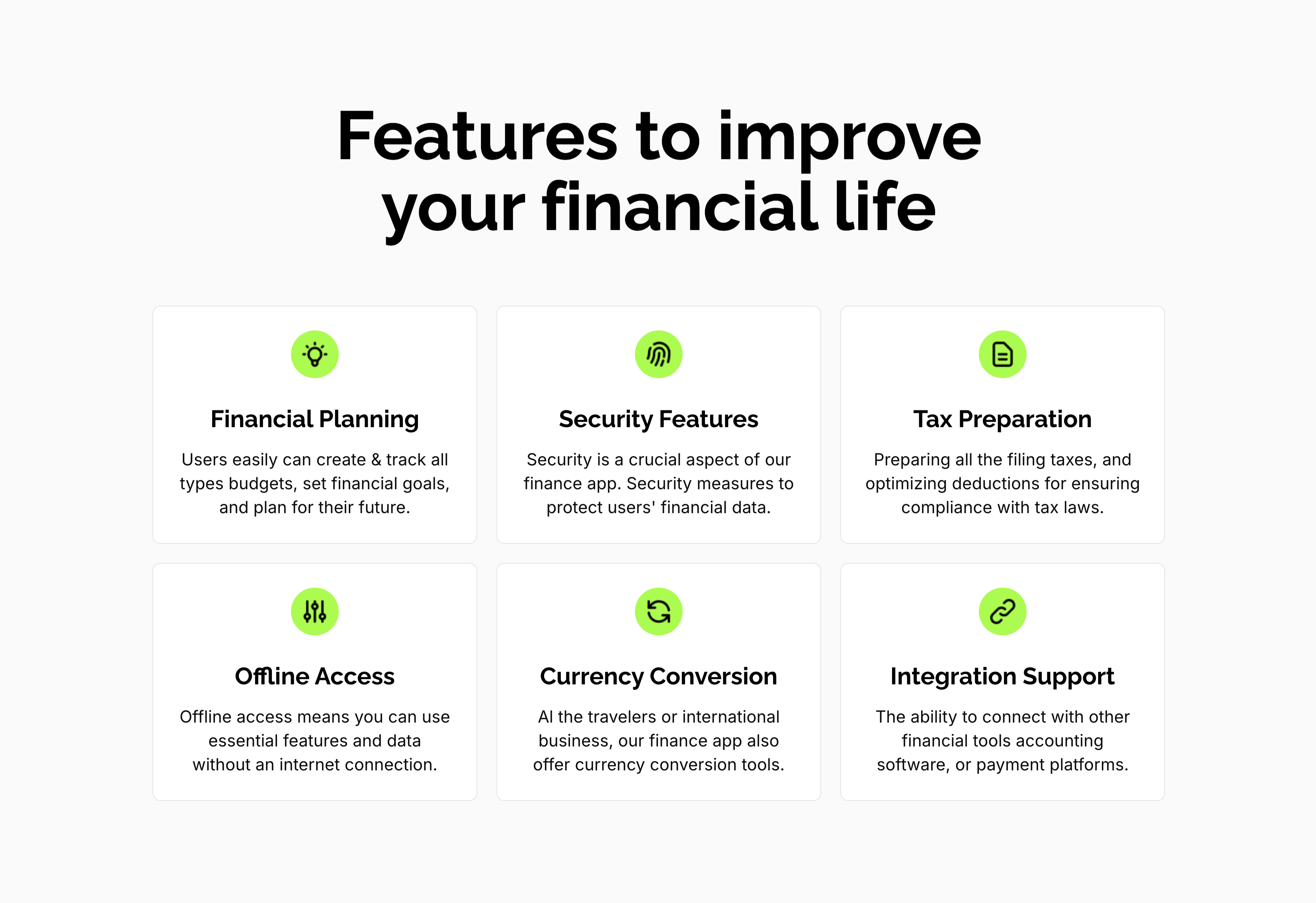
A feature grid on a pale background under a centered oversized 'Features to improve your financial life' heading. Six white rounded cards are arranged three across and two down, each centered on a lime-green circular icon above a bold title and a short gray description: 'Financial Planning' (create and track budgets, set goals), 'Security Features' (measures to protect financial data), 'Tax Preparation' (filing and deductions), 'Offline Access' (use essential features without internet), 'Currency Conversion' (tools for travelers and international business) and 'Integration Support' (connect with other financial tools). The even three-up rhythm and single green accent make the capabilities calm and scannable.
Zubuz ↗