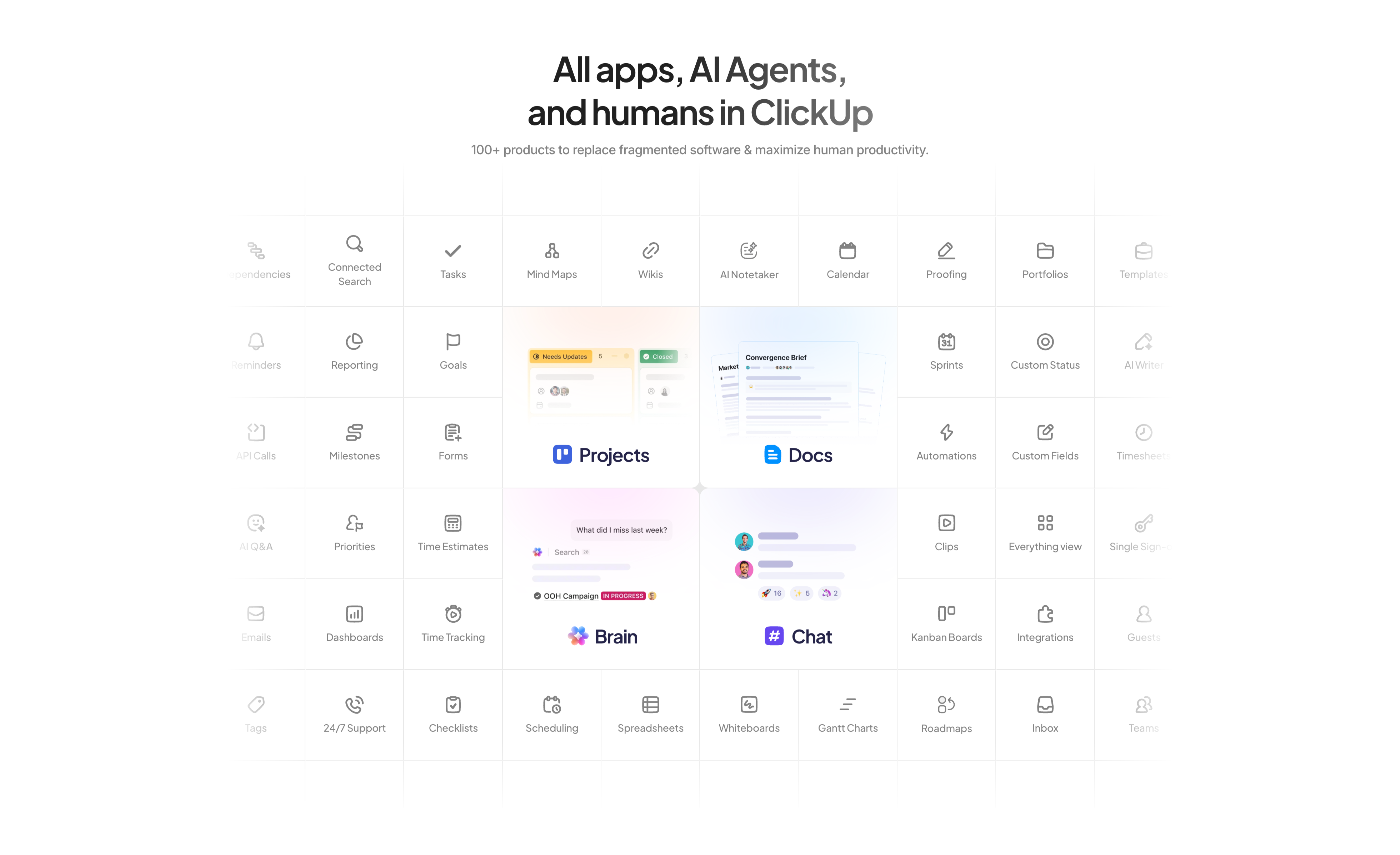
All Apps And AI Agents Feature Grid
Description
A large centered feature matrix on white. The headline ‘All apps, AI Agents, and humans in ClickUp’ sits above a grey subhead noting ‘100+ products to replace fragmented software’. Below spans a dense grid of thin-bordered cells, each a small line icon with a label — Tasks, Mind Maps, Wikis, AI Notetaker, Calendar, Proofing, Reporting, Goals, Sprints, Automations, Dashboards, Time Tracking and many more. Four cells are enlarged into soft-gradient product tiles that break the uniform grid: ‘Projects’, ‘Docs’, ‘Brain’, and ‘Chat’, each showing a mini UI preview. The edge cells fade toward transparent, implying the catalogue continues beyond the frame. The sheer count of tiles visually argues the all-in-one breadth of the platform.
Related
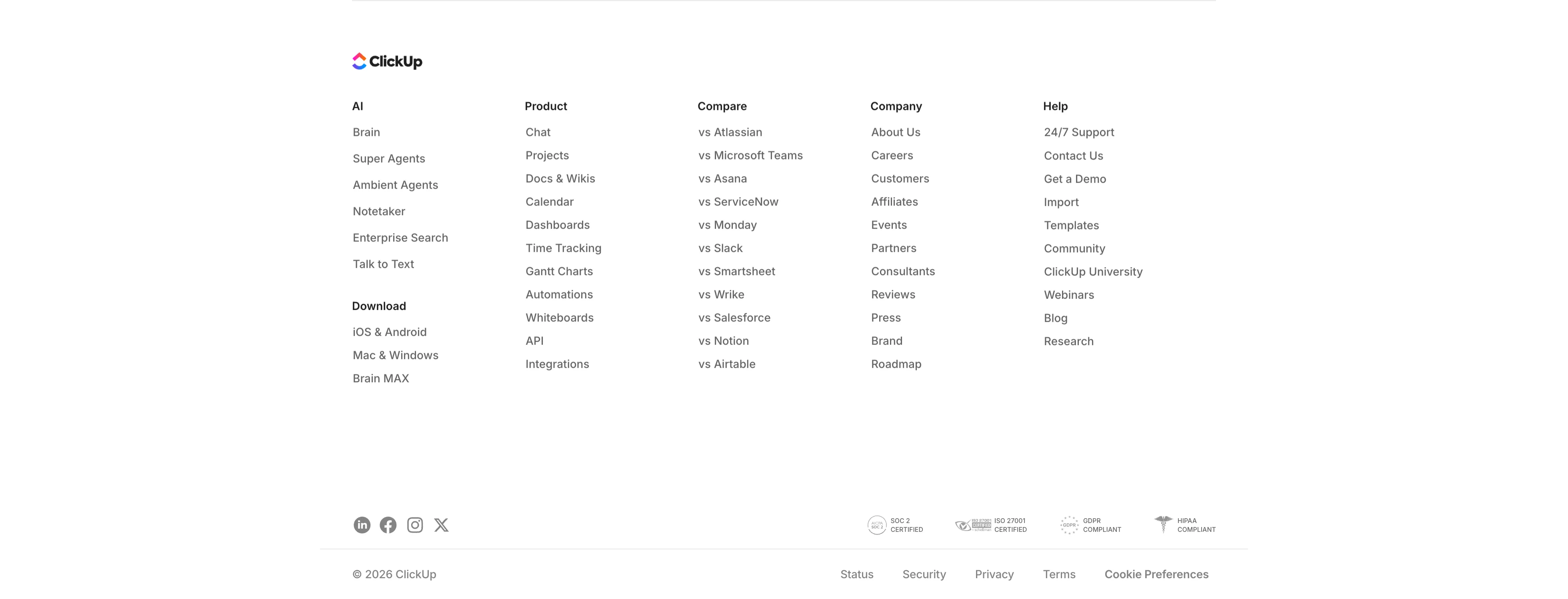
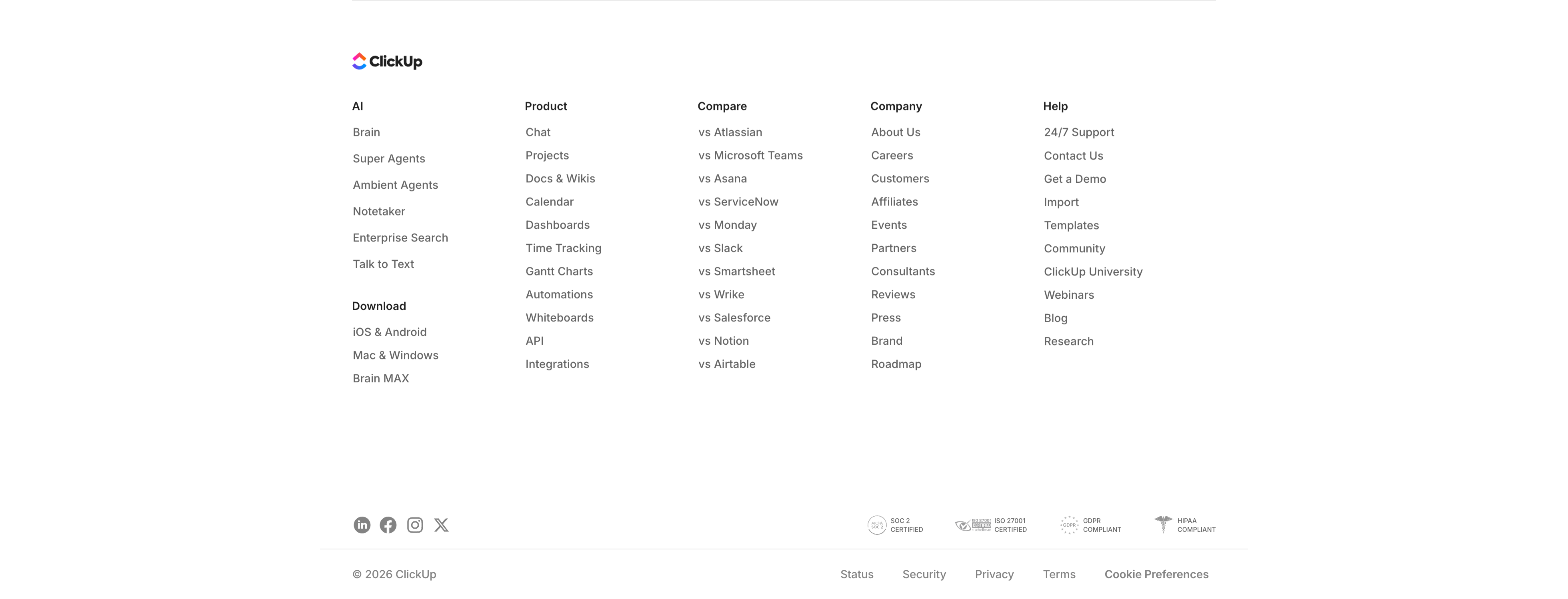
ClickUp Multi-Column Footer
A standard multi-column site footer on white. The ClickUp logo sits at the top left, followed by five link columns — AI (Brain, Super Agents, Ambient Agents, Notetaker…), Product (Chat, Projects, Docs & Wikis, Calendar…), Compare (vs Atlassian, Microsoft Teams, Asana, Slack…), Company (About Us, Careers, Customers, Events…), and Help (24/7 Support, Contact Us, Templates, Blog…), with a 'Download' sub-block under the AI column. A divider separates a bottom bar holding social icons (LinkedIn, Facebook, Instagram, X) at the left and four compliance marks (SOC 2, ISO 27001, GDPR, HIPAA) at the right. The very bottom row shows '© 2026 ClickUp' beside Status, Security, Privacy, Terms, and Cookie Preferences links. Dense, organised navigation typical of a large SaaS site.
Clickup ↗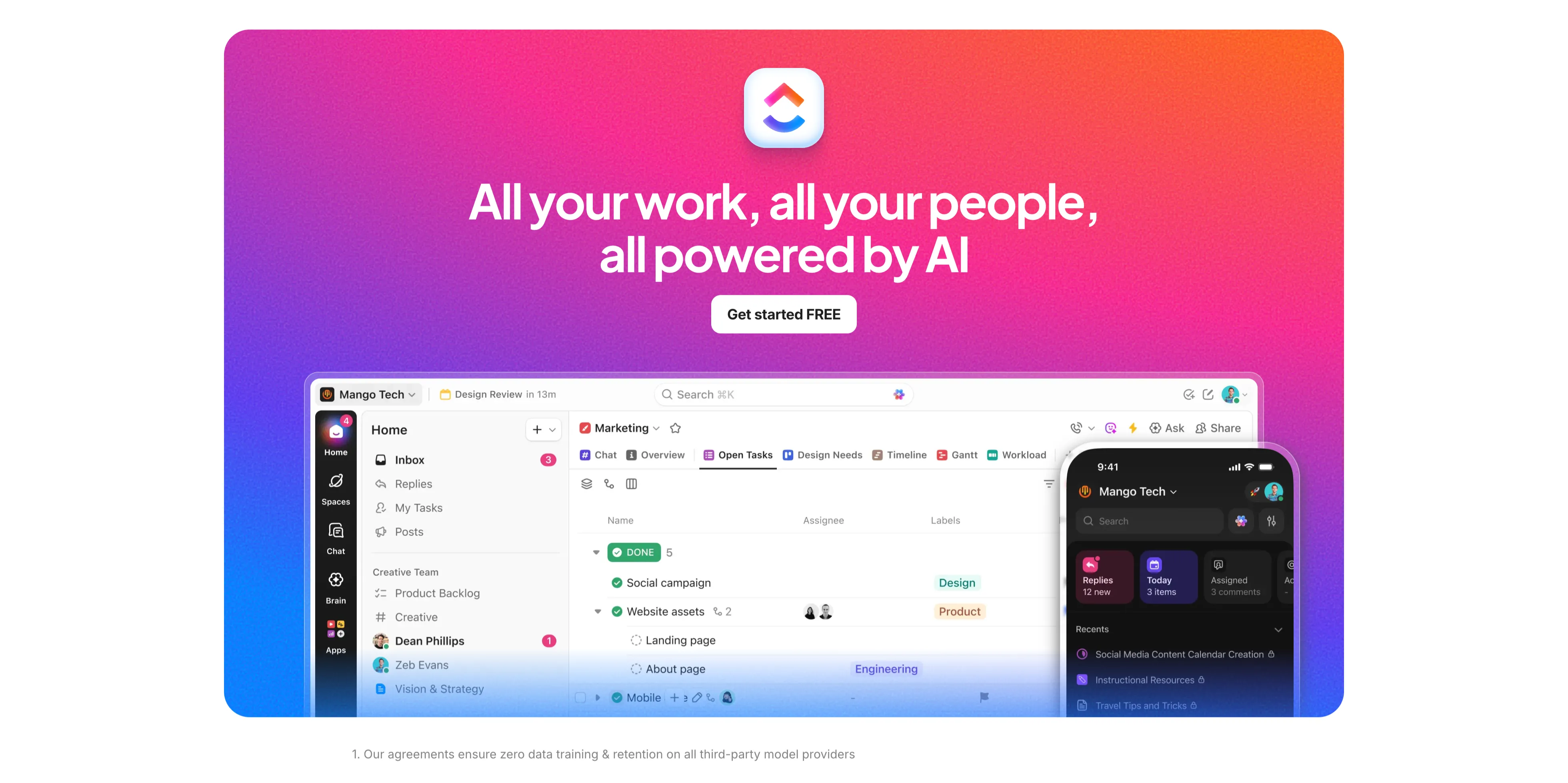
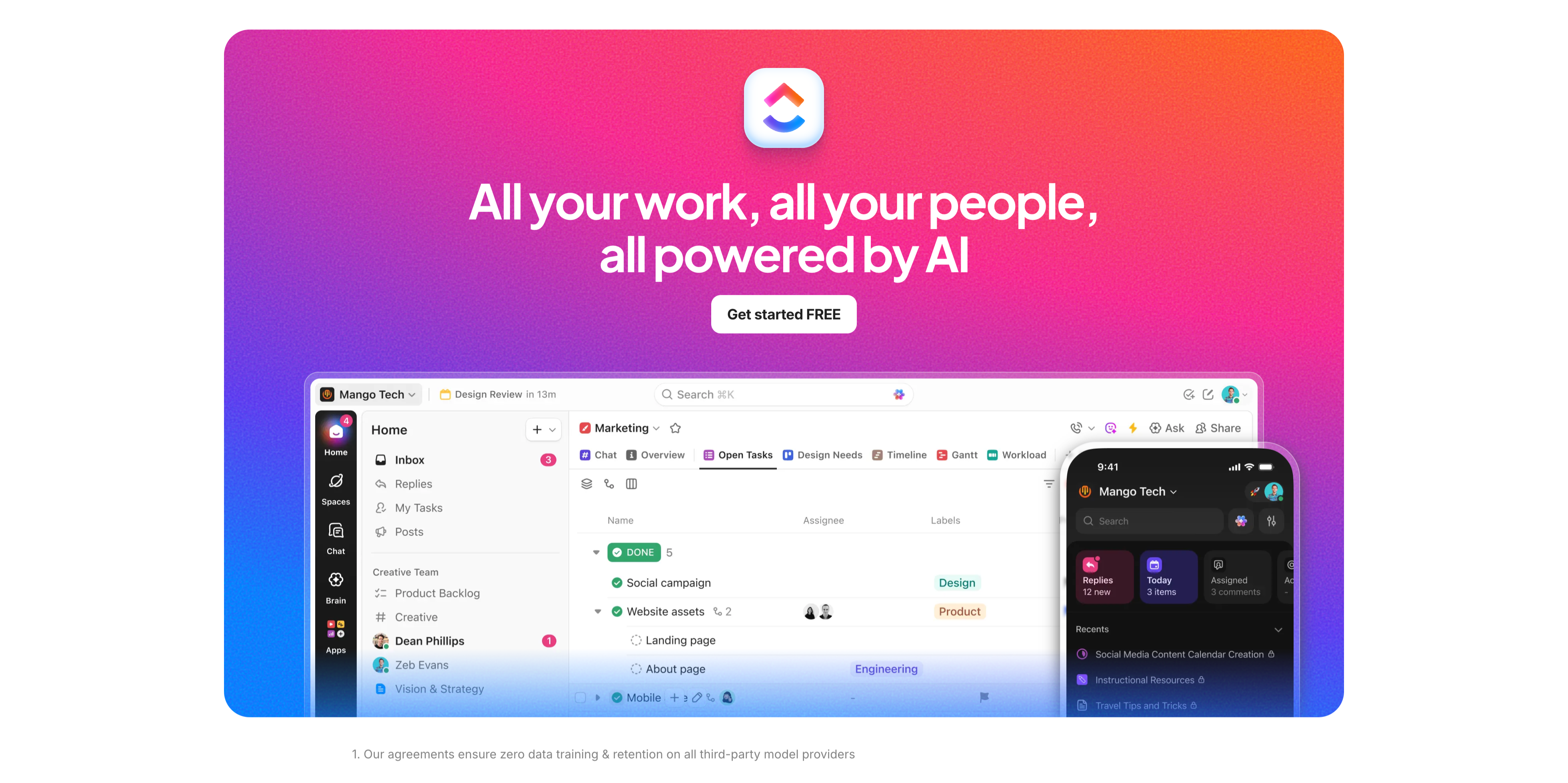
Gradient Closing CTA With App UI
A full-bleed closing call-to-action on a vivid purple-to-pink-to-orange gradient. Centered near the top sit the rounded ClickUp app icon, a large white headline 'All your work, all your people, all powered by AI', and a white 'Get started FREE' button. Below, a large rounded product screenshot of the ClickUp desktop app (a marketing workspace with task lists) overlaps the gradient, with a smaller mobile app screen layered at its right edge. A small footnote at the very bottom on white reads 'Our agreements ensure zero data training & retention on all third-party model providers'. The saturated gradient and oversized UI make this the upbeat final conversion push before the footer.
Clickup ↗

Enterprise-Grade Security Strip
A compact security-assurance strip on white. The left side carries a two-tone heading 'Enterprise-grade everything' above a small grey line: 'Out of the box security & AI that's even more private than ChatGPT'. The right side lines up four monochrome compliance badges — AICPA SOC 2, ISO 27001 Certified, GDPR, and a HIPAA caduceus. A thin baseline row repeats them as all-caps labels (24/7 SUPPORT, SOC 2 TYPE II, ISO 27001, GDPR, HIPAA) with a small globe icon at the far left. The restrained grey palette and certification marks reassure enterprise buyers about security and privacy in a single horizontal band.
Clickup ↗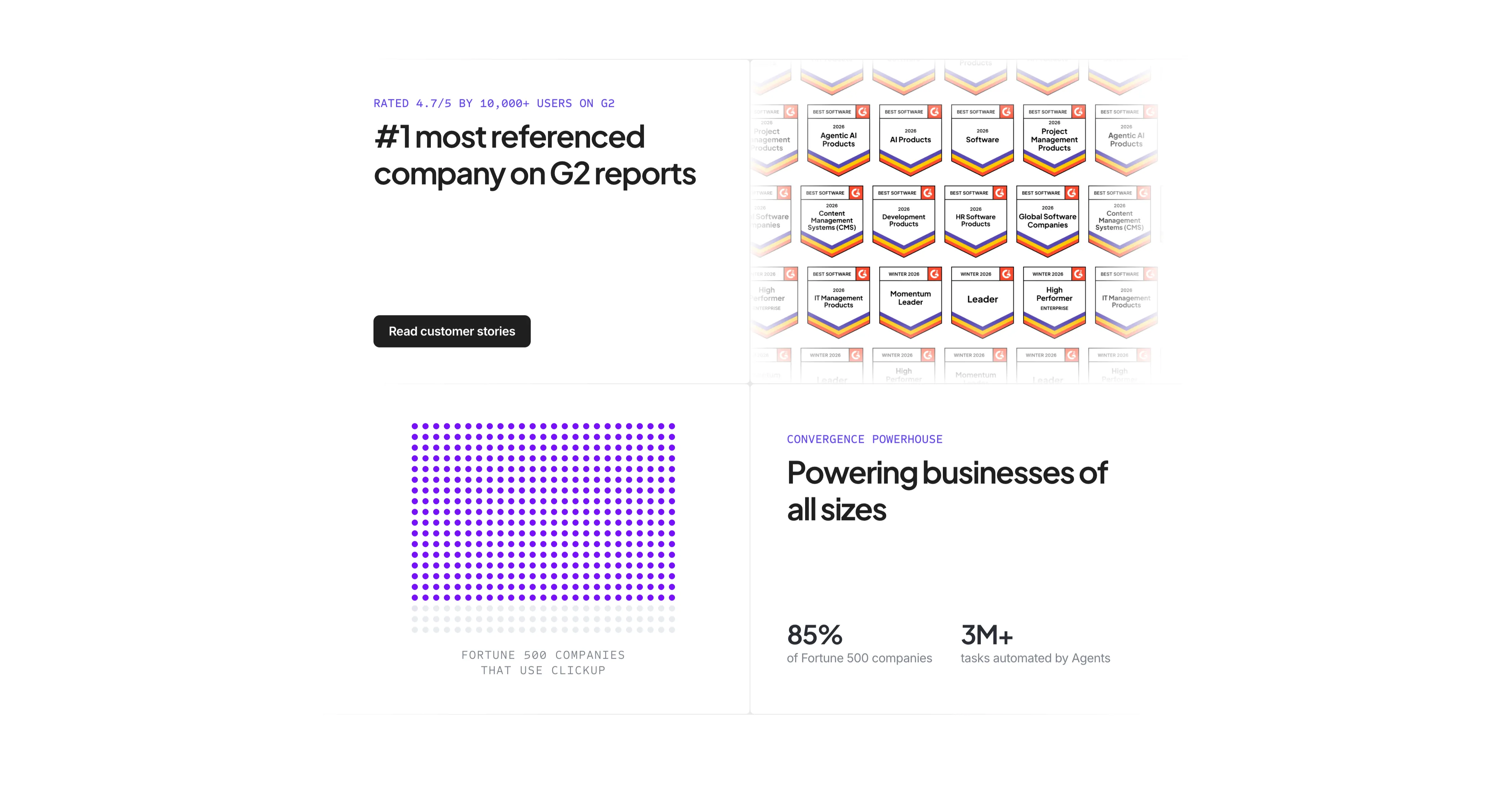
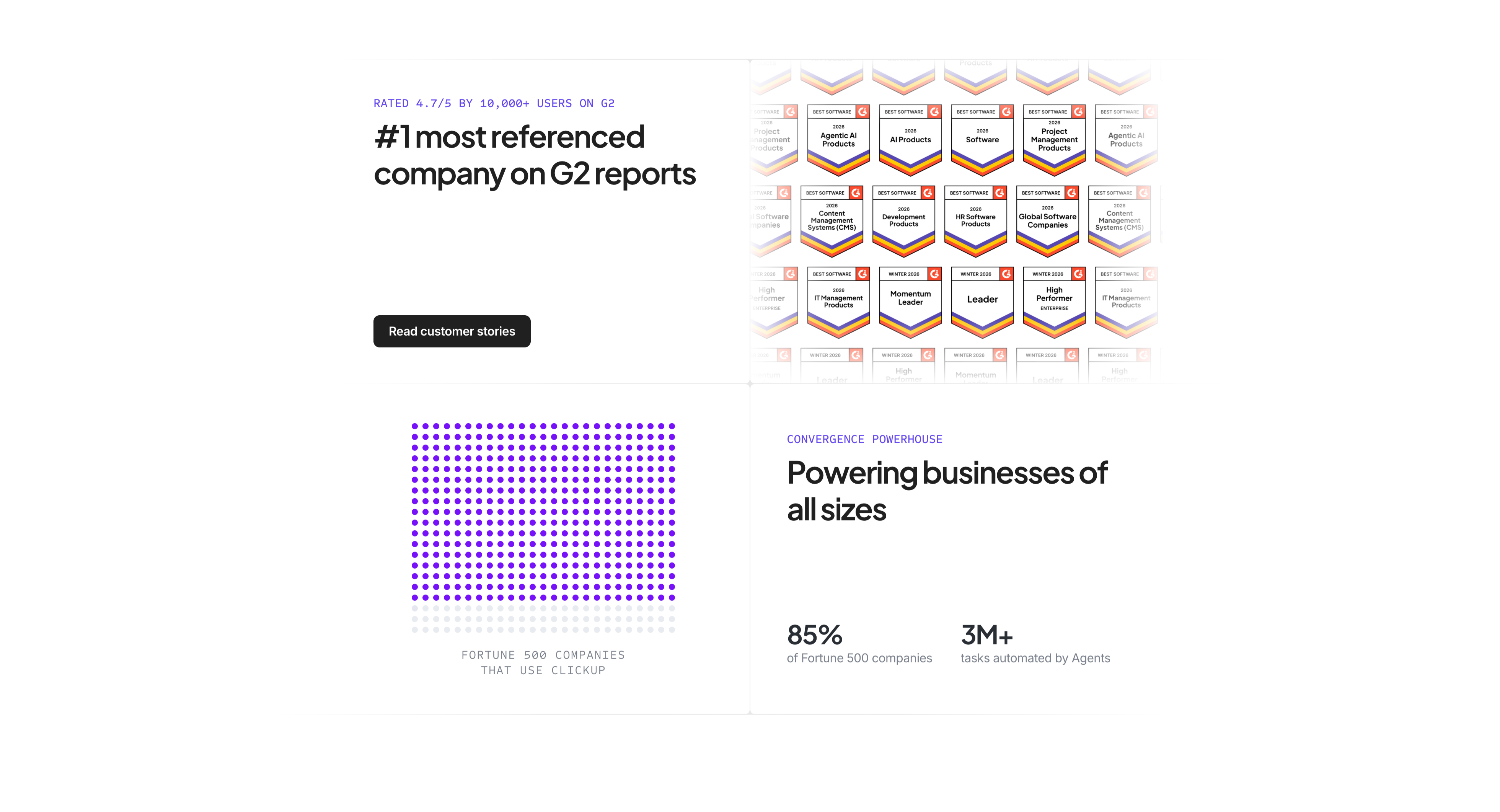
G2 Awards And Fortune 500 Proof
A four-quadrant social-proof section on white. The top-left quadrant carries an indigo label 'RATED 4.7/5 BY 10,000+ USERS ON G2', a bold headline '#1 most referenced company on G2 reports', and a black 'Read customer stories' button. The top-right shows a dense wall of G2 'Best Software 2026' award badges in rows, fading at the edges. The bottom-left renders 'FORTUNE 500 COMPANIES THAT USE CLICKUP' as a grid of purple dots (most filled, a few faded) acting as an infographic. The bottom-right pairs an indigo eyebrow 'CONVERGENCE POWERHOUSE' and heading 'Powering businesses of all sizes' with two stats — '85% of Fortune 500 companies' and '3M+ tasks automated by Agents'. The quadrant layout stacks multiple proof types into one screen.
Clickup ↗Similar features sections
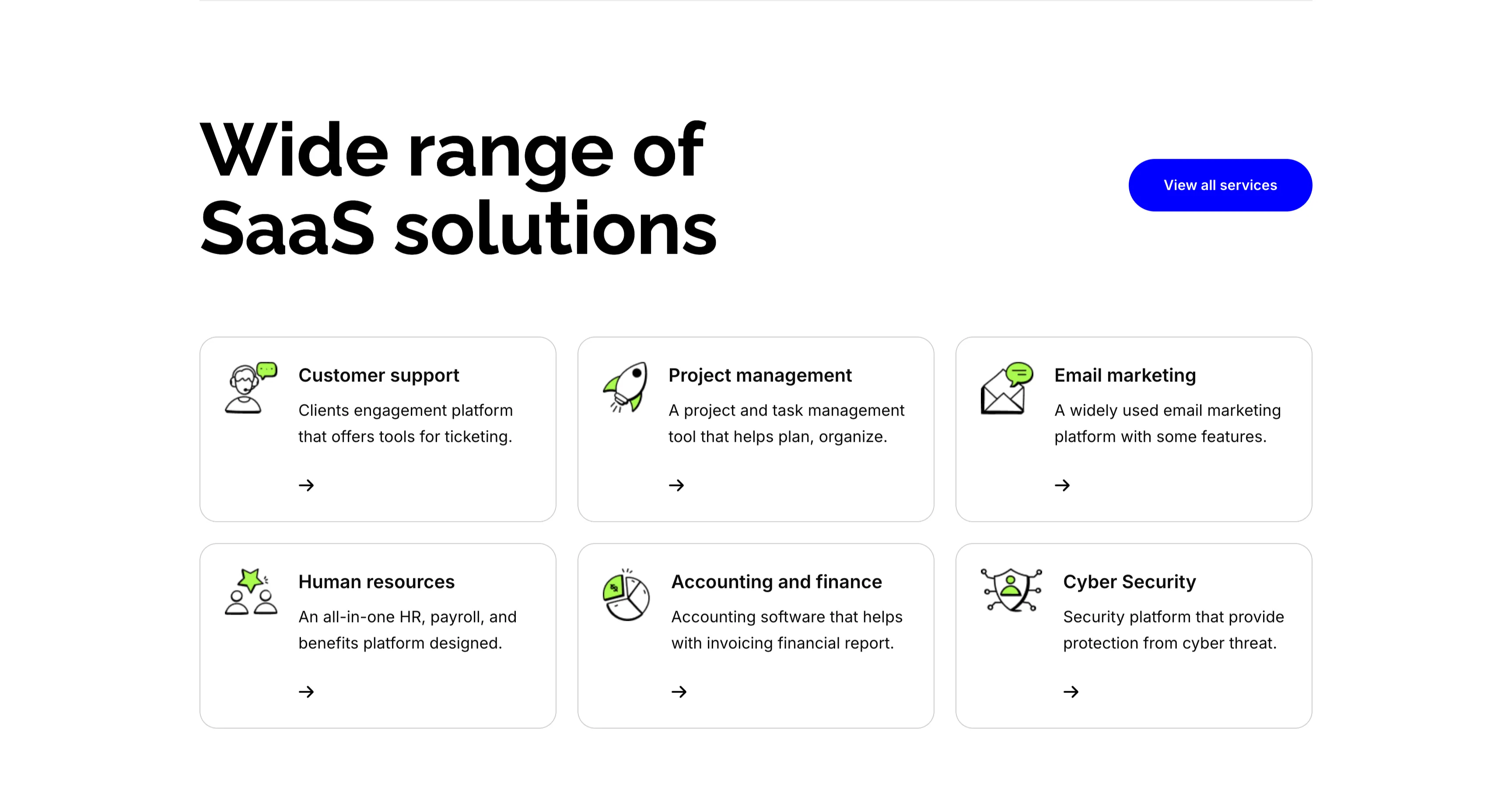
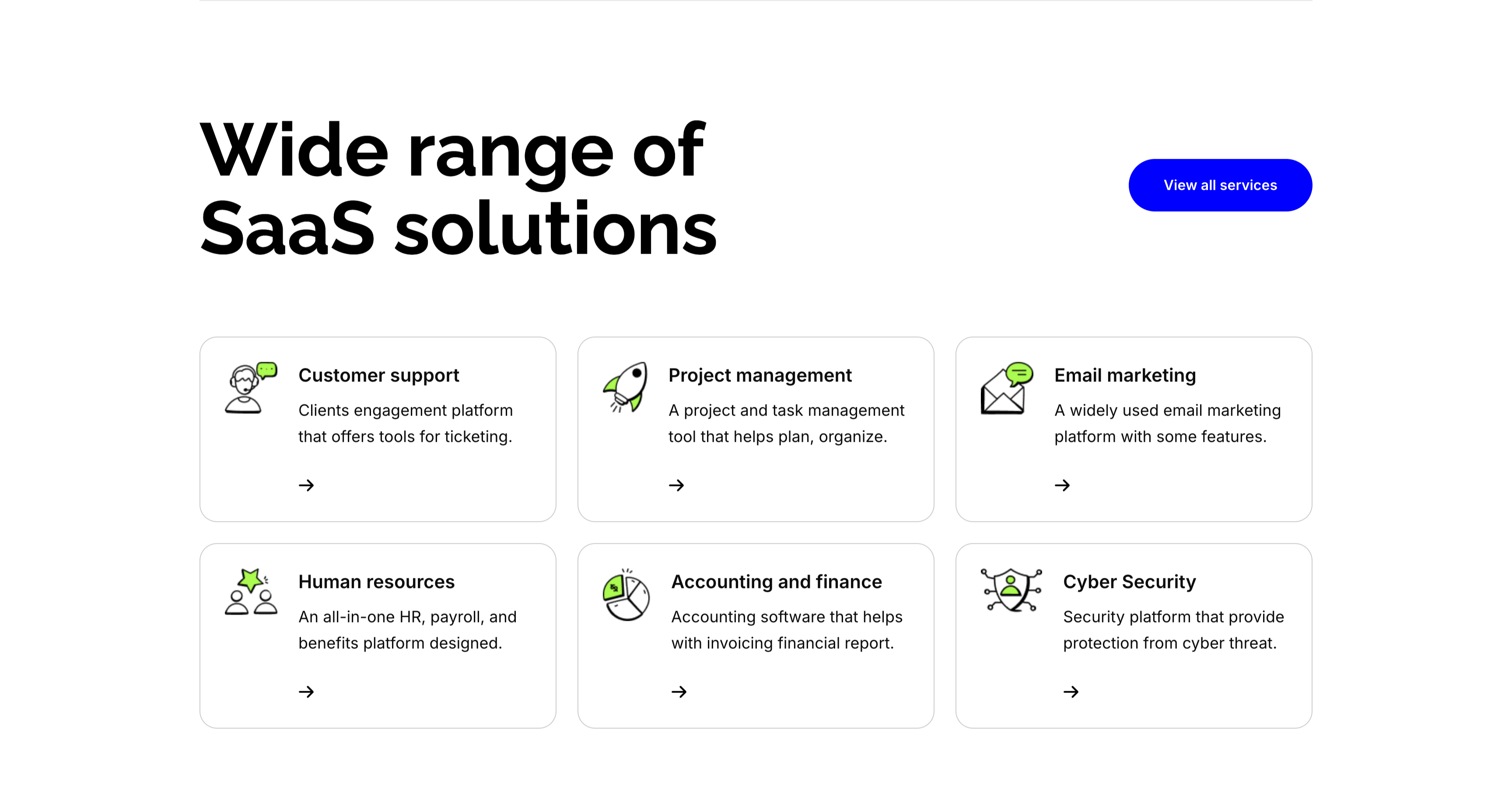
Wide Range Of SaaS Solutions Services Grid
A services section on white. The top pairs an oversized 'Wide range of SaaS solutions' heading on the left with a solid blue 'View all services' button on the right. Below, six white bordered cards form a three-column, two-row grid, each led by a line-and-green illustrative icon, a bold title, a one-line description and a small arrow link: 'Customer support' (ticketing engagement platform), 'Project management' (plan and organize), 'Email marketing' (widely used platform), 'Human resources' (all-in-one HR and payroll), 'Accounting and finance' (invoicing and reports) and 'Cyber Security' (protection from threats). The even icon-card grid makes the breadth of offerings easy to scan.
Zubuz ↗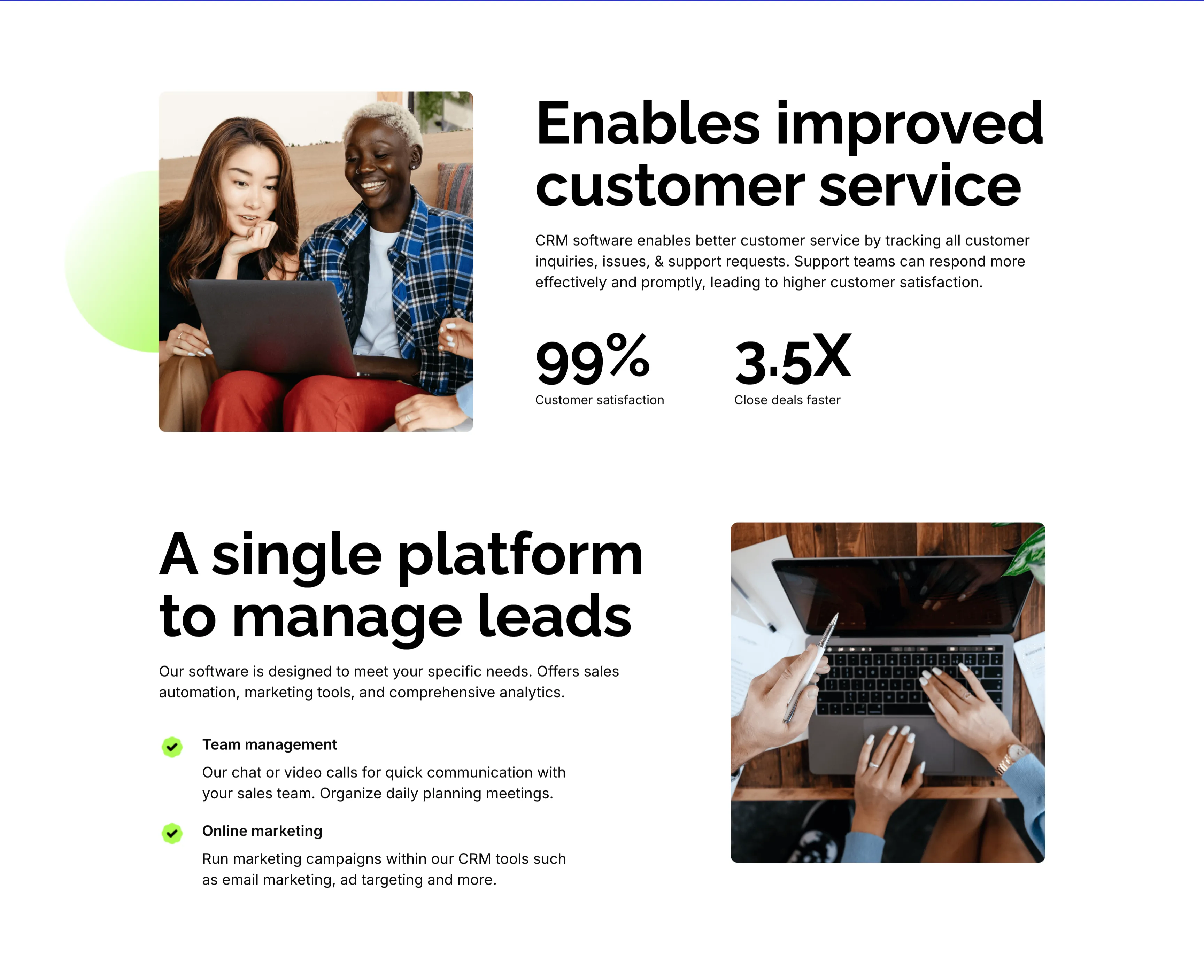
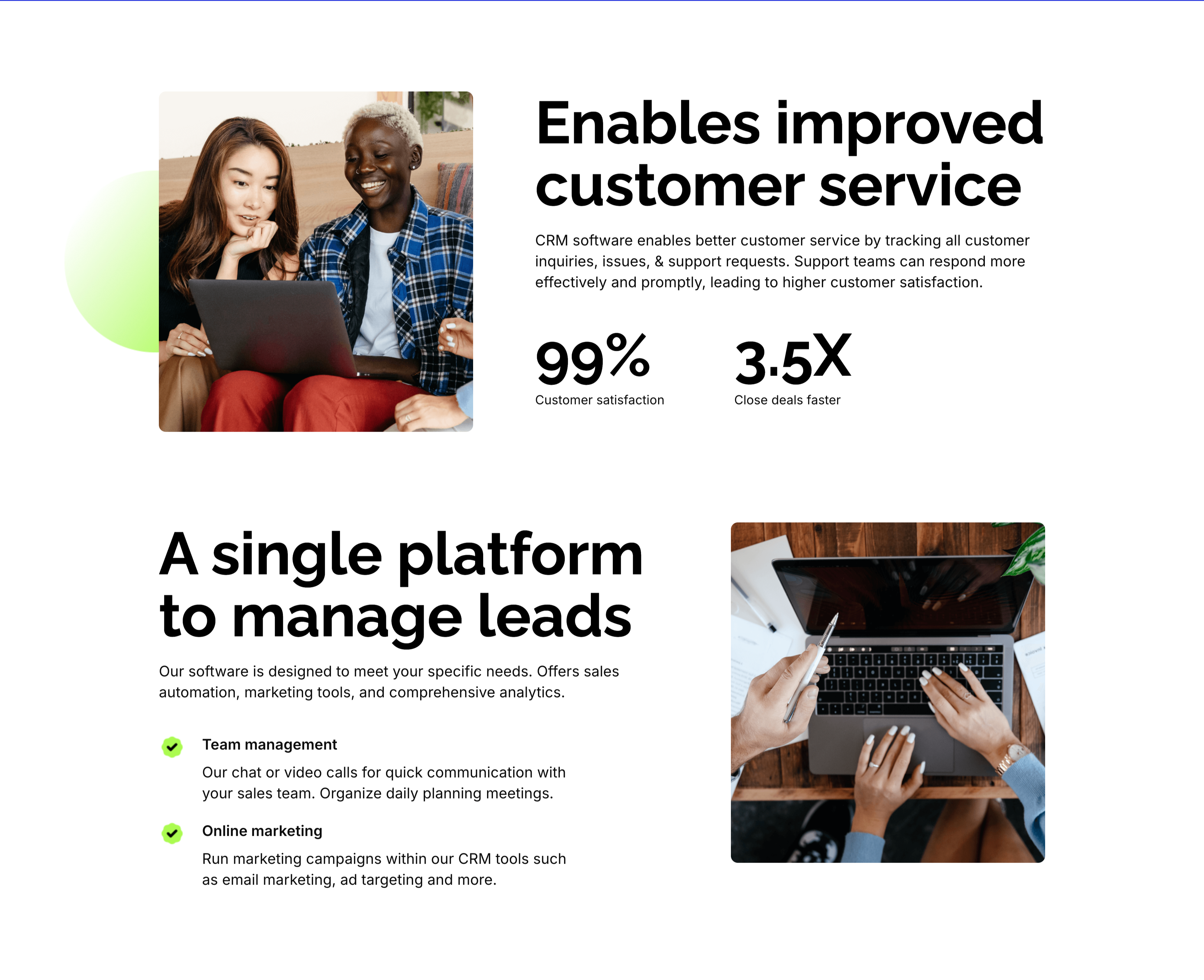
Customer Service And Lead Management Features
Two stacked alternating feature blocks on white, each mixing photography with copy. The upper block places a rounded photo of two colleagues at a laptop on the left beside an oversized 'Enables improved customer service' heading, a paragraph, and two bold stats — '99%' customer satisfaction and '3.5X' close deals faster. The lower block flips the layout: an oversized 'A single platform to manage leads' heading with green-checked items 'Team management' and 'Online marketing' sits left of a top-down photo of hands working at a laptop. The mirrored image-and-text rhythm, punchy metrics and checklist make the CRM benefits tangible and easy to compare.
Zubuz ↗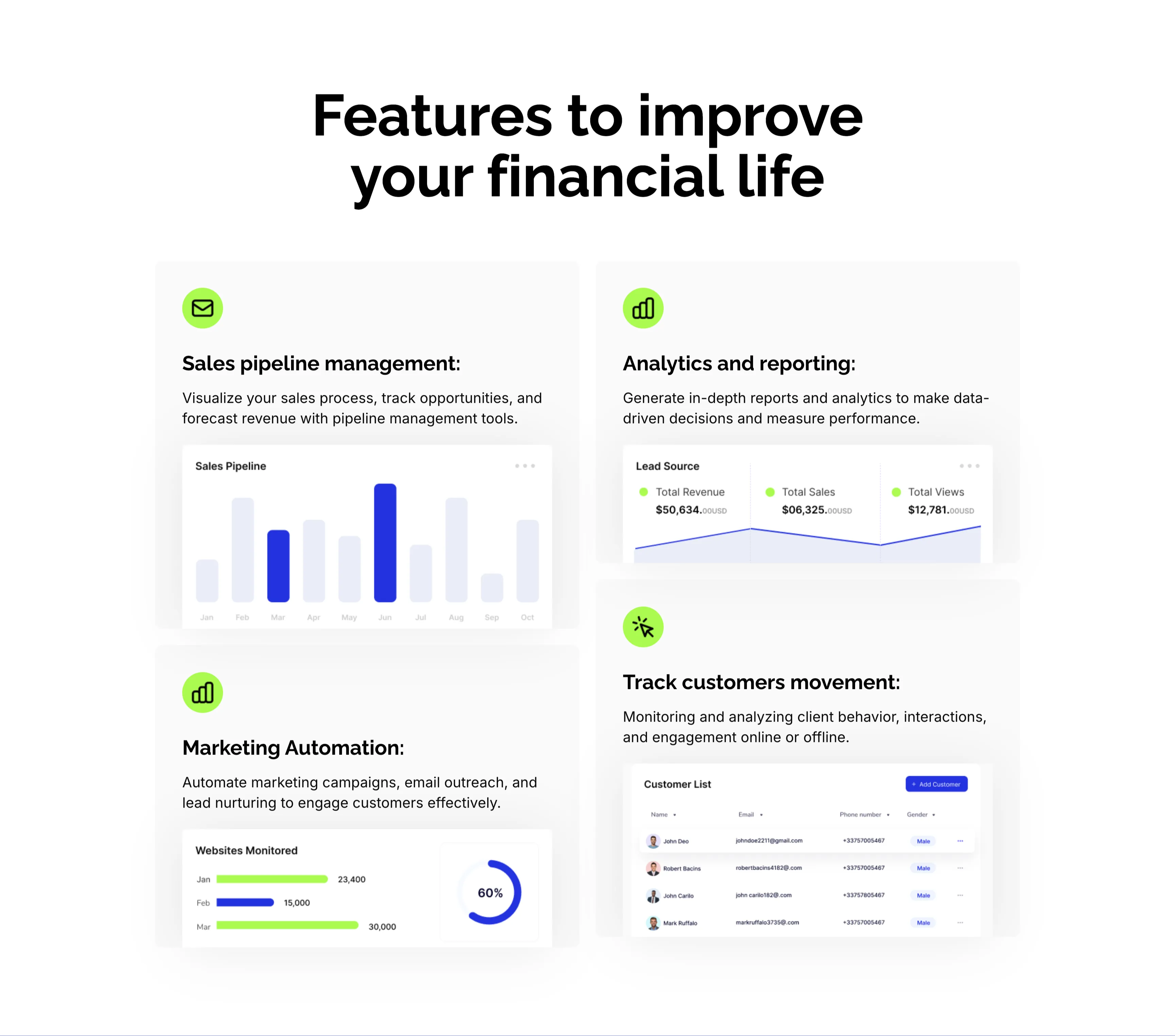
CRM Features With Dashboard Cards
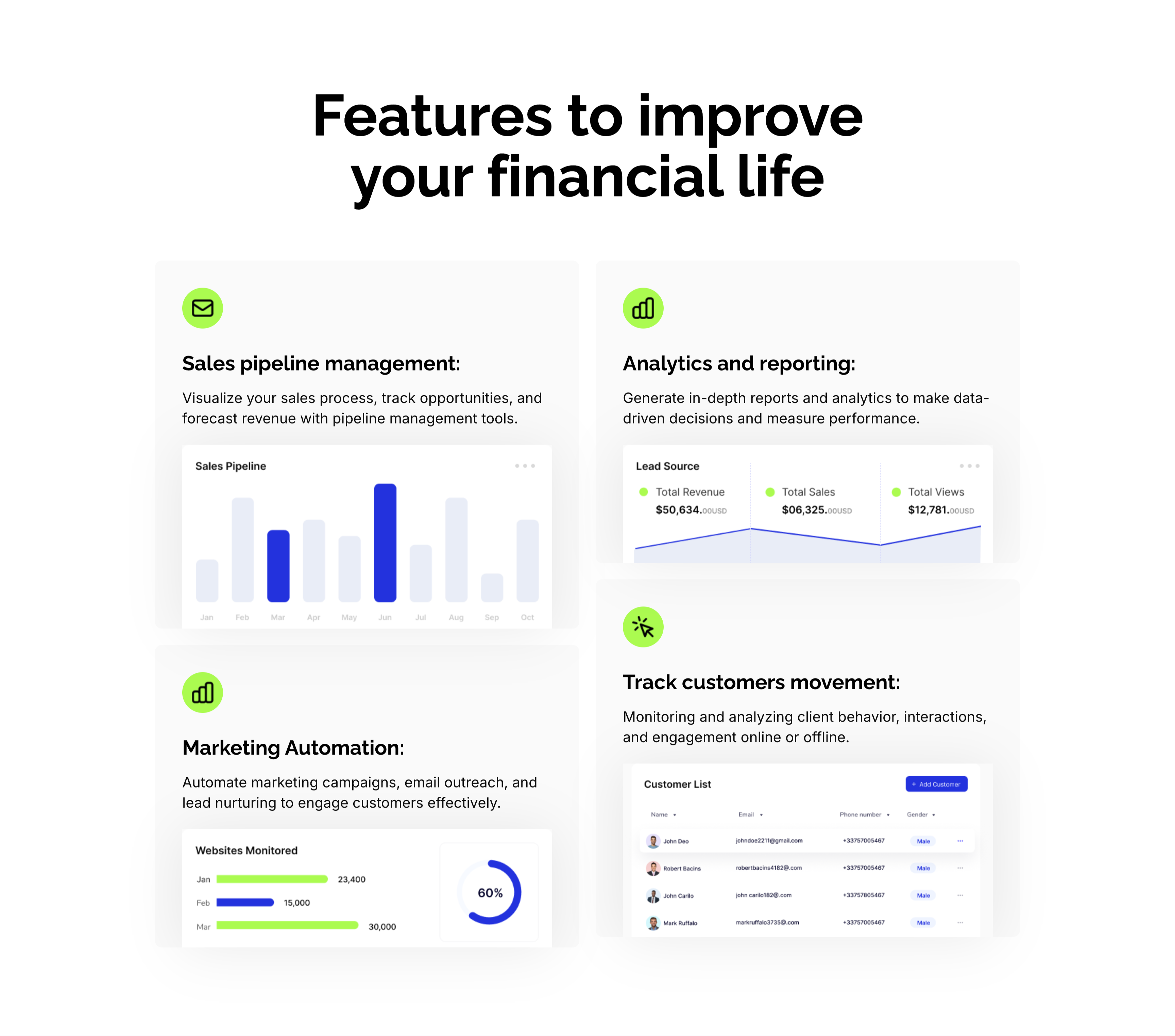
A CRM feature section on a pale background under an oversized centered 'Features to improve your financial life' heading. Four large cards form a 2x2 grid, each led by a lime-green icon, a bold title and a line of copy, then a mini product screenshot: 'Sales pipeline management:' with a monthly bar chart, 'Analytics and reporting:' with a Lead Source panel (Total Revenue $50,634, Total Sales, Total Views), 'Marketing Automation:' with a 'Websites Monitored' bar-and-donut chart, and 'Track customers movement:' with a Customer List table. Embedding a real dashboard fragment in each card makes the abstract CRM capabilities feel concrete and demonstrable.
Zubuz ↗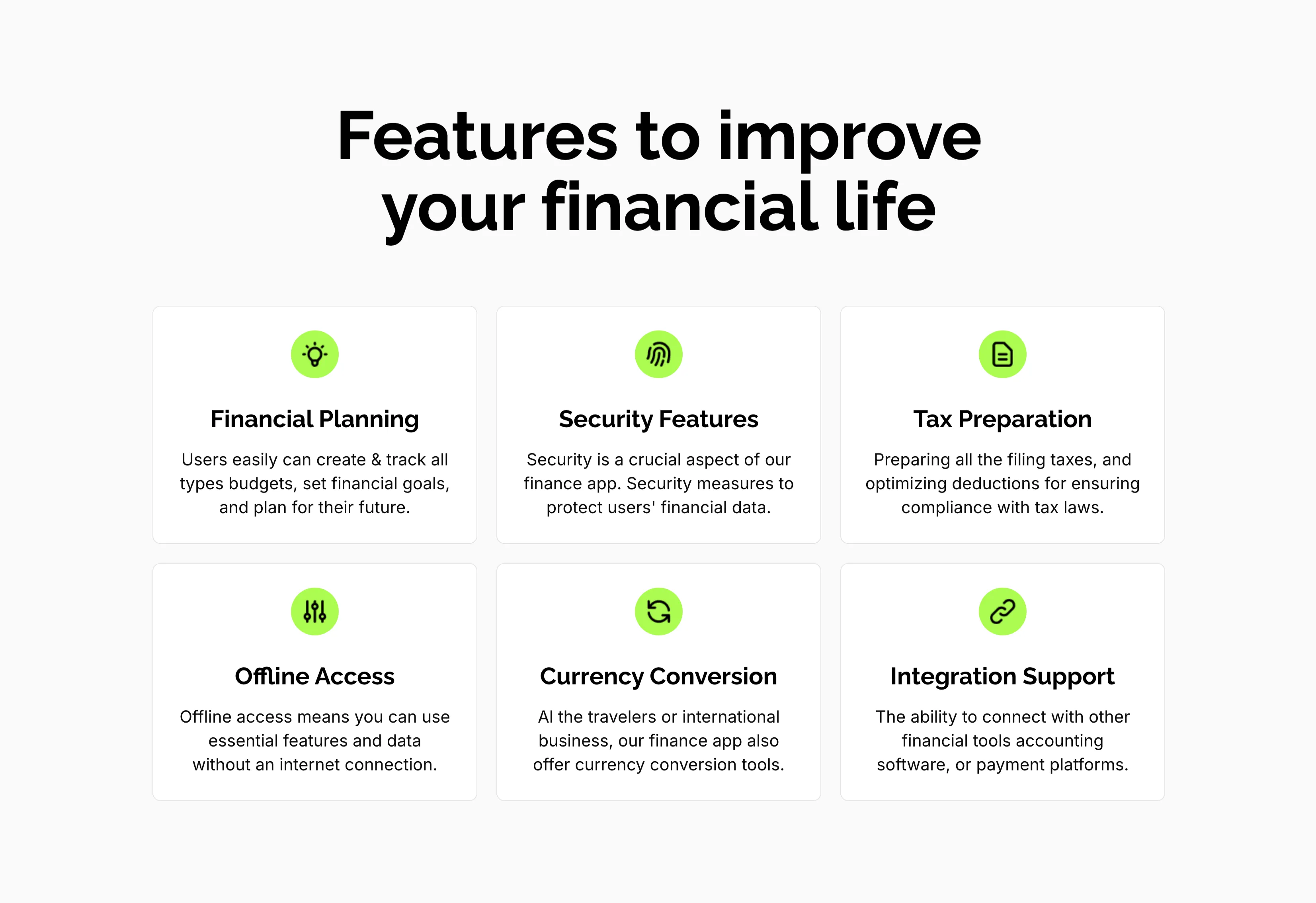
Features To Improve Financial Life Grid
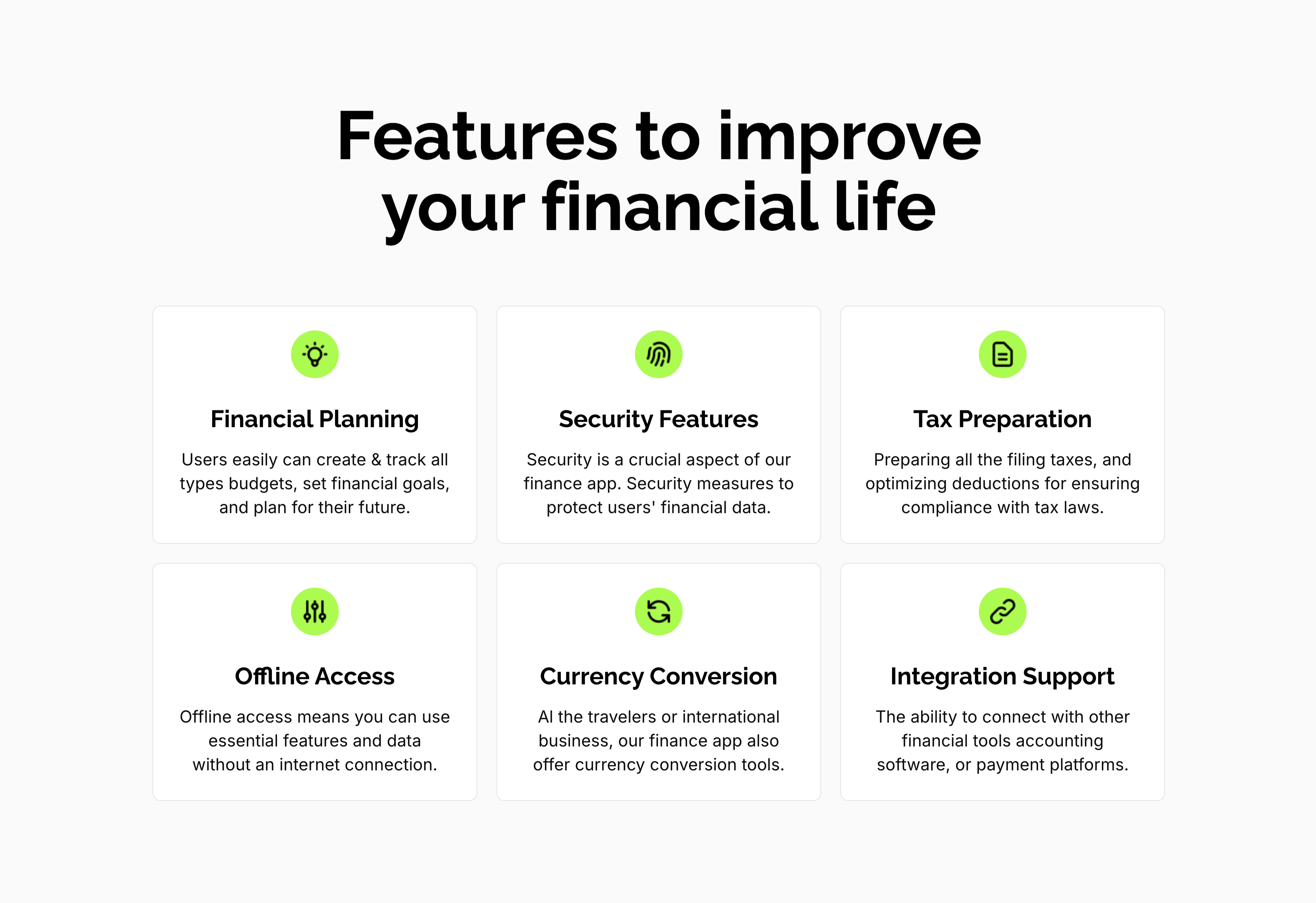
A feature grid on a pale background under a centered oversized 'Features to improve your financial life' heading. Six white rounded cards are arranged three across and two down, each centered on a lime-green circular icon above a bold title and a short gray description: 'Financial Planning' (create and track budgets, set goals), 'Security Features' (measures to protect financial data), 'Tax Preparation' (filing and deductions), 'Offline Access' (use essential features without internet), 'Currency Conversion' (tools for travelers and international business) and 'Integration Support' (connect with other financial tools). The even three-up rhythm and single green accent make the capabilities calm and scannable.
Zubuz ↗