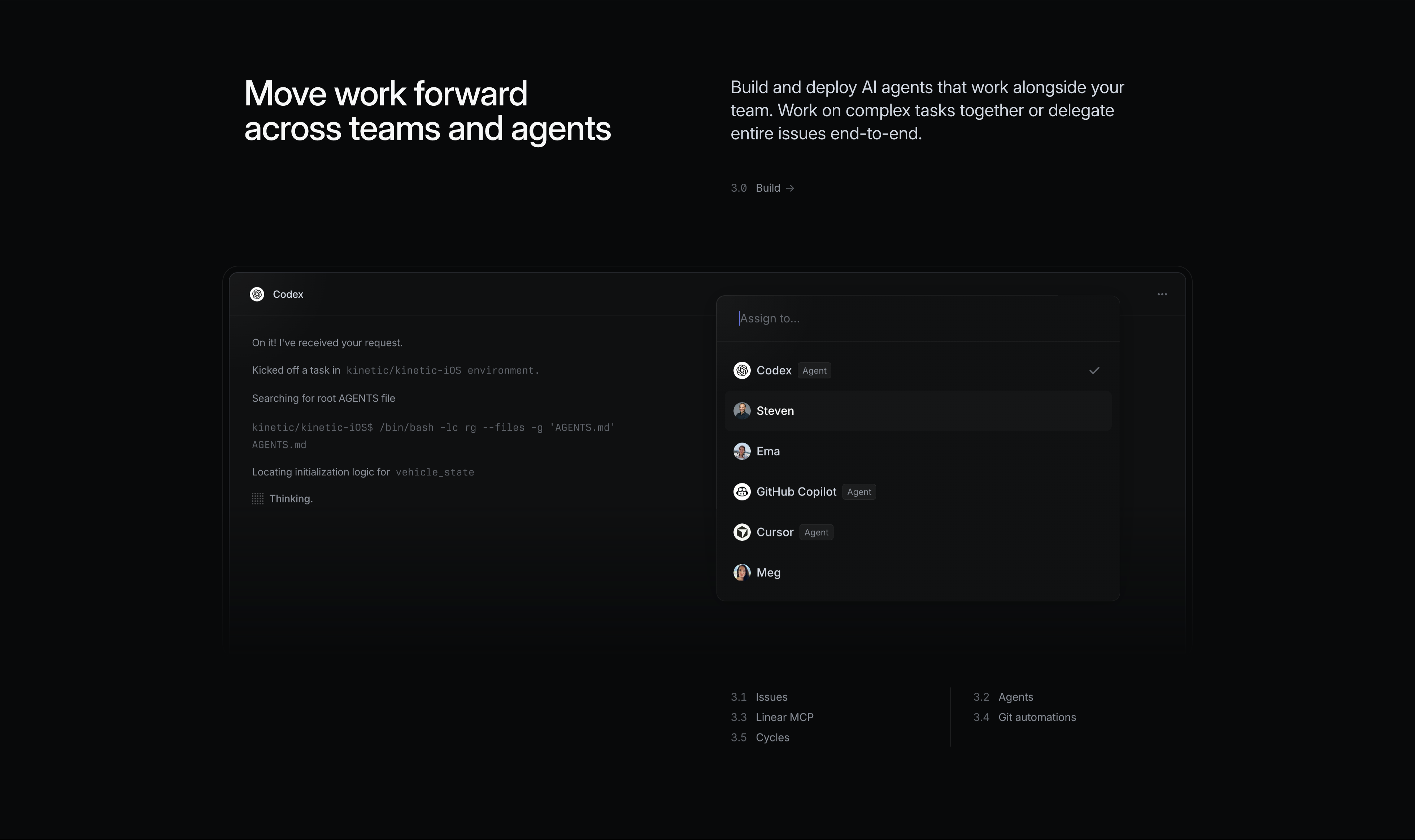
Linear Build Feature With Agent Assignment
Description
A dark ‘Build’ feature block. The left shows a large white headline ‘Move work forward across teams and agents’; the right carries grey copy, ‘Build and deploy AI agents that work alongside your team. Work on complex tasks together or delegate entire issues end-to-end’, with a small ‘3.0 Build →’ label. The product surface below is an issue assigned to a ‘Codex’ agent: a chat-style log reads ‘On it! I’ve received your request’, ‘Kicked off a task in kinetic/kinetic-iOS environment’, ‘Searching for root AGENTS file’, a monospace shell command, and ‘Thinking.’ A floating ‘Assign to…’ dropdown lists a mix of humans and agents — Codex (Agent, checked), Steven, Ema, GitHub Copilot (Agent), Cursor (Agent), Meg — each with an avatar. Sub-links (3.1 Issues, 3.2 Agents, 3.3 Linear MCP, 3.4 Git automations, 3.5 Cycles) sit at the bottom. It shows delegating work to AI agents like teammates.
Related


Linear Multi-Column Footer
A wide site footer on near-black. The Linear logo mark sits at the far left, followed by five columns of grey text links under white headings: Product (Intake, Plan, Build, Diffs, Monitor, Pricing, Security), Features (Asks, Agents, Coding Sessions, Customer Requests, Insights, Mobile, Integrations, Changelog), Company (About, Customers, Careers, Blog, Method, Quality, Brand), Resources (Switch, Download, Documentation, Developers, Status, Enterprise, Startups), and Connect (Contact us, Community, X (Twitter), GitHub, YouTube). A bottom row carries small legal links — Privacy, Terms, DPA, AUP. The dense, organised multi-column layout provides comprehensive site navigation in a quiet, low-contrast treatment.
Linear ↗

Linear Centered Closing CTA
A minimal closing call-to-action band on a solid near-black background. Centred on the page, a large white two-line headline reads 'Built for the future. Available today.' Directly beneath it sit two pill buttons side by side: a solid light-grey 'Get started' primary and a dark, subtly outlined 'Contact sales' secondary. There is no imagery or other copy — just the centered headline and button pair surrounded by generous empty space. The stark, focused composition pushes the visitor toward signing up or contacting sales as the final step of the page.
Linear ↗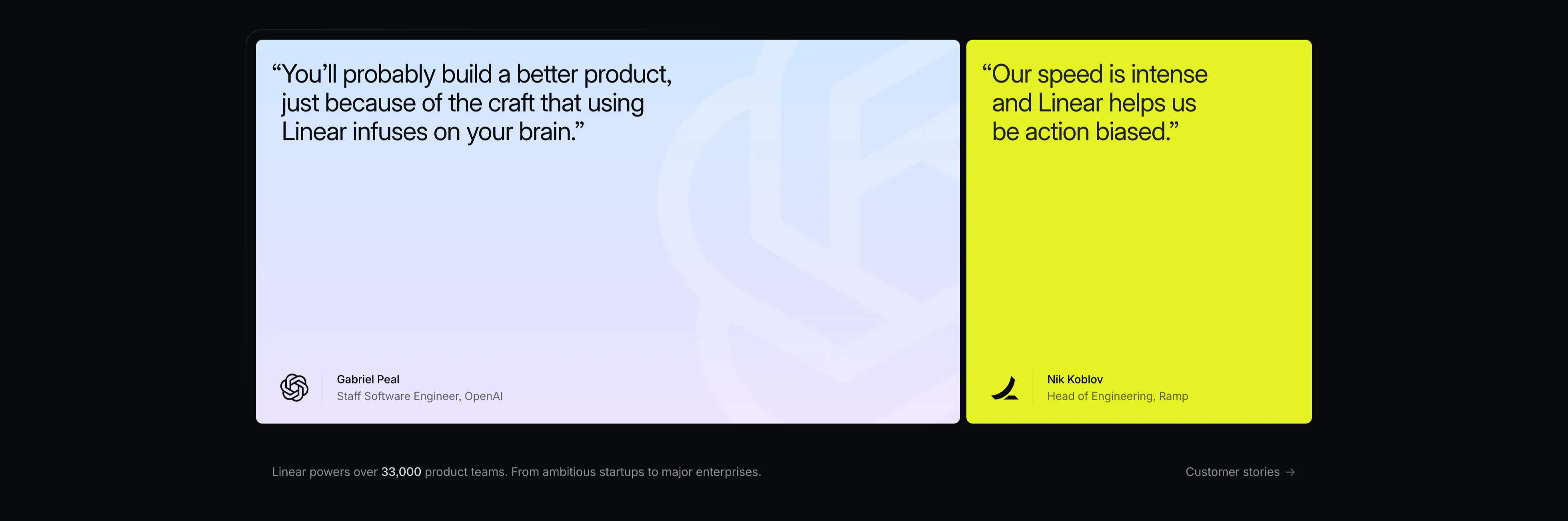
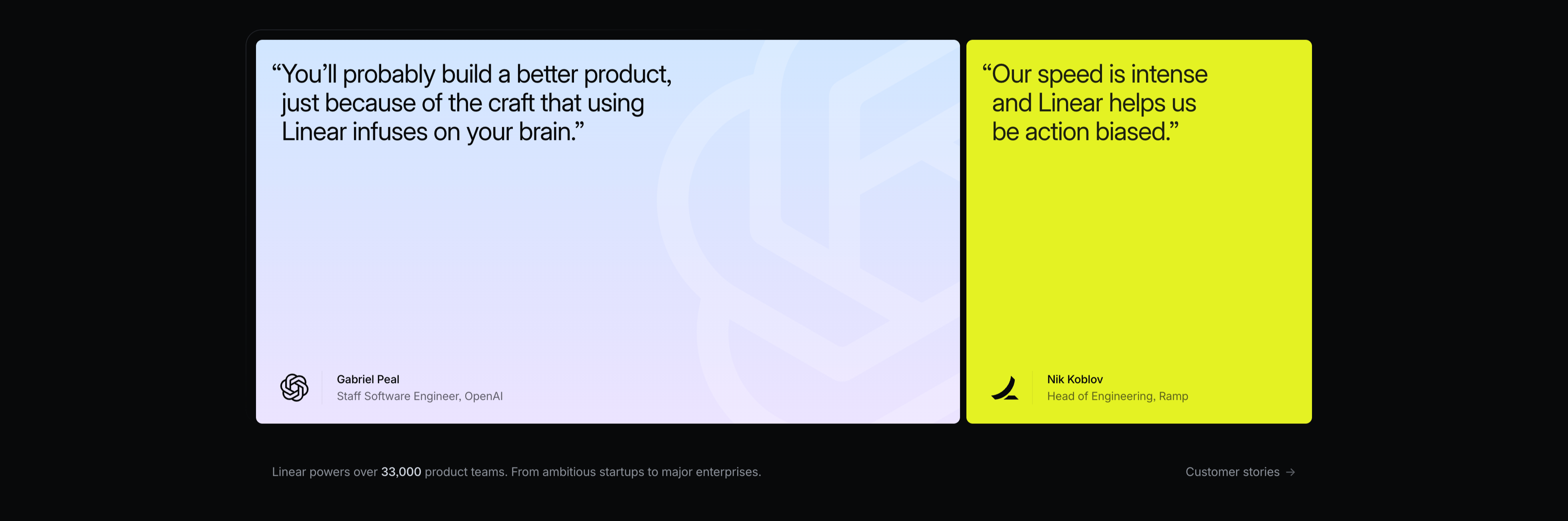
Linear Two-Card Customer Quotes
A testimonial section with two large side-by-side quote cards on a black background. The left card has a soft lavender-to-white gradient and a faint embossed OpenAI mark; its dark quote reads 'You'll probably build a better product, just because of the craft that using Linear infuses on your brain.', attributed at the bottom to Gabriel Peal, Staff Software Engineer, OpenAI, beside the OpenAI logo. The right card is a vivid lime-yellow block whose black quote reads 'Our speed is intense and Linear helps us be action biased.', attributed to Nik Koblov, Head of Engineering, Ramp, with the Ramp mark. Below the cards a grey line notes 'Linear powers over 33,000 product teams. From ambitious startups to major enterprises.' next to a 'Customer stories →' link. The bold colour-blocked cards make the social proof pop against the dark page.
Linear ↗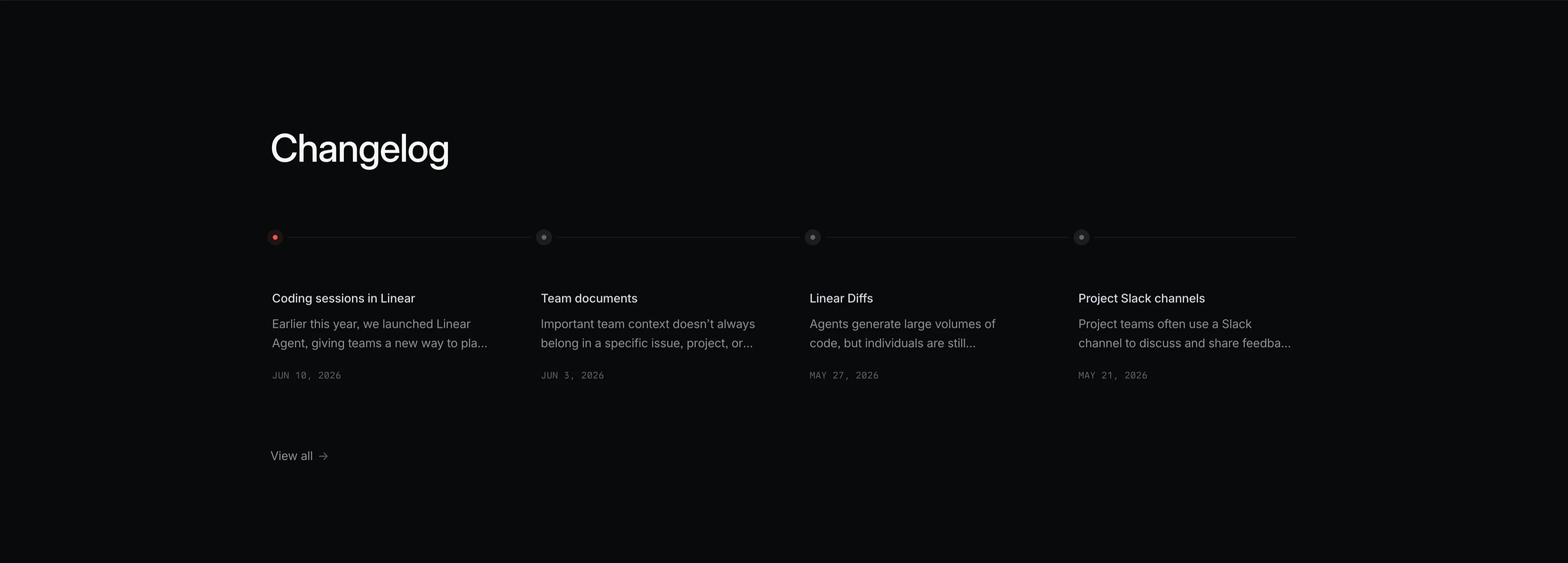
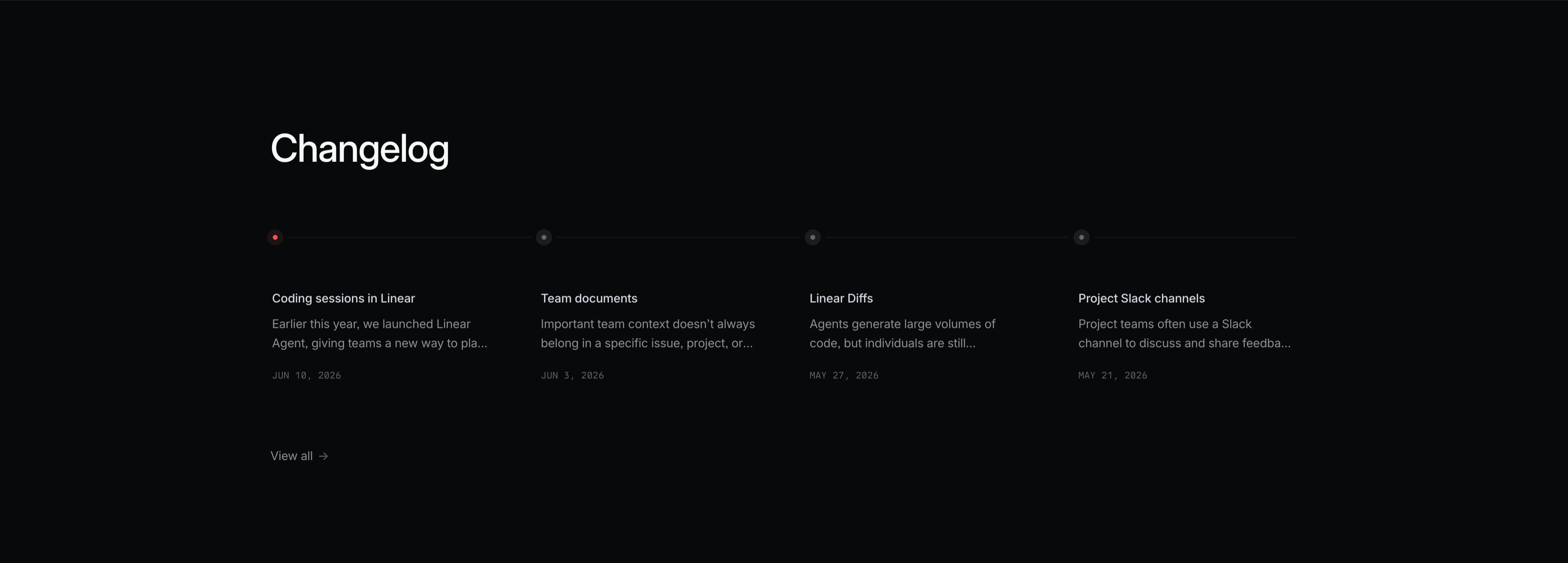
Linear Changelog Timeline
A dark changelog teaser section. A large white 'Changelog' heading sits top-left. Beneath it a thin horizontal timeline runs across the full width, marked by four small node dots — the first highlighted red, the rest grey. Hanging below each node is an entry with a white title, a two-line grey excerpt, and an uppercase monospace date: 'Coding sessions in Linear' (JUN 10, 2026), 'Team documents' (JUN 3, 2026), 'Linear Diffs' (MAY 27, 2026), and 'Project Slack channels' (MAY 21, 2026). A small 'View all →' link sits at the lower left. The restrained four-up timeline layout on black makes recent product updates scannable at a glance.
Linear ↗Similar content sections
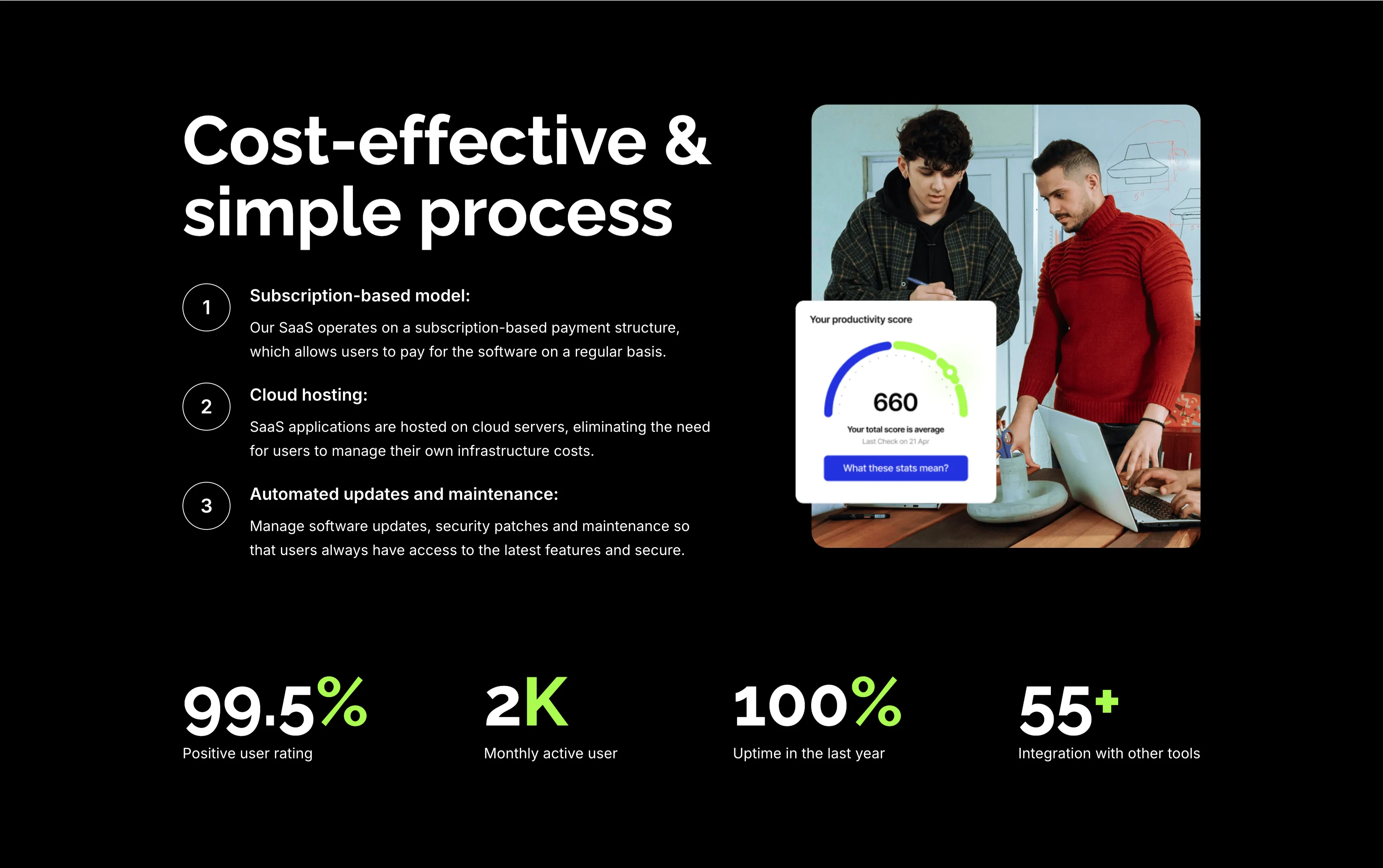
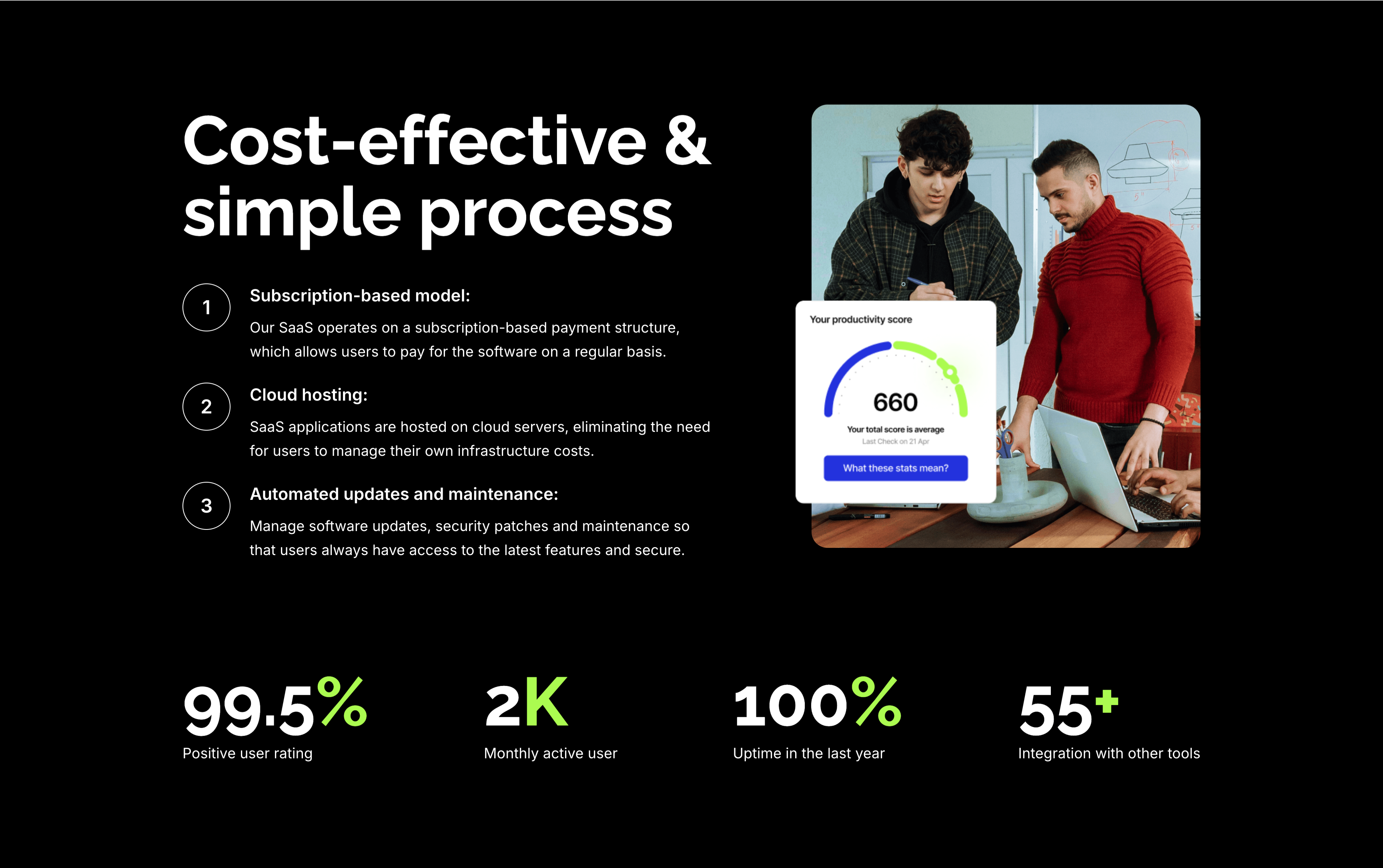
Cost-Effective Simple Process With Stats
A feature section on a solid black background. The left column stacks an oversized white 'Cost-effective & simple process' heading over three numbered points — 'Subscription-based model:', 'Cloud hosting:' and 'Automated updates and maintenance:' — each with a circled number and a short white description. The right column shows a rounded photo of two colleagues at a laptop with a floating white 'Your productivity score' card reading 660. A row of four lime-green-accented stats runs across the bottom: '99.5%' positive user rating, '2K' monthly active users, '100%' uptime in the last year and '55+' integrations. The dark canvas, numbered list and green metrics give the section a confident, data-backed tone.
Zubuz ↗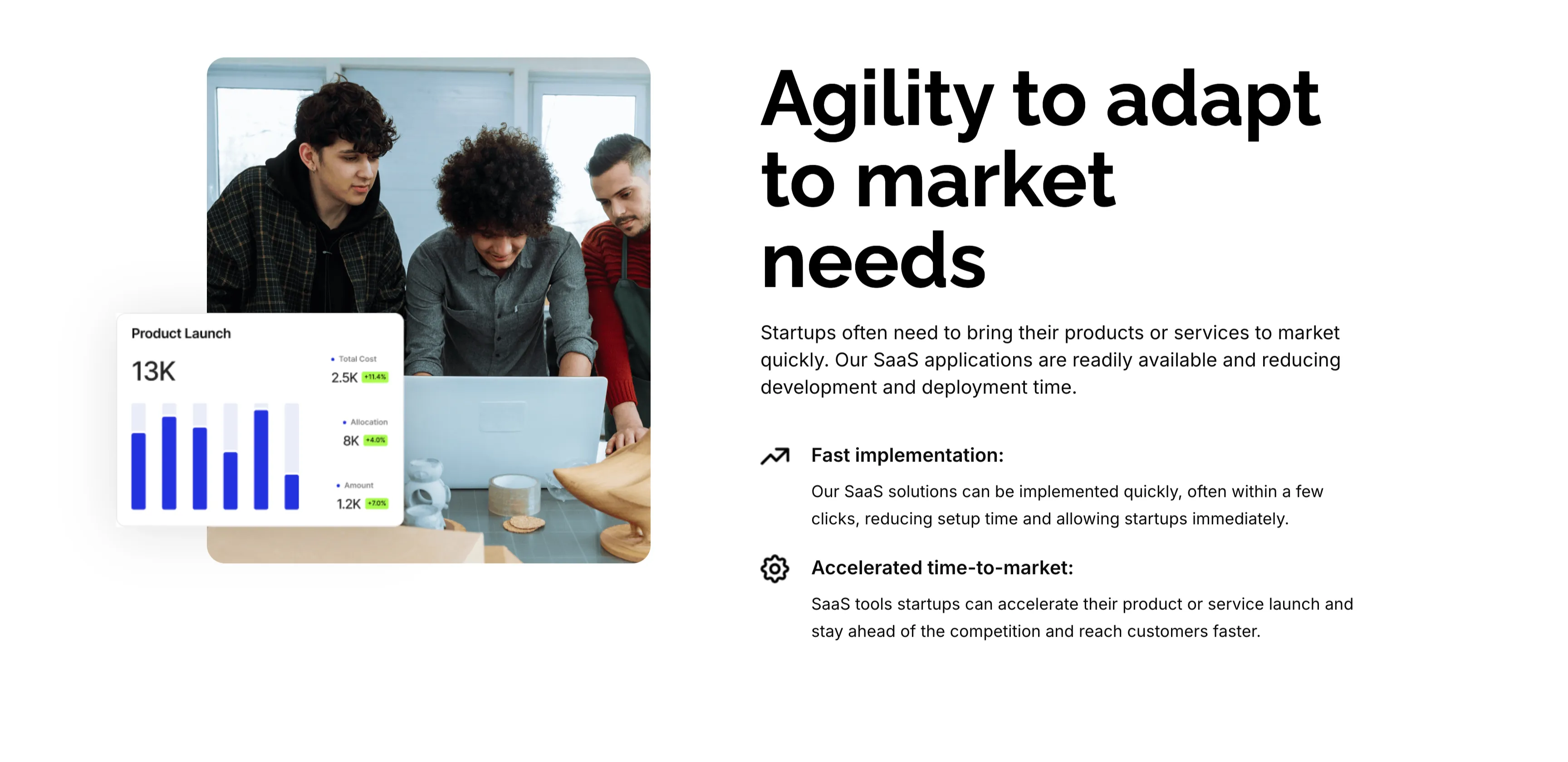
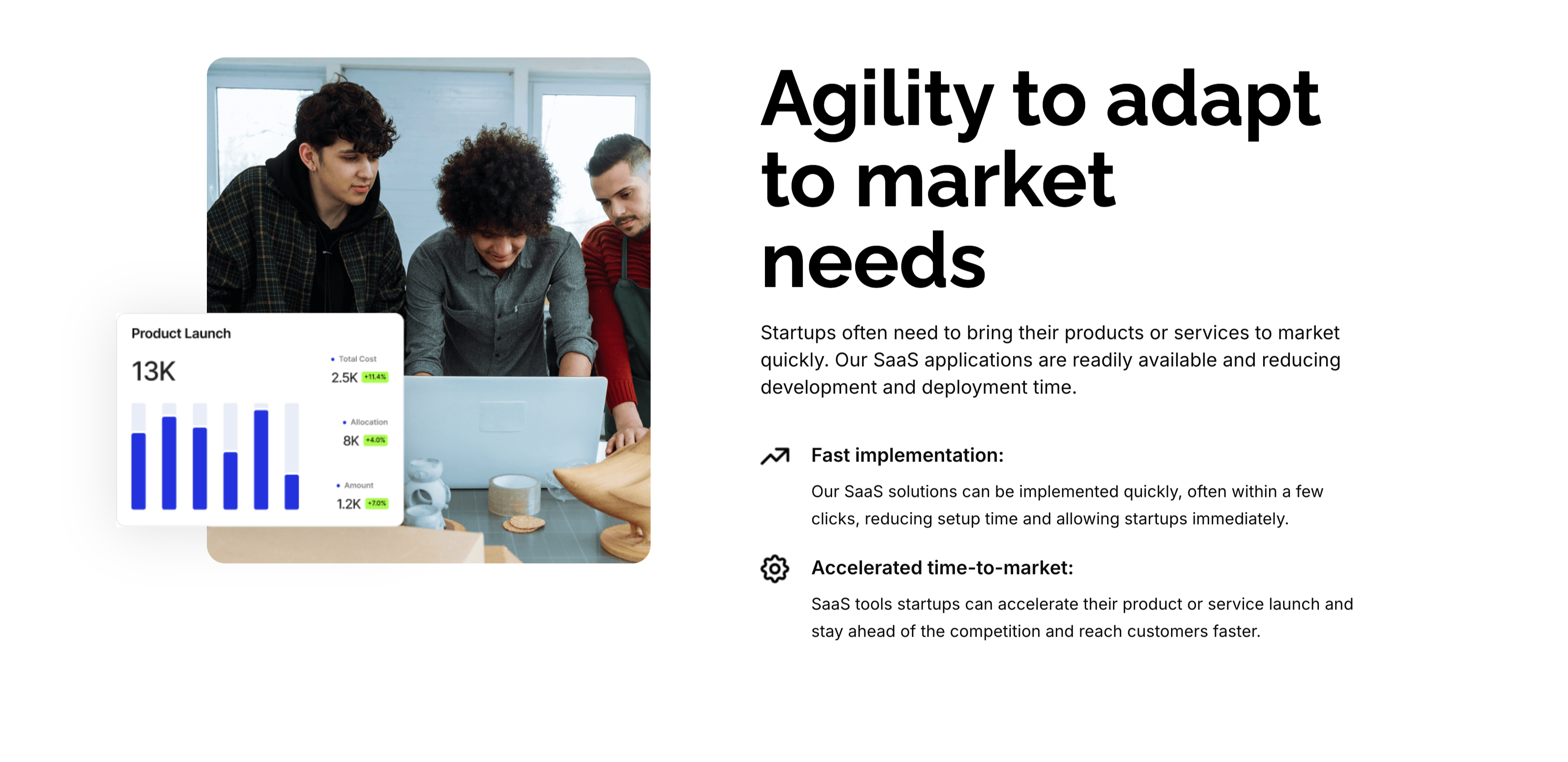
Agility To Adapt Split Feature
A two-column feature block on white. The left column holds a rounded photo of three colleagues at a laptop, overlaid at the corner with a floating 'Product Launch' analytics card (a 13K figure, bar chart and green percentage badges). The right column leads with an oversized 'Agility to adapt to market needs' heading and a short paragraph, then two icon-led points: 'Fast implementation:' (SaaS solutions deployed in a few clicks) and 'Accelerated time-to-market:' (launch faster and stay ahead of competitors). A small outline icon precedes each point. The photo-plus-icon-list layout pairs a human scene with a crisp benefit statement.
Zubuz ↗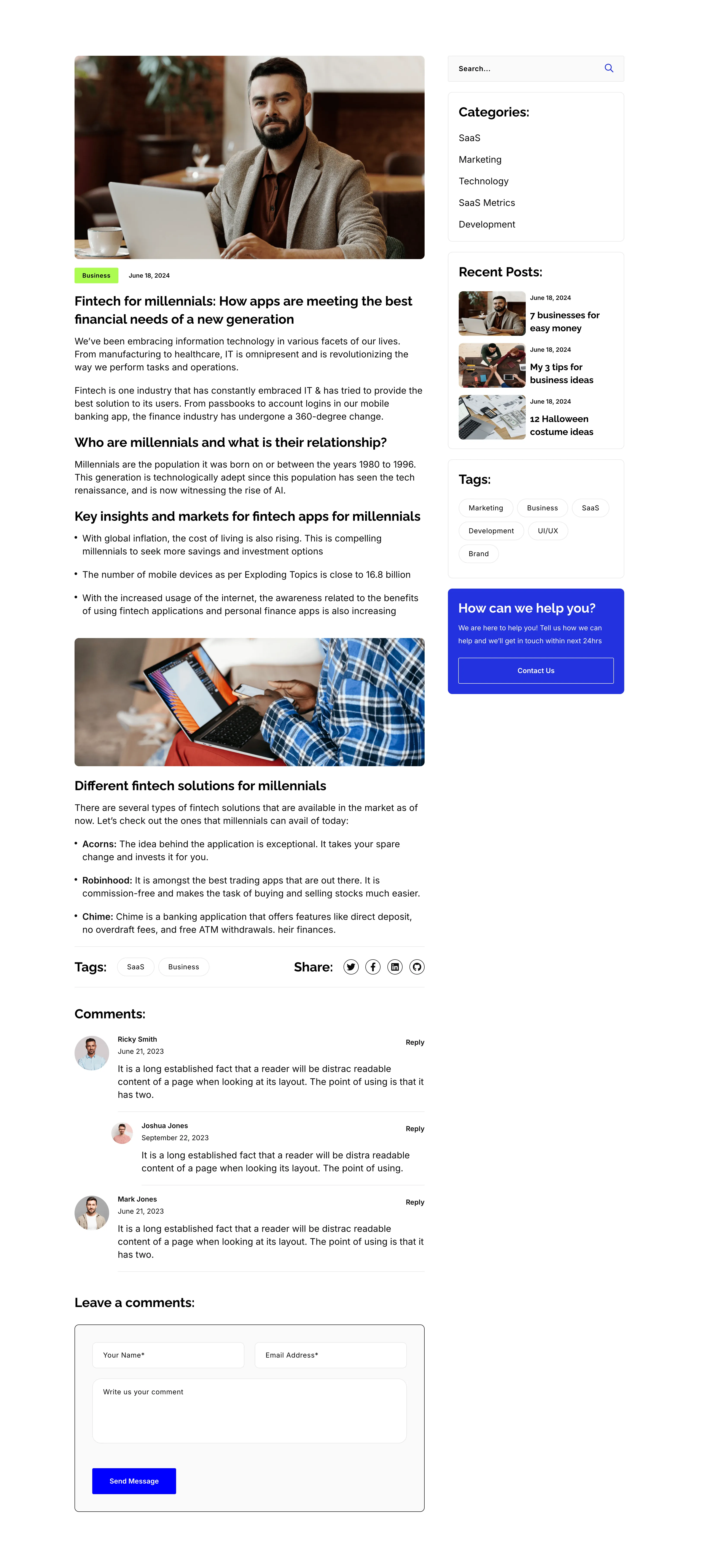
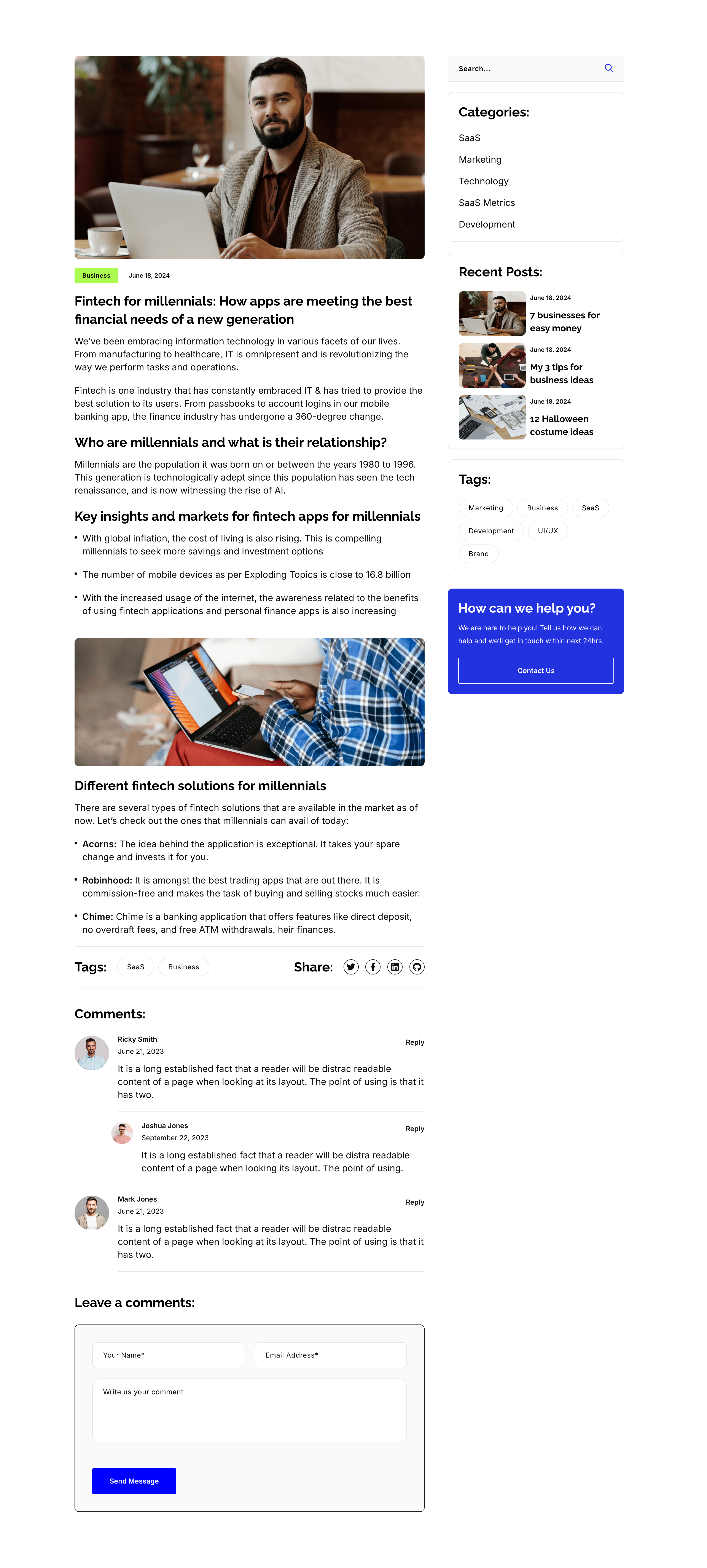
Blog Post Article Page With Comments
A single blog-post layout on white, again split into an article column and a right sidebar. The article opens with a hero photo, a 'Business' tag and date, the title 'Fintech for millennials: How apps are meeting the best financial needs of a new generation', then body copy broken by sub-headings ('Who are millennials…', 'Key insights…', 'Different fintech solutions…'), bullet lists, an inset photo, a Tags/Share row, and a threaded 'Comments:' list with a 'Leave a comments:' form. The sidebar repeats the search, Categories, Recent Posts, Tags and blue help card from the archive. The long-form column with a persistent sidebar is the standard editorial article template.
Zubuz ↗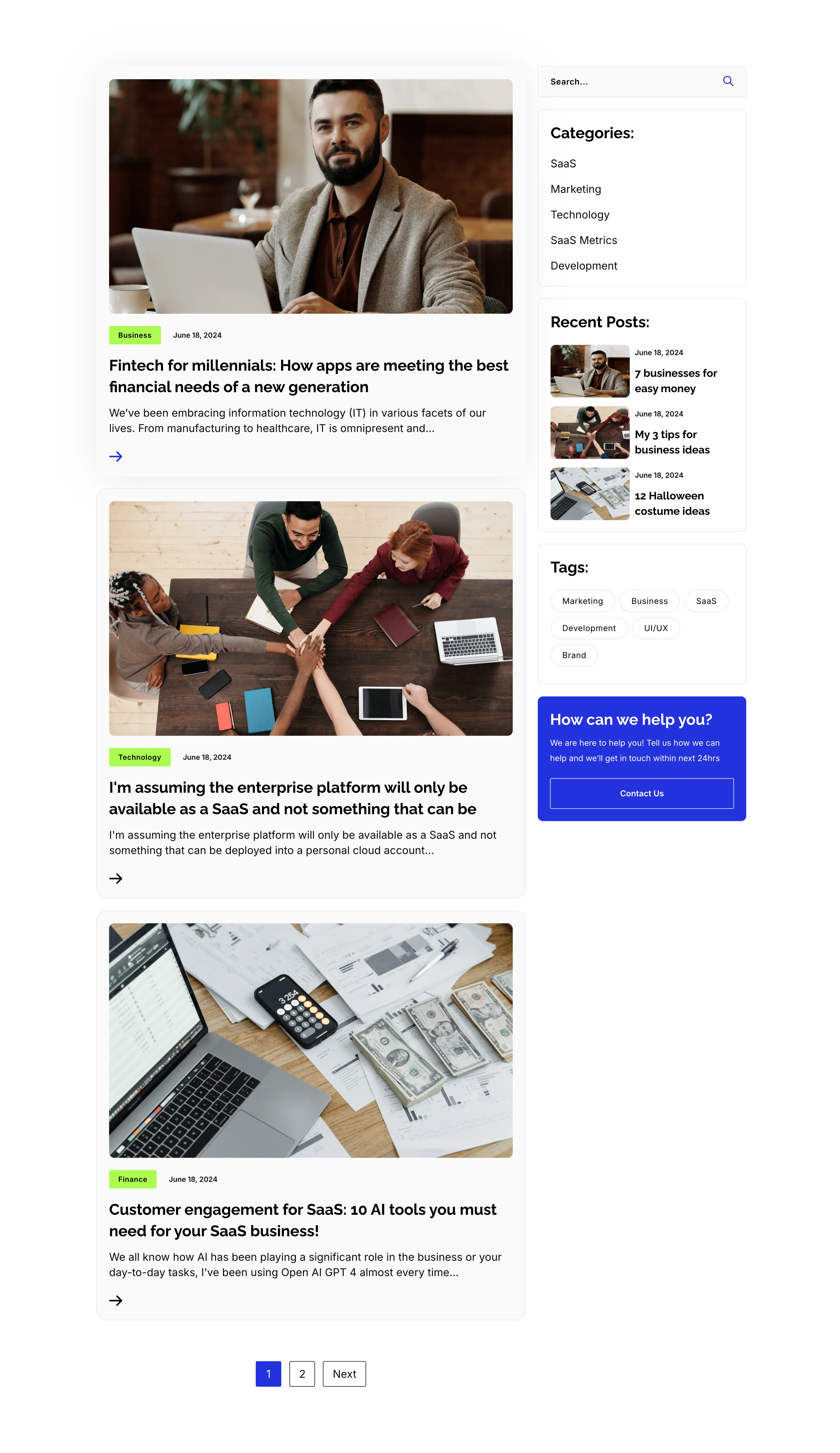
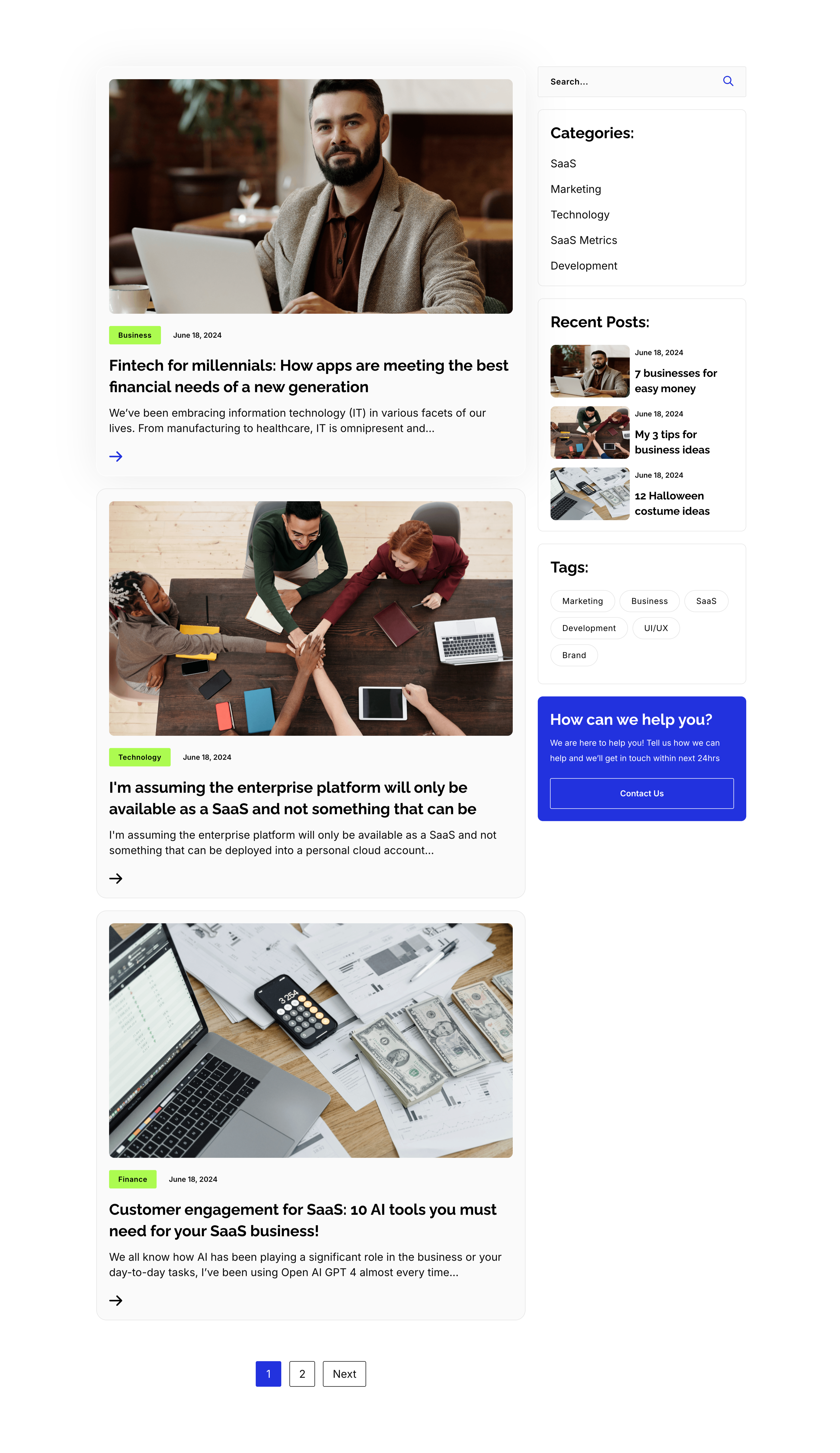
Blog Listing Page With Sidebar
A full blog-listing layout on white, split into a wide article column and a right sidebar. The main column stacks post previews, each a photo with a category tag and date over a bold title, an excerpt and an arrow link — 'Fintech for millennials…', 'I'm assuming the enterprise platform…' and 'Customer engagement for SaaS: 10 AI tools…' — closing with a '1 / 2 / Next' pager. The sidebar holds a search field, a 'Categories:' list (SaaS, Marketing, Technology, SaaS Metrics, Development), a 'Recent Posts:' list with thumbnails, a 'Tags:' pill cloud, and a blue 'How can we help you?' card with a Contact Us button. The article-plus-sidebar structure is the classic content-hub archive pattern.
Zubuz ↗