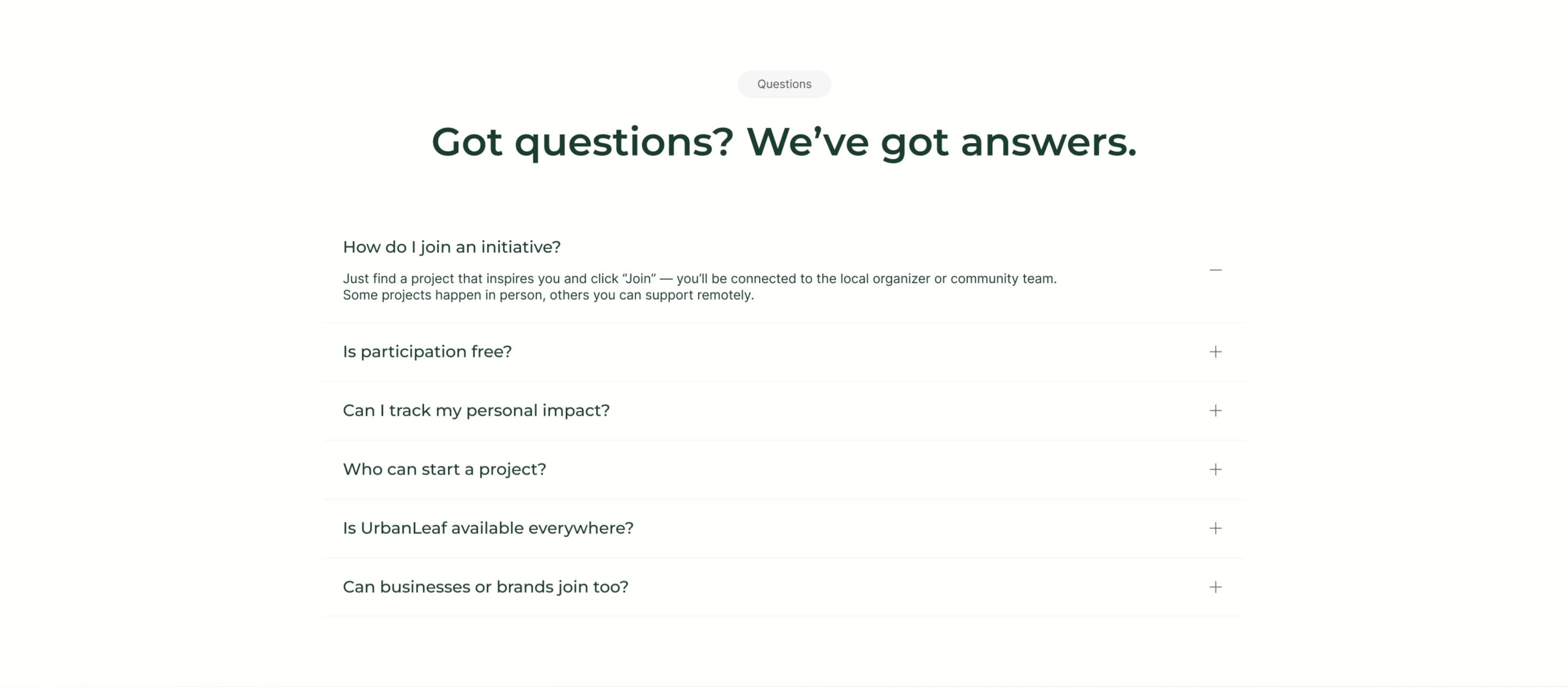
UrbanLeaf FAQ Accordion
Description
A centered FAQ section on white. A small grey ‘Questions’ tag sits above an oversized dark-green headline, ‘Got questions? We’ve got answers.’ Below runs a single-column accordion of six question rows separated by hairline dividers, each showing the question on the left and a toggle control on the right. The first row, ‘How do I join an initiative?’, is expanded with a minus icon and reveals its answer: find a project, click ‘Join’, and connect with the local organizer, with some projects in person and others remote. The remaining rows stay collapsed with plus icons and cover participation cost, tracking personal impact, who can start a project, availability, and whether businesses can join. Roomy spacing and a quiet palette make it easy to scan.
Related
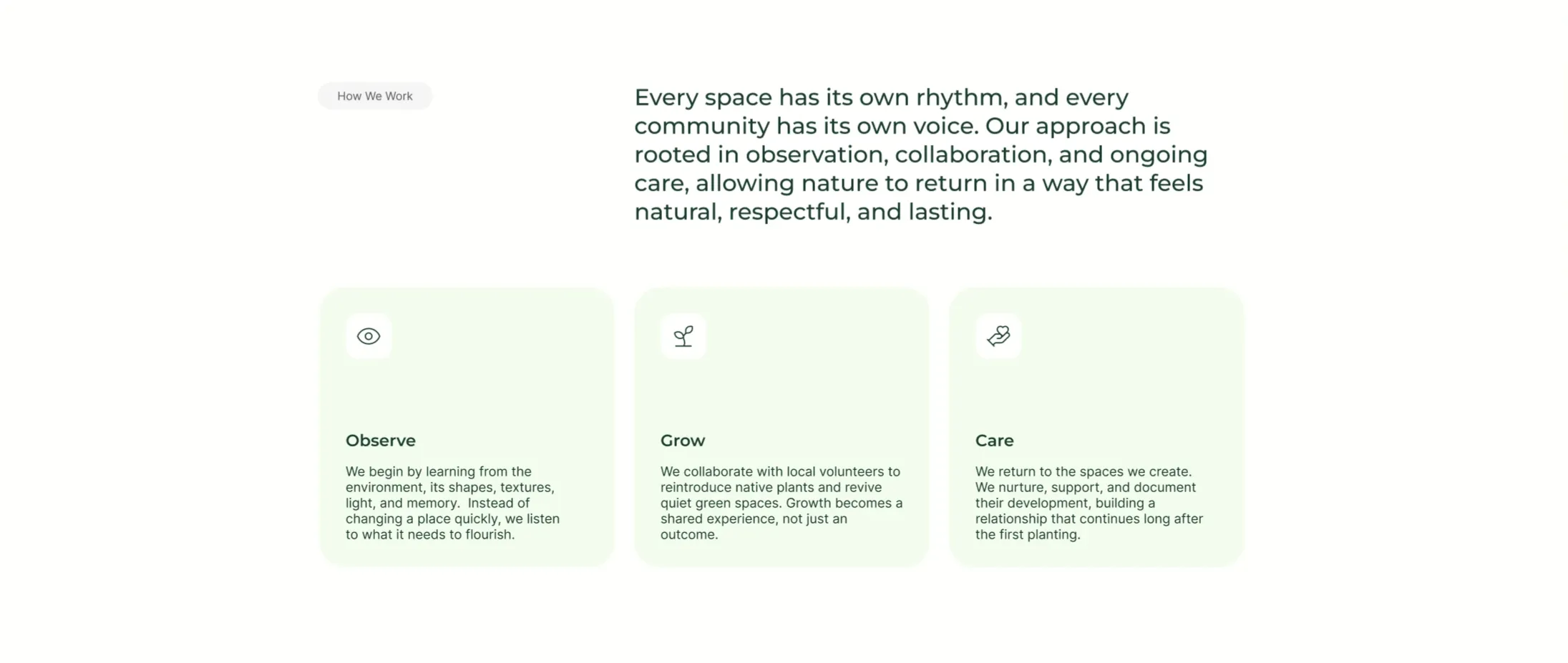
UrbanLeaf How We Work Icon Cards
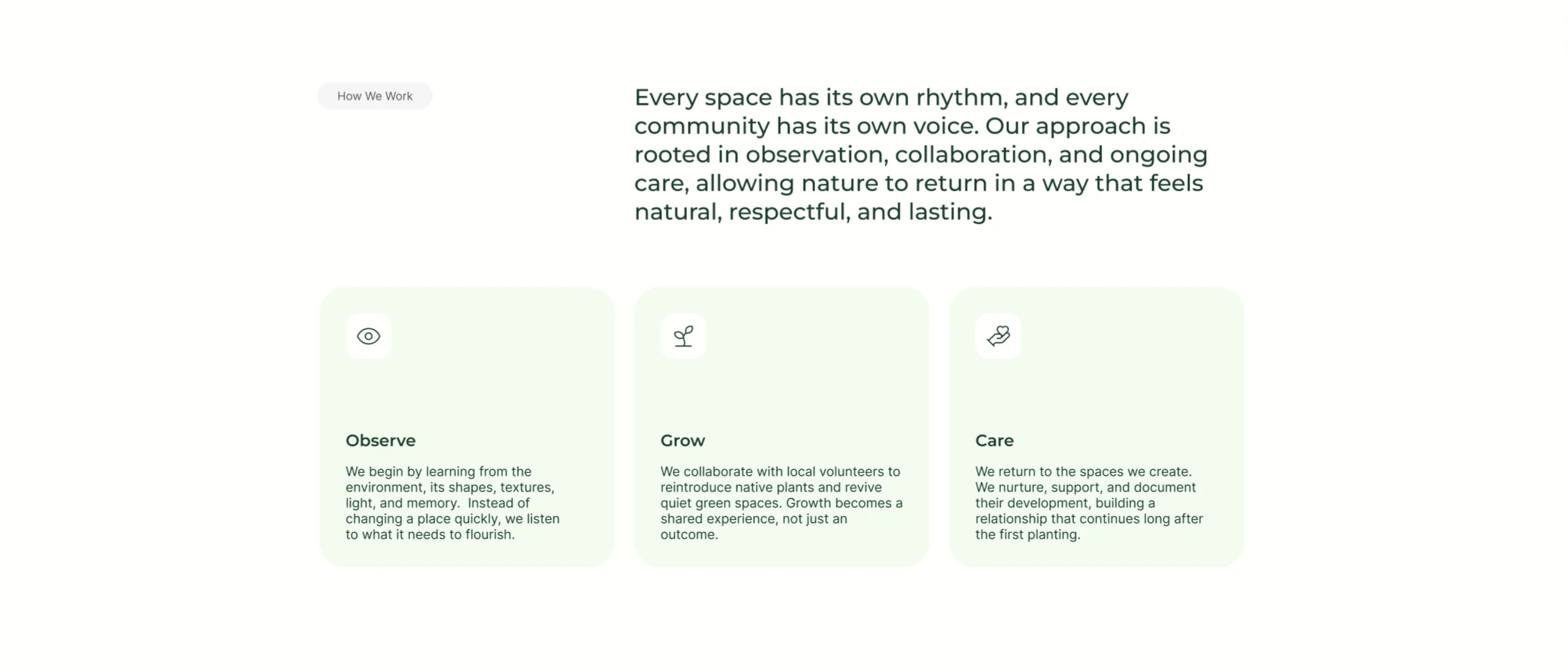
A 'How We Work' section on white using an asymmetric two-part header: a small grey 'How We Work' pill sits on the left while a large dark-green paragraph fills the right, describing an approach 'rooted in observation, collaboration, and ongoing care.' Below the header is a three-up row of pale mint-green rounded cards. Each card has a small white rounded icon tile at the top — an eye, a sprout, and a hand holding a heart — followed by a bold dark-green title ('Observe', 'Grow', 'Care') and a short grey paragraph explaining that step of the process. The light-green cards, simple line icons and clear three-step progression make it an approachable process/feature section.
Behance ↗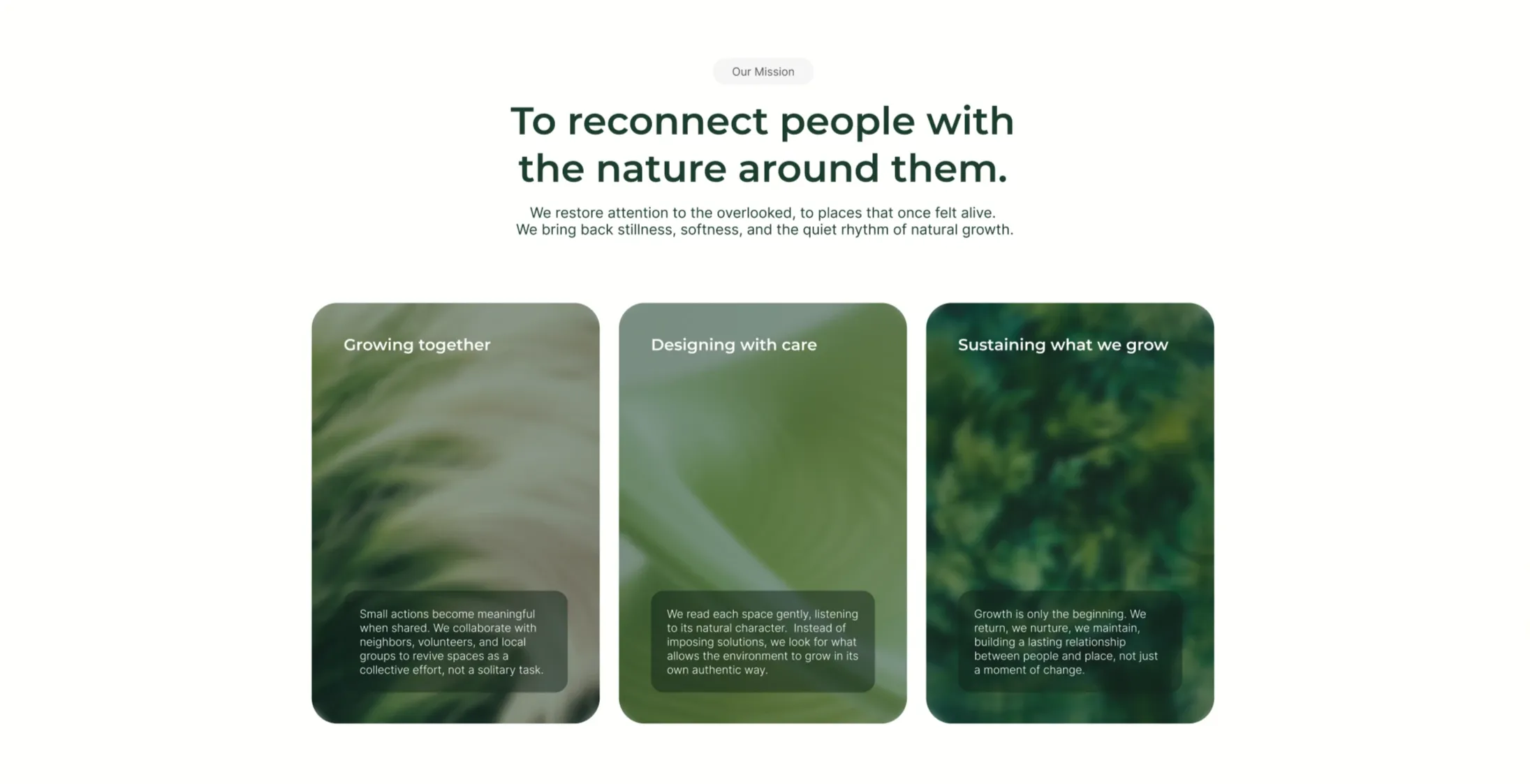
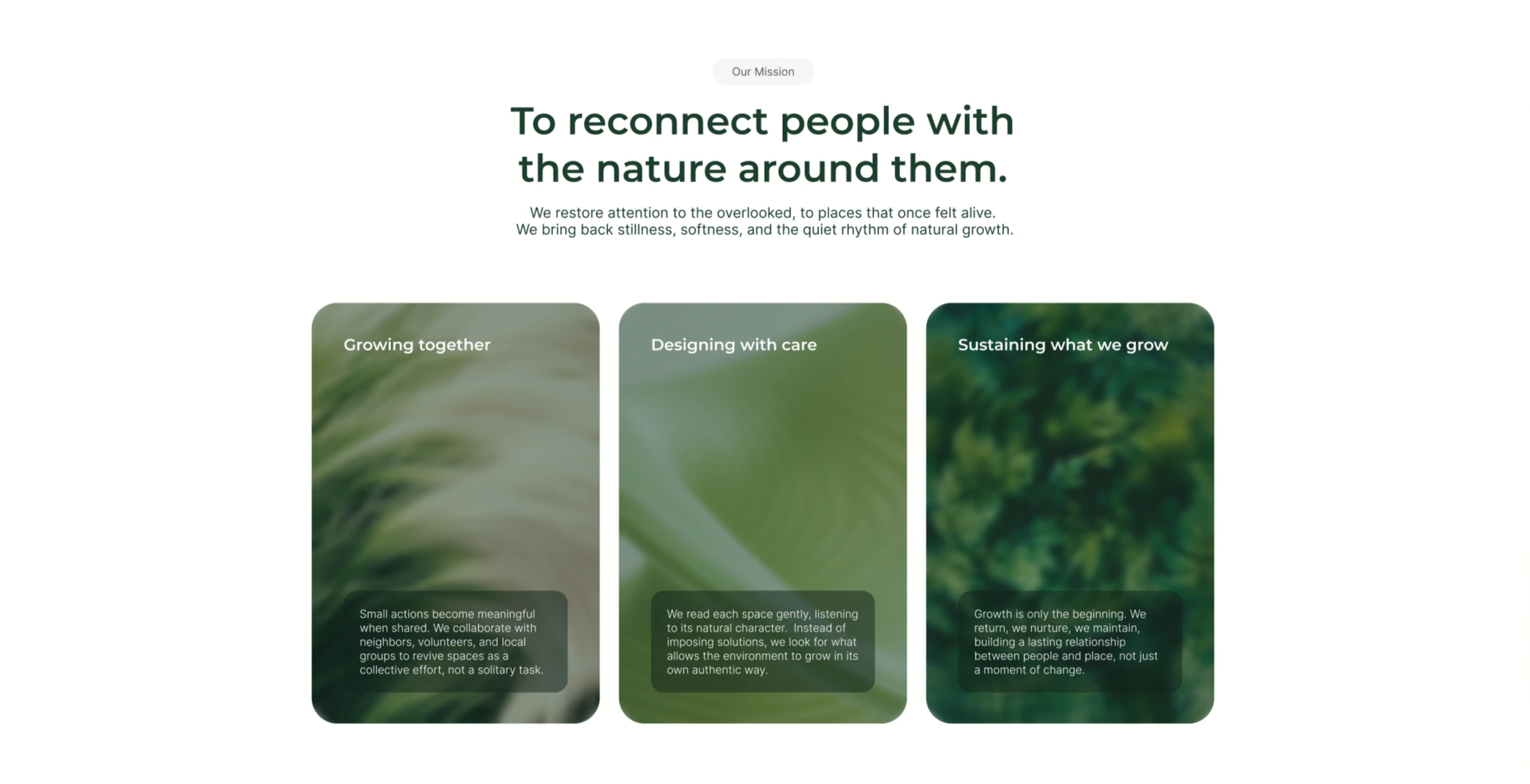
UrbanLeaf Mission Three-Card Image Grid
An 'Our Mission' section on white, opening with a grey pill, a centered two-line dark-green headline 'To reconnect people with the nature around them.', and a two-line grey subhead about restoring attention to overlooked places. Below sits a three-up row of tall rounded cards, each filled edge-to-edge with a soft, blurred green nature photograph (grasses, leaves, foliage). Each card carries a white title near the top — 'Growing together', 'Designing with care', and 'Sustaining what we grow' — and a small translucent dark box near the bottom holding a few lines of supporting body copy about collaboration, reading each space, and long-term care. The trio of equal photographic cards in muted greens makes the mission feel tactile and consistent.
Behance ↗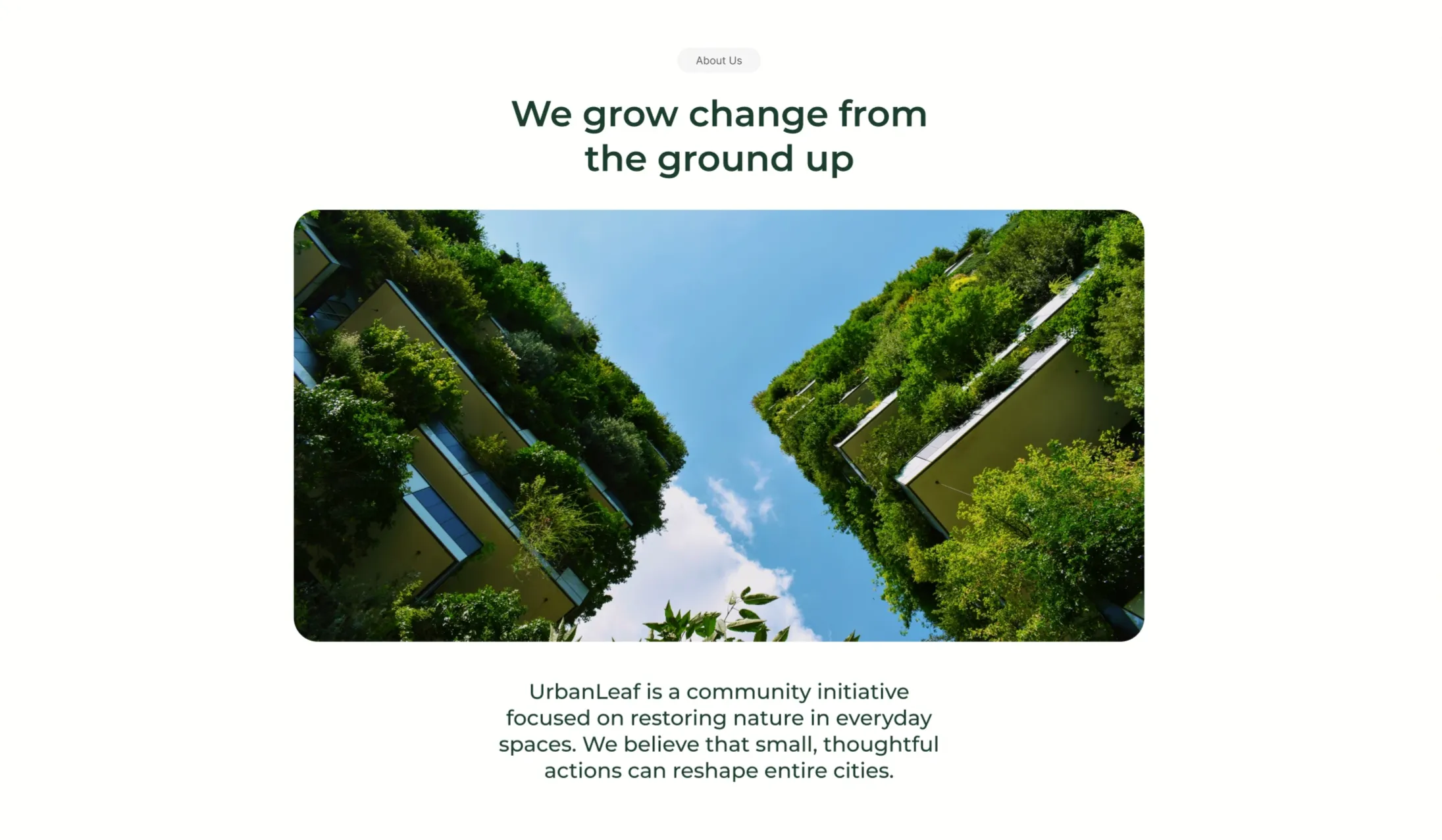
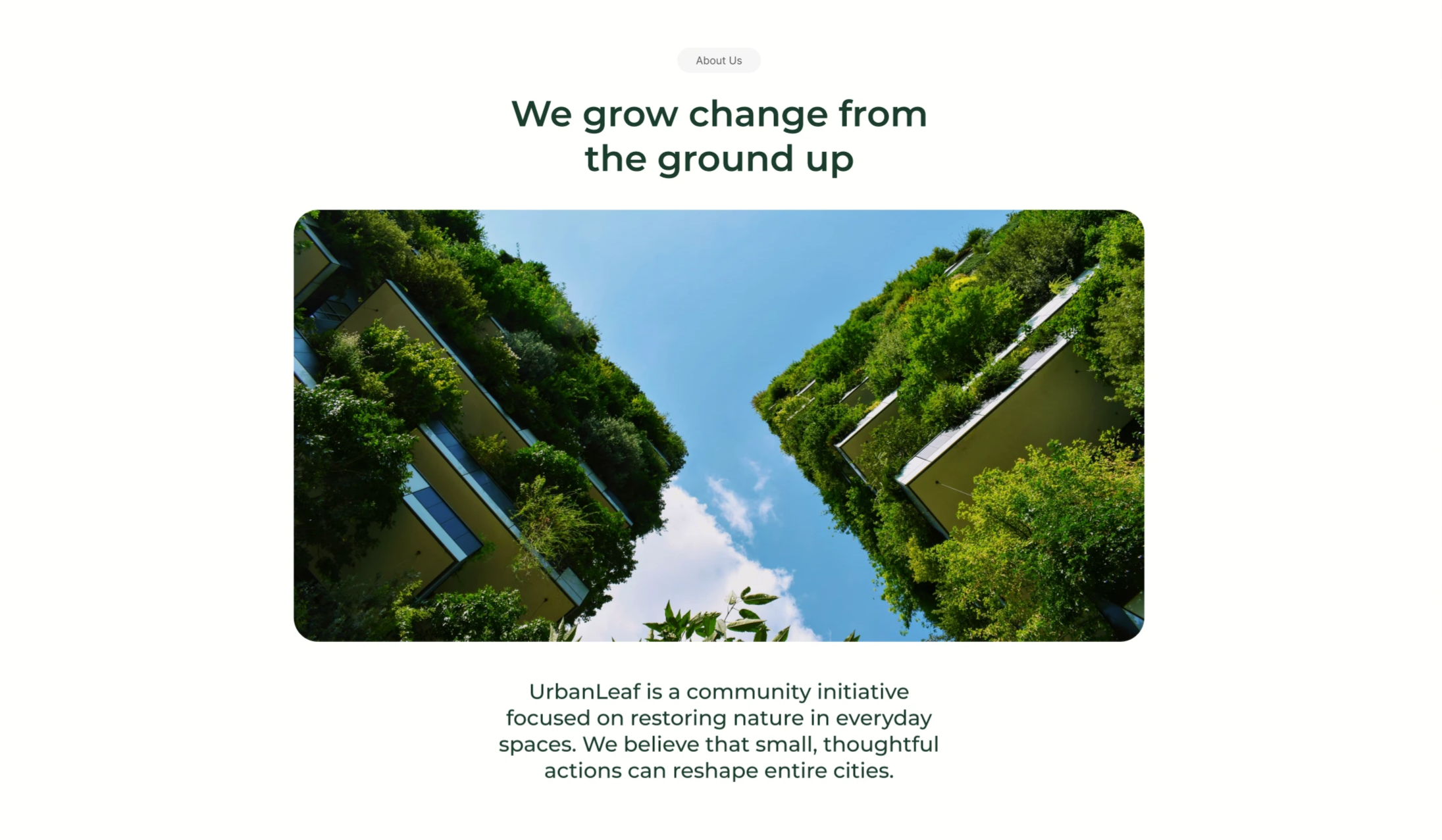
UrbanLeaf About Section With Vertical-Garden Image
A centered 'About Us' content block on a white background. A small grey 'About Us' pill sits at the top, followed by a two-line dark-green headline reading 'We grow change from the ground up'. Beneath the heading is a single large rounded-corner photograph looking straight up between two tall buildings whose facades are completely covered in lush green vertical gardens, framing a bright blue, lightly clouded sky down the centre. Below the image, a short centered dark-green paragraph introduces the organisation: 'UrbanLeaf is a community initiative focused on restoring nature in everyday spaces. We believe that small, thoughtful actions can reshape entire cities.' The symmetrical, image-led, centered composition with lots of whitespace gives it a quiet editorial feel.
Behance ↗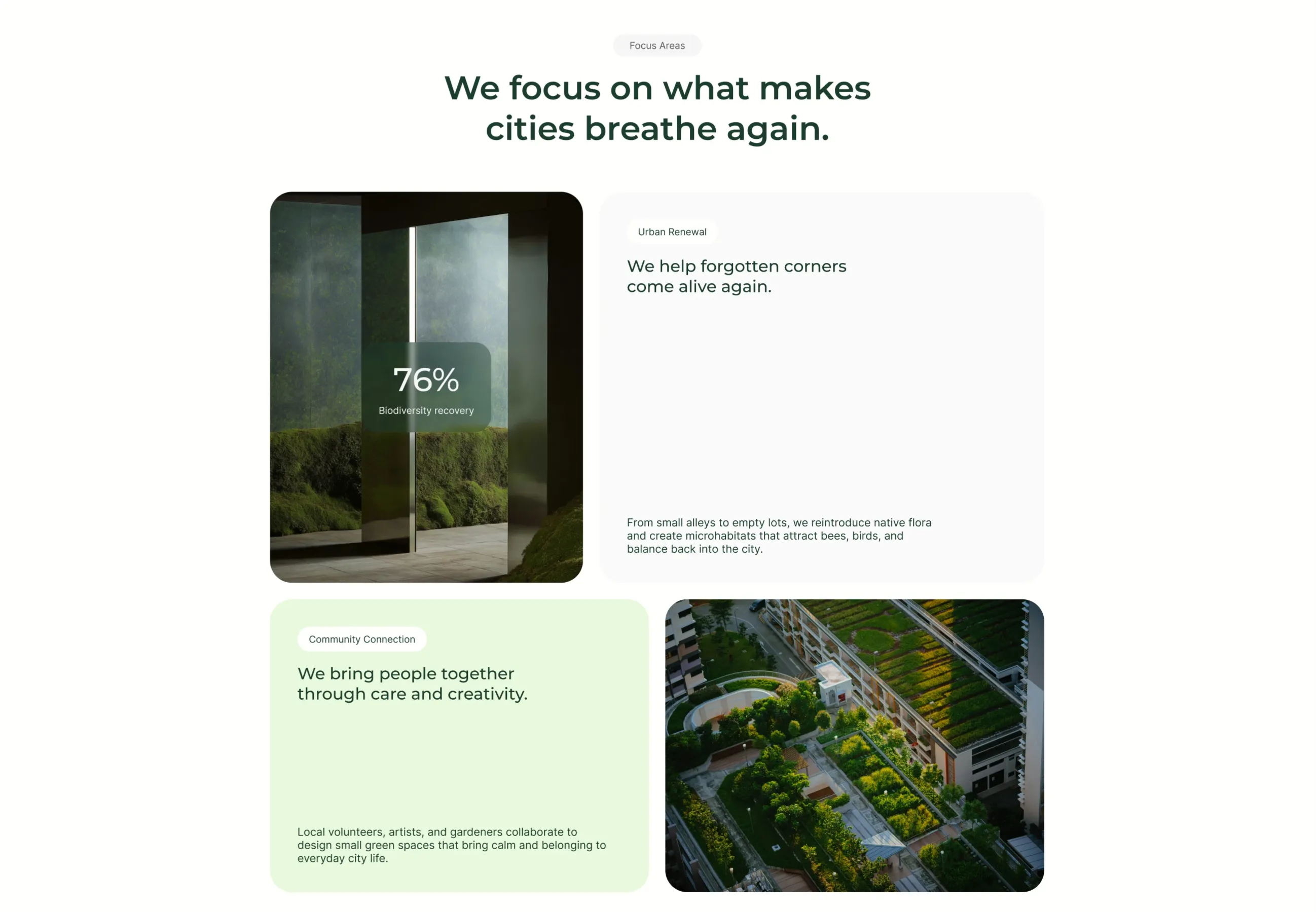
UrbanLeaf Focus Areas Bento Grid
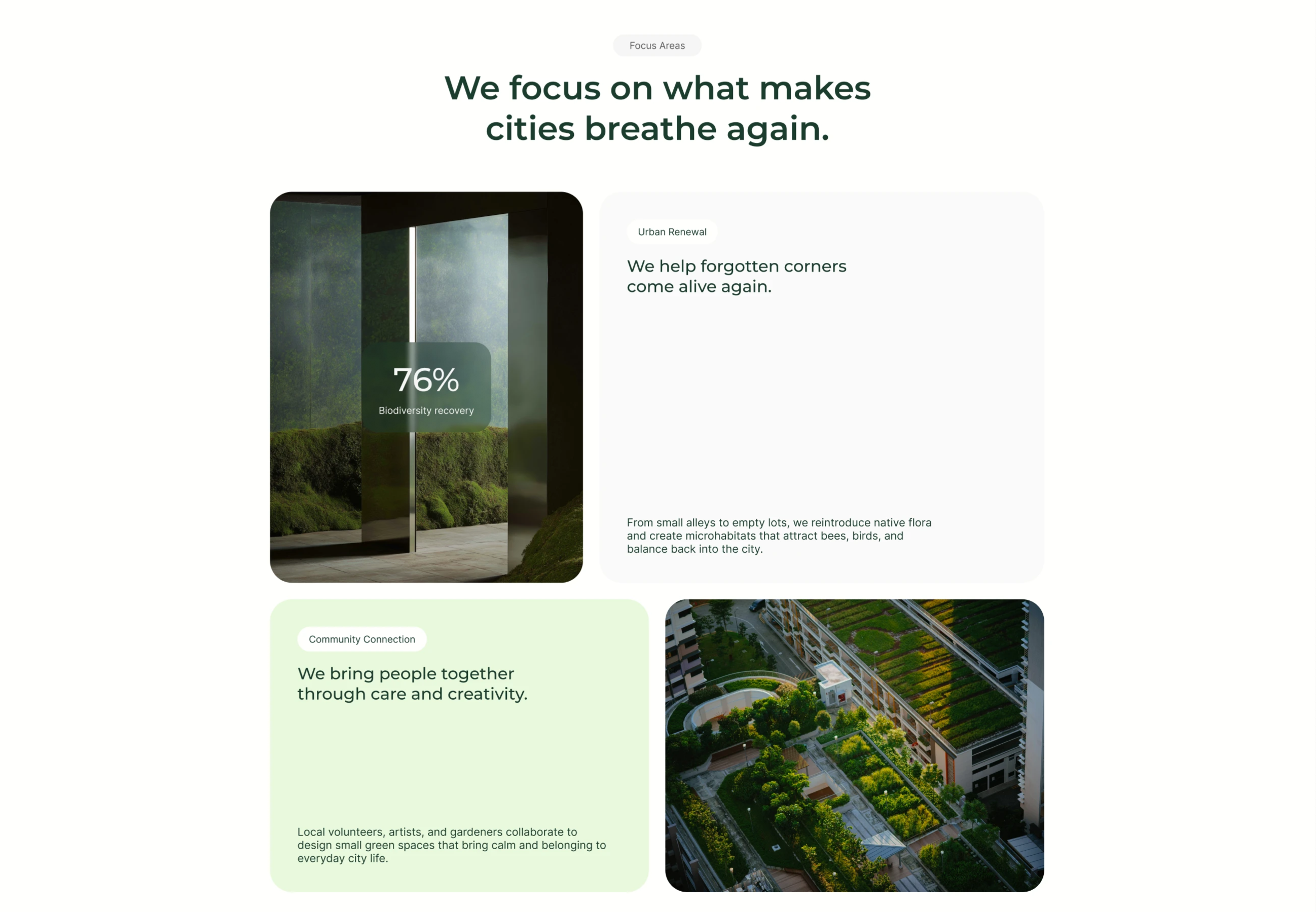
A 'Focus Areas' section on white, introduced by a grey pill and a centered two-line dark-green heading, 'We focus on what makes cities breathe again.' Below it sits a 2×2 bento grid of rounded tiles. Top-left is a photo of a mossy interior with a translucent dark-green card overlaid showing a large '76%' stat and the label 'Biodiversity recovery'. Top-right is a tall white card headed by an 'Urban Renewal' pill, a dark-green sub-headline 'We help forgotten corners come alive again.', and a smaller grey paragraph anchored at the bottom about reintroducing native flora and creating microhabitats. Bottom-left is a pale-green card with a 'Community Connection' pill, the headline 'We bring people together through care and creativity.', and a supporting paragraph. Bottom-right is an aerial photograph of a terraced rooftop garden among buildings. The mix of image tiles, stat overlay and text cards in alternating white/green creates a balanced bento layout.
Behance ↗Similar faq sections
Find All The Answers FAQ Accordion
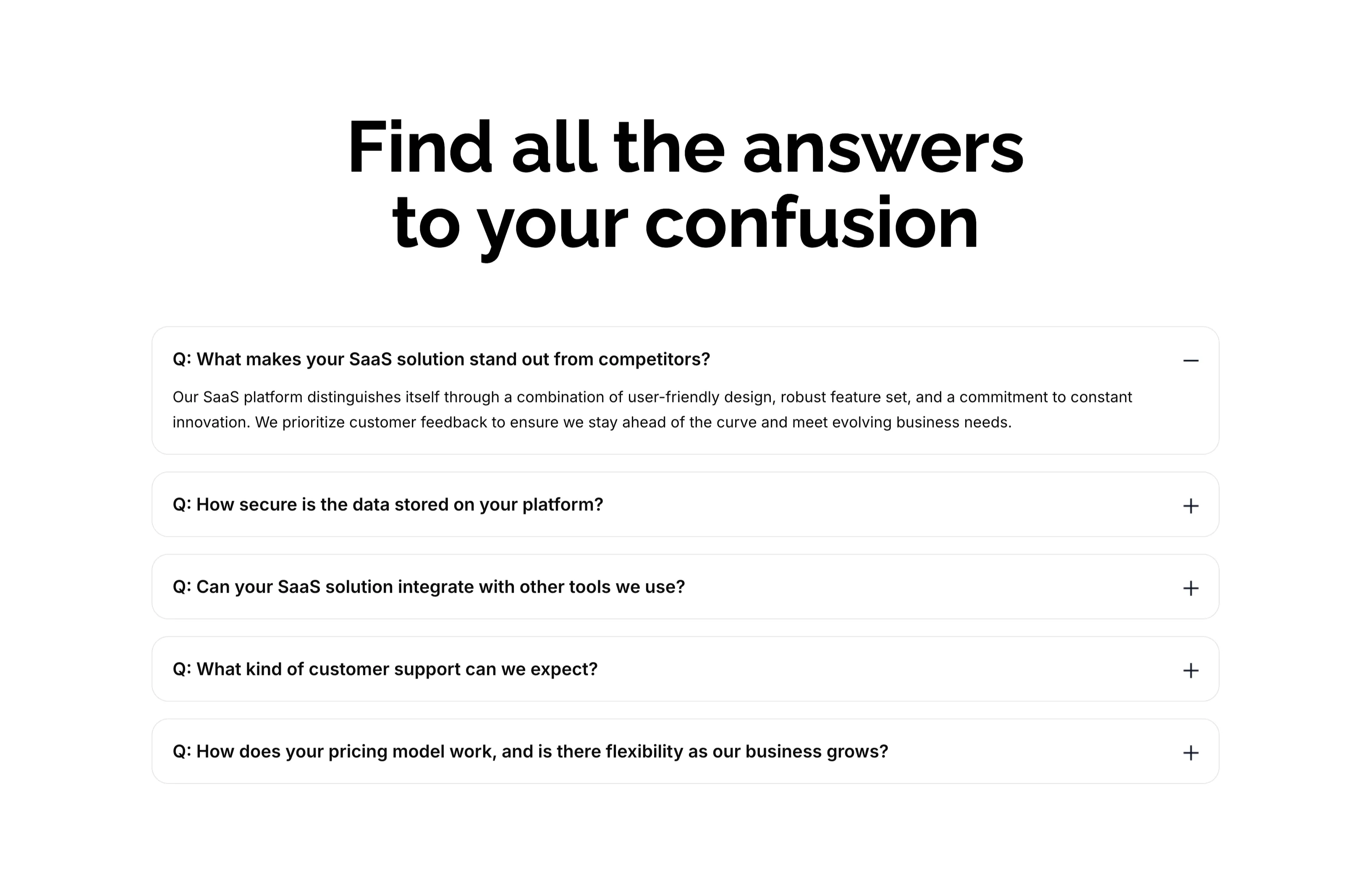
A FAQ section on white, led by an oversized centered two-line heading, 'Find all the answers to your confusion.' Below sit five stacked, rounded accordion rows, each a bold question prefixed with 'Q:'. The first row — 'What makes your SaaS solution stand out from competitors?' — is expanded, showing a gray paragraph answer and a minus toggle, while the remaining rows ('How secure is the data…', 'Can your SaaS solution integrate…', 'What kind of customer support…', 'How does your pricing model work…') are collapsed with plus toggles on the right. The clean single-column accordion with clear expand/collapse affordances makes the answers easy to scan one at a time.
Zubuz ↗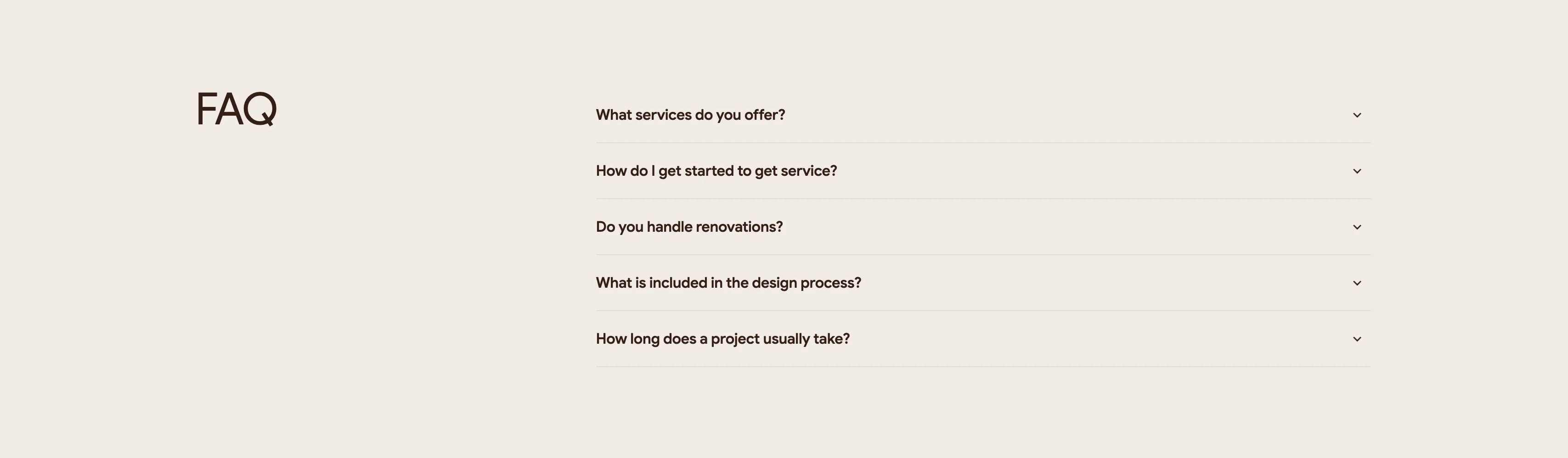
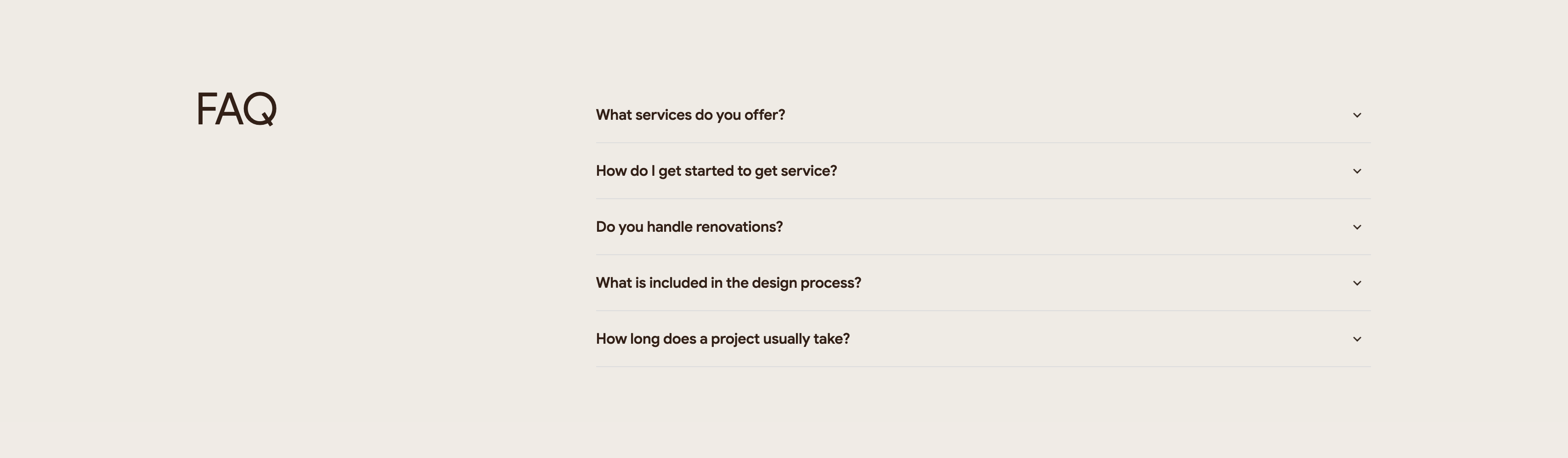
Intrio FAQ Accordion
A quiet two-column FAQ section on an off-white background. The left column holds only a large lowercase-to-caps brown heading, 'FAQ', leaving most of that side as whitespace. The right column is a stacked accordion of five collapsed questions, each a bold line of dark text with a chevron-down toggle at the far right and a thin hairline divider between rows. The questions read 'What services do you offer?', 'How do I get started to get service?', 'Do you handle renovations?', 'What is included in the design process?' and 'How long does a project usually take?'. The generous spacing and single accent-free palette keep the focus on the questions themselves. It is a straightforward expandable FAQ pattern that scales cleanly as answers open.
Madebydesignesia ↗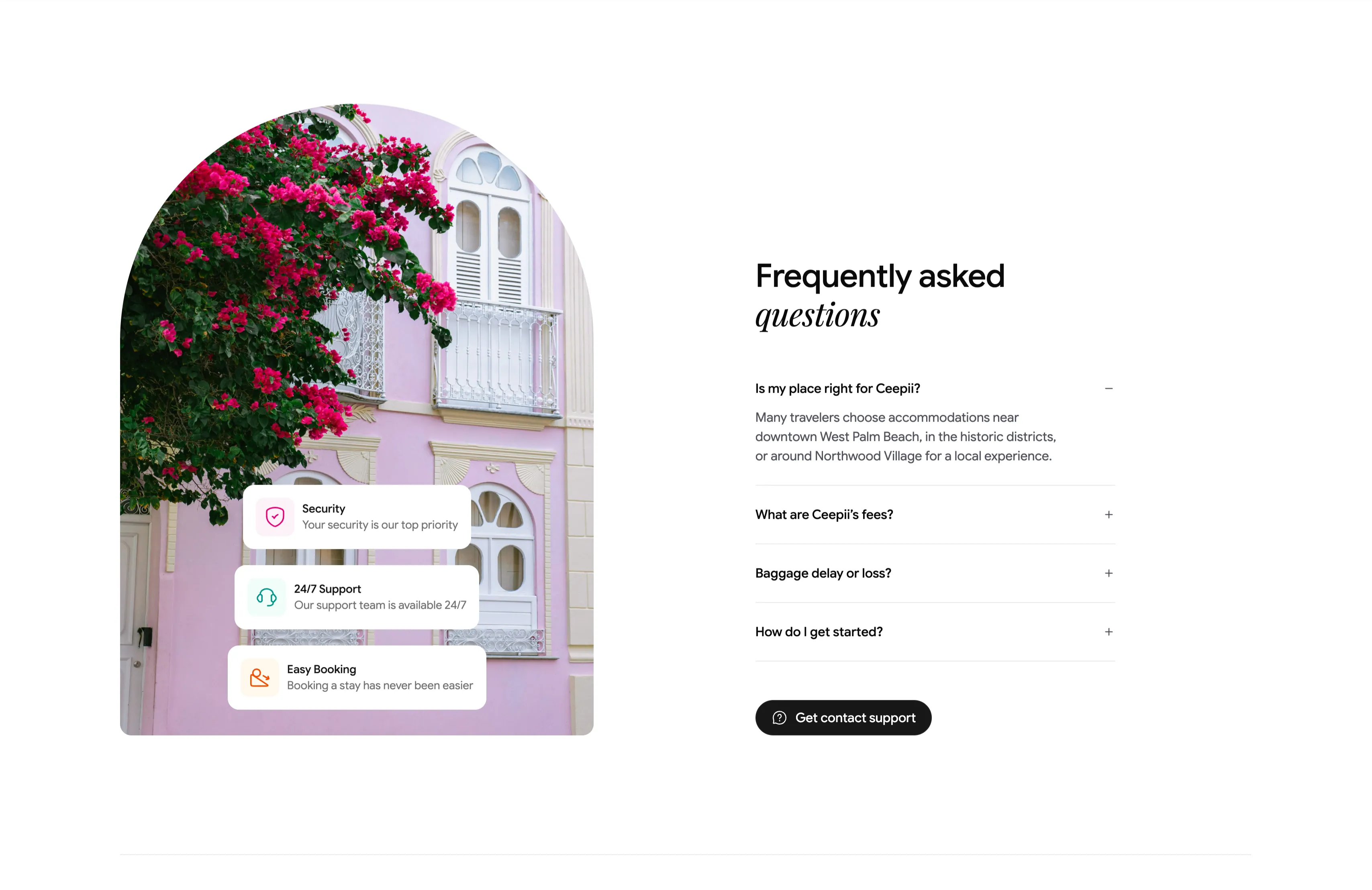
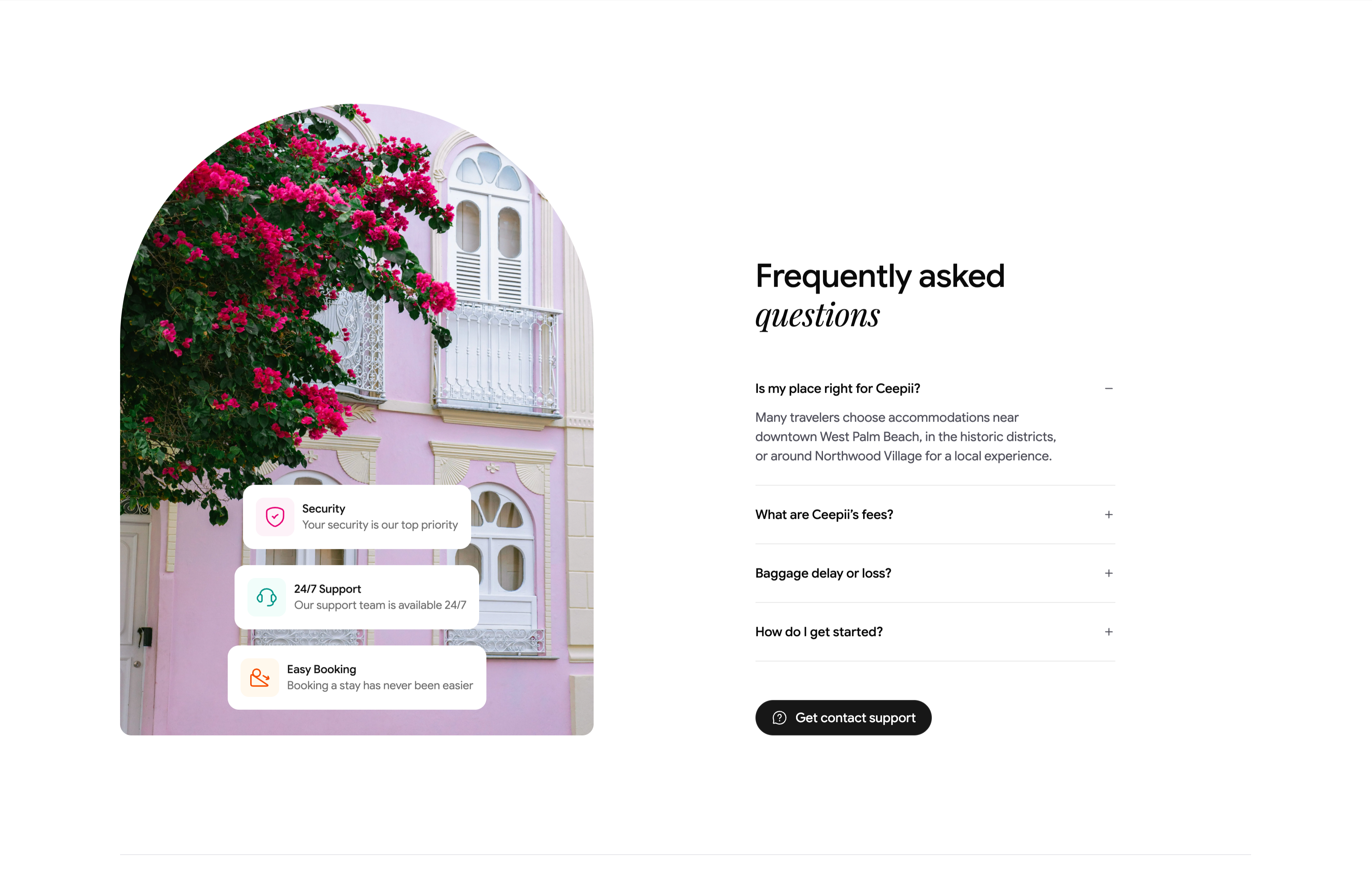
Frequently Asked Questions Accordion With Image
A two-column FAQ section. The left column is a tall arch-topped photograph of a pink colonial facade draped in magenta bougainvillea, with three floating white cards stacked over it — 'Security / Your security is our top priority', '24/7 Support / Our support team is available 24/7', and 'Easy Booking / Booking a stay has never been easier' — each fronted by a colored icon. The right column heads 'Frequently asked questions' (with 'questions' in italic serif) above an accordion list: 'Is my place right for Ceepii?' is expanded to reveal a paragraph about West Palm Beach neighborhoods, followed by collapsed rows 'What are Ceepii's fees?', 'Baggage delay or loss?' and 'How do I get started?', each with a +/− toggle. A black pill 'Get contact support' button closes the column. The expand/collapse toggles and supporting trust cards make a standard but polished FAQ.
Ceepii-nextjs-template ↗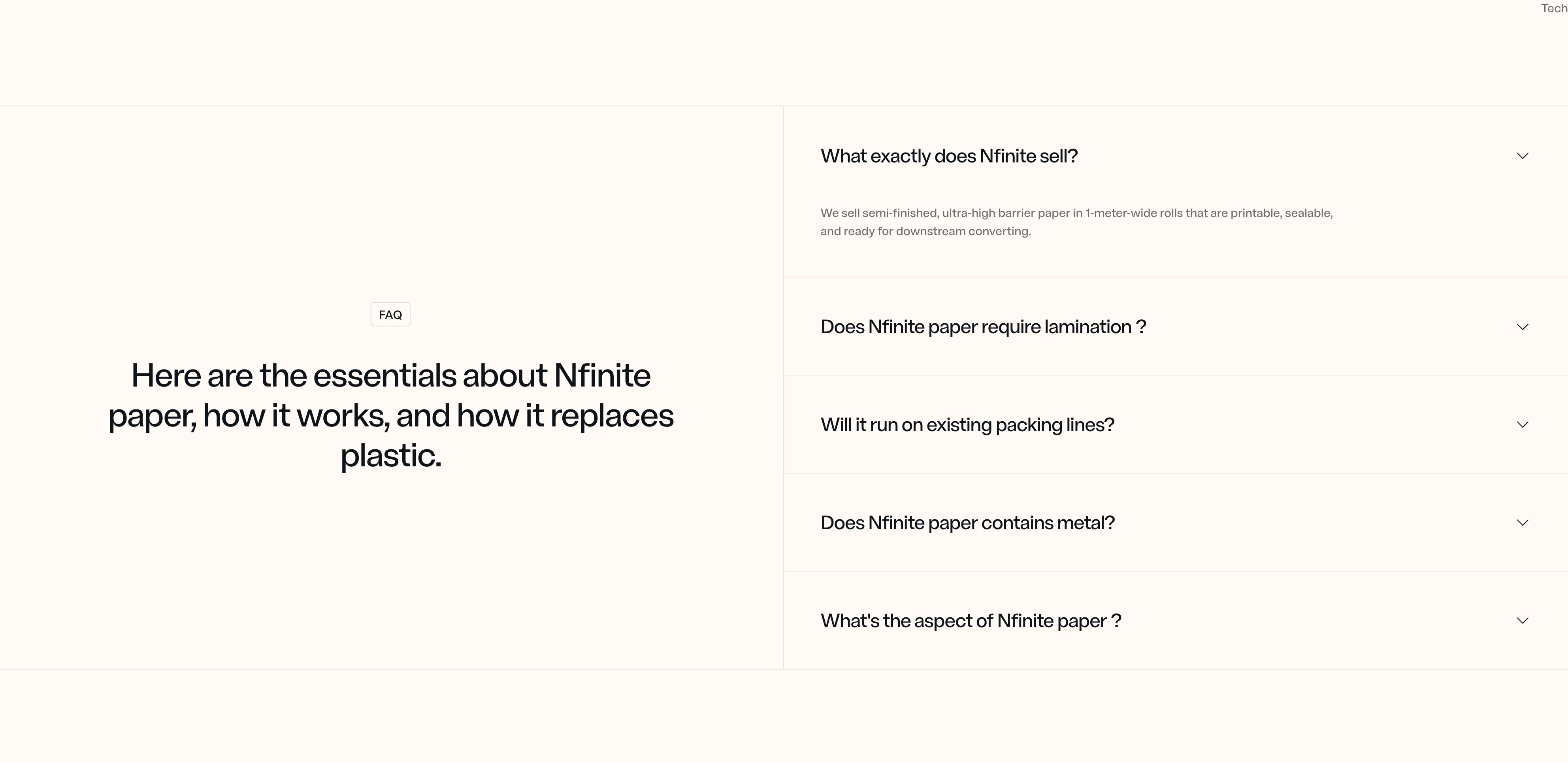
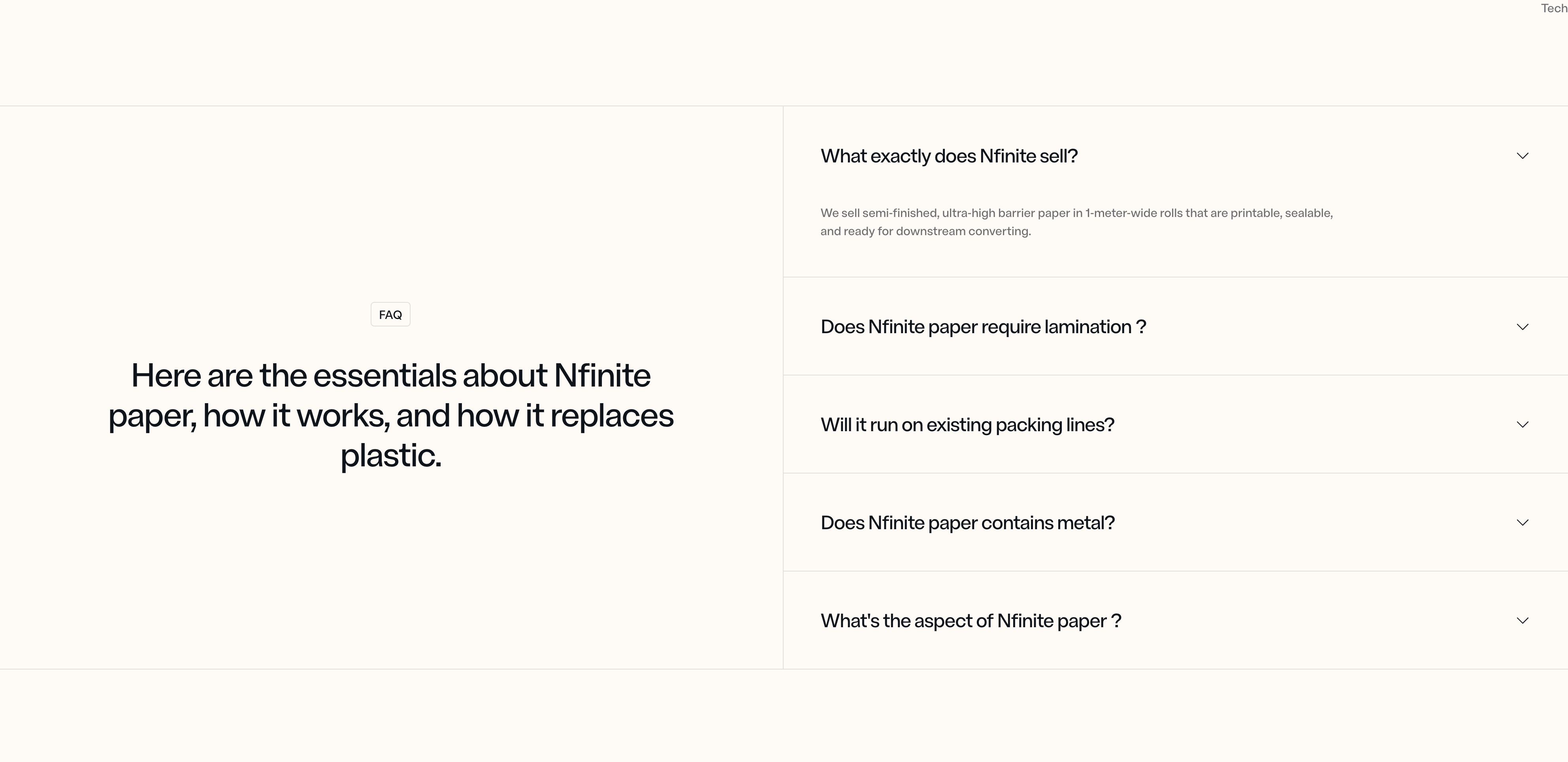
Nfinite FAQ Accordion, Split Layout
A two-column FAQ section pairing a badge label and large headline on the left with a stacked list of expandable accordion items on the right, each revealing its answer when opened. Best used to address common questions and reduce friction before a visitor converts.
Nfinitepaper ↗