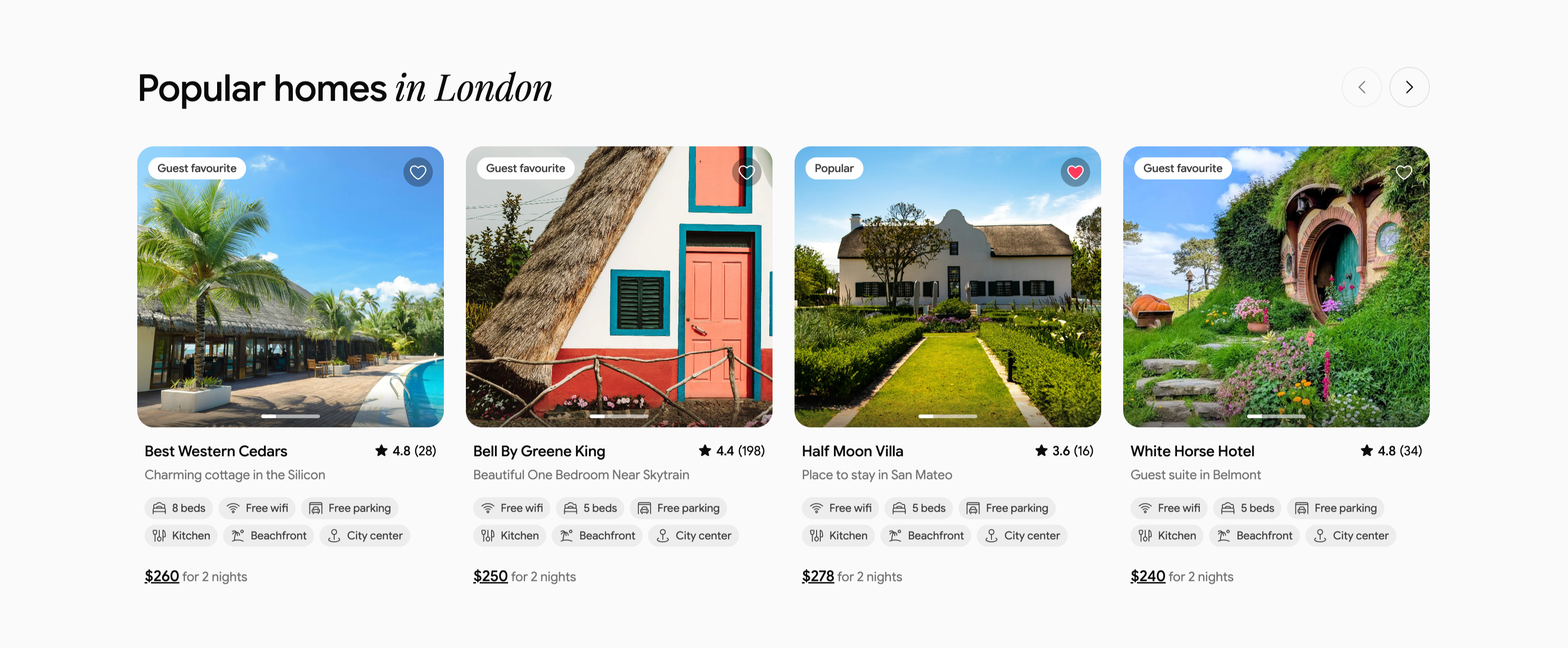
Popular Homes In London Listing Carousel
Description
A property carousel headed ‘Popular homes in London’, with ‘in London’ in italic serif and circular previous/next arrows at upper-right. Four rounded listing cards sit in a row, each a large property photo topped with a status pill (‘Guest favourite’ or ‘Popular’) and a heart icon, above a title, location subline and star rating. The listings are ‘Best Western Cedars’ ★4.8 (28) at $260, ‘Bell By Greene King’ ★4.4 (198) at $250, ‘Half Moon Villa’ ★3.6 (16) at $278, and ‘White Horse Hotel’ ★4.8 (34) at $240. Each card stacks two rows of amenity chips (Free wifi, beds, Free parking, Kitchen, Beachfront, City center) and an underlined price with ‘for 2 nights’. The consistent card anatomy and arrow controls make it a familiar marketplace listing carousel.
Related
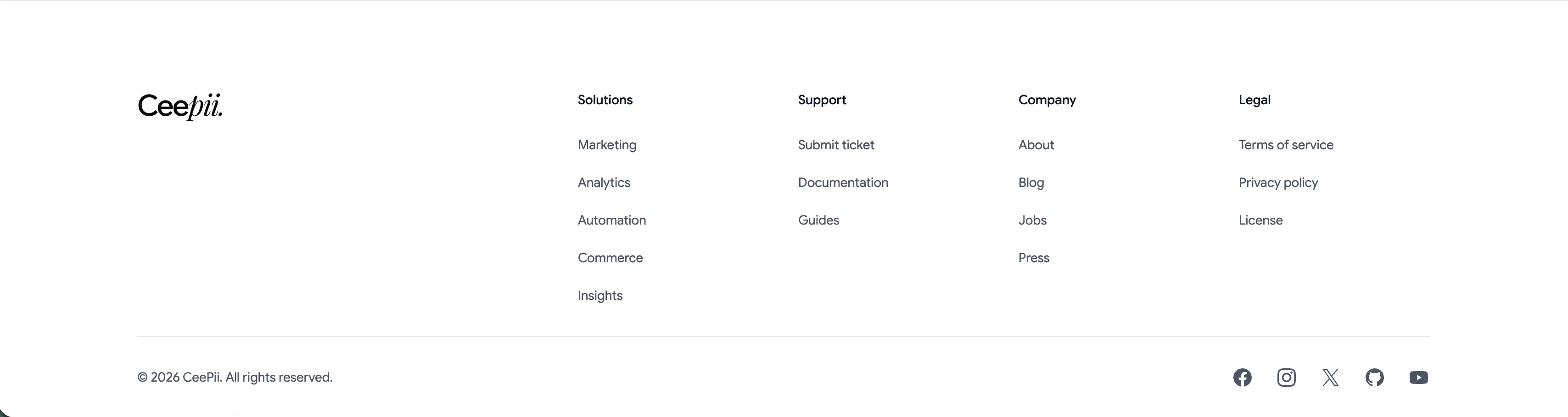
Ceepii Multi-Column Footer With Social Links
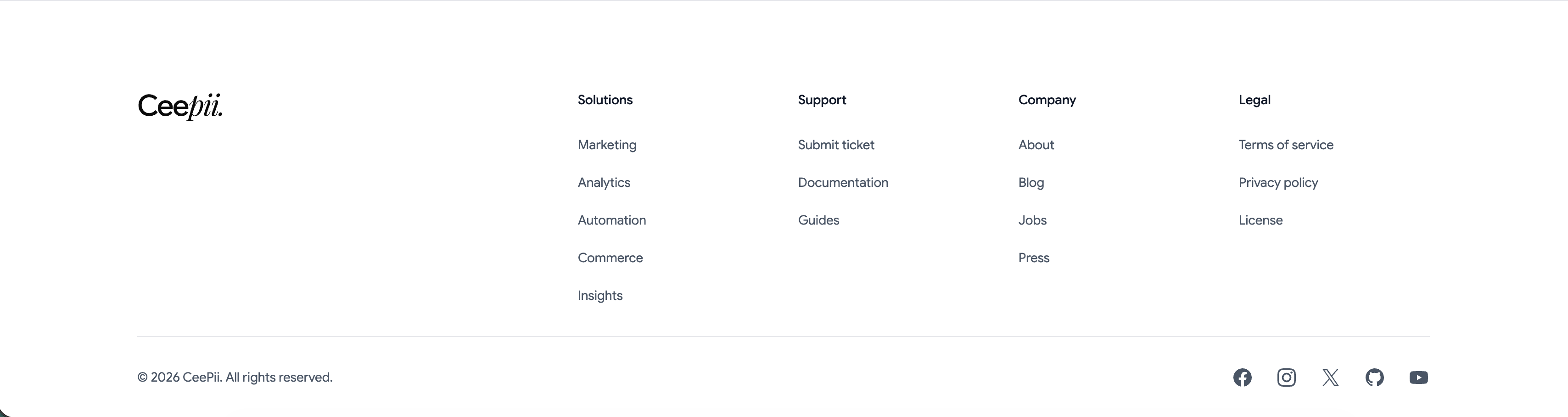
A clean white footer anchored by the 'Ceepii.' wordmark at far left. To its right sit four link columns under bold headings: 'Solutions' (Marketing, Analytics, Automation, Commerce, Insights), 'Support' (Submit ticket, Documentation, Guides), 'Company' (About, Blog, Jobs, Press) and 'Legal' (Terms of service, Privacy policy, License). A hairline divider runs across the full width, below which a copyright line, '© 2026 CeePii. All rights reserved.', sits at left and a row of monochrome social icons — Facebook, Instagram, X, GitHub and YouTube — sits at right. The restrained type, ample spacing and single divider give a simple, corporate-clean sitemap footer.
Ceepii-nextjs-template ↗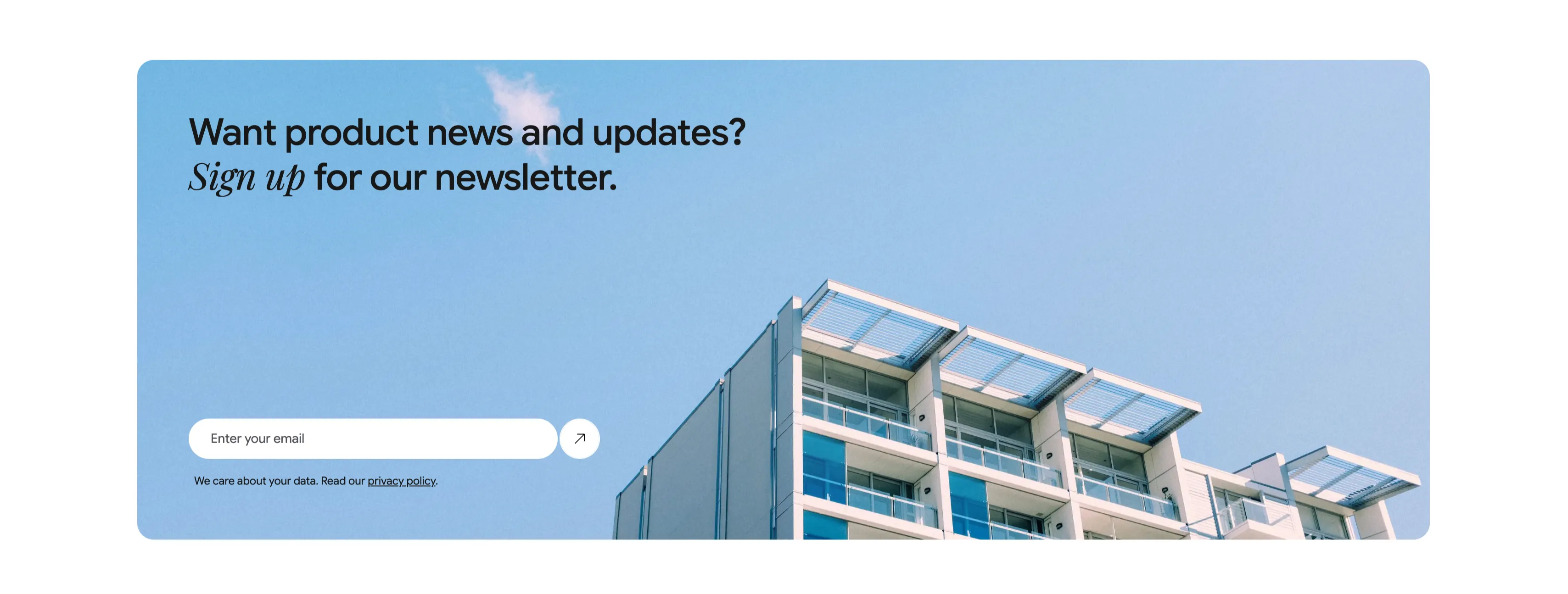
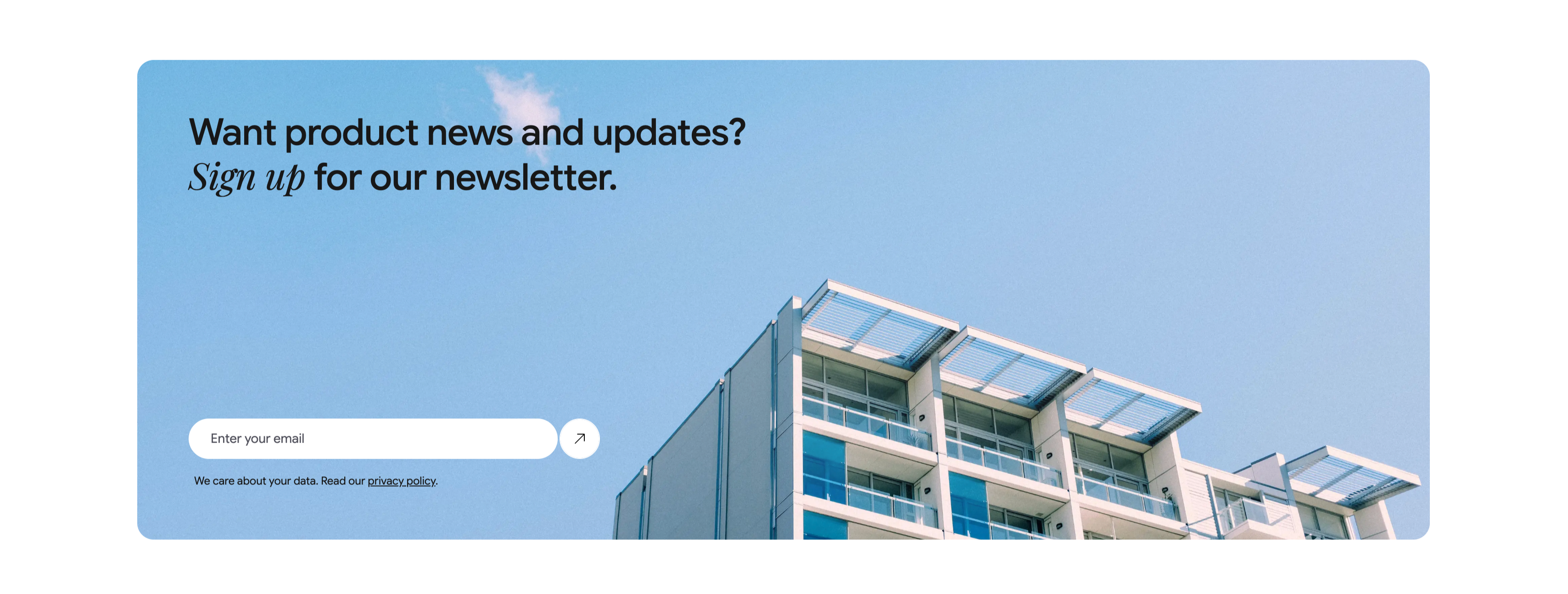
Newsletter Signup Banner With Email Field
A wide, rounded light-blue banner with a photograph of a modern apartment building against a clear sky filling its right side. The left side carries a two-line heading, 'Want product news and updates? Sign up for our newsletter.', with 'Sign up' set in italic serif. Beneath it is a single email capture: a white rounded input placeheld 'Enter your email' paired with a circular up-right arrow submit button. A small line of fine print below reads 'We care about your data. Read our privacy policy.', with 'privacy policy' underlined as a link. The soft blue field, generous rounding and single-field form make a friendly, low-friction newsletter call-to-action.
Ceepii-nextjs-template ↗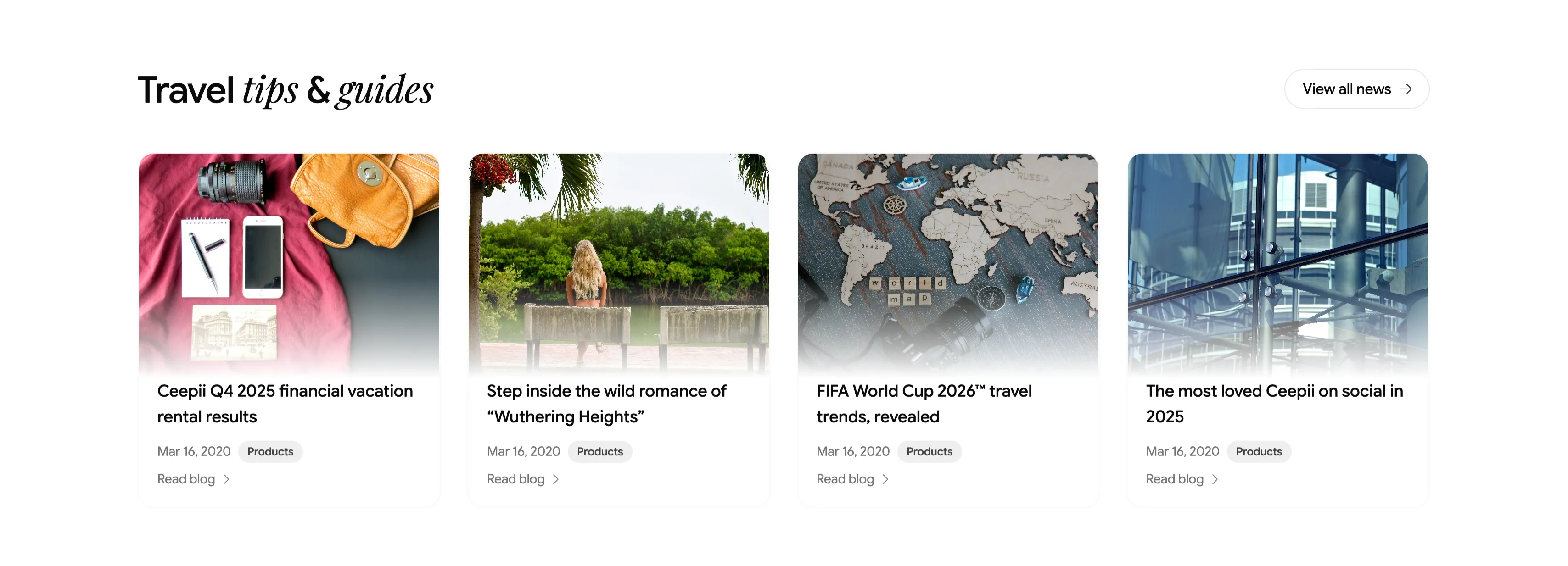
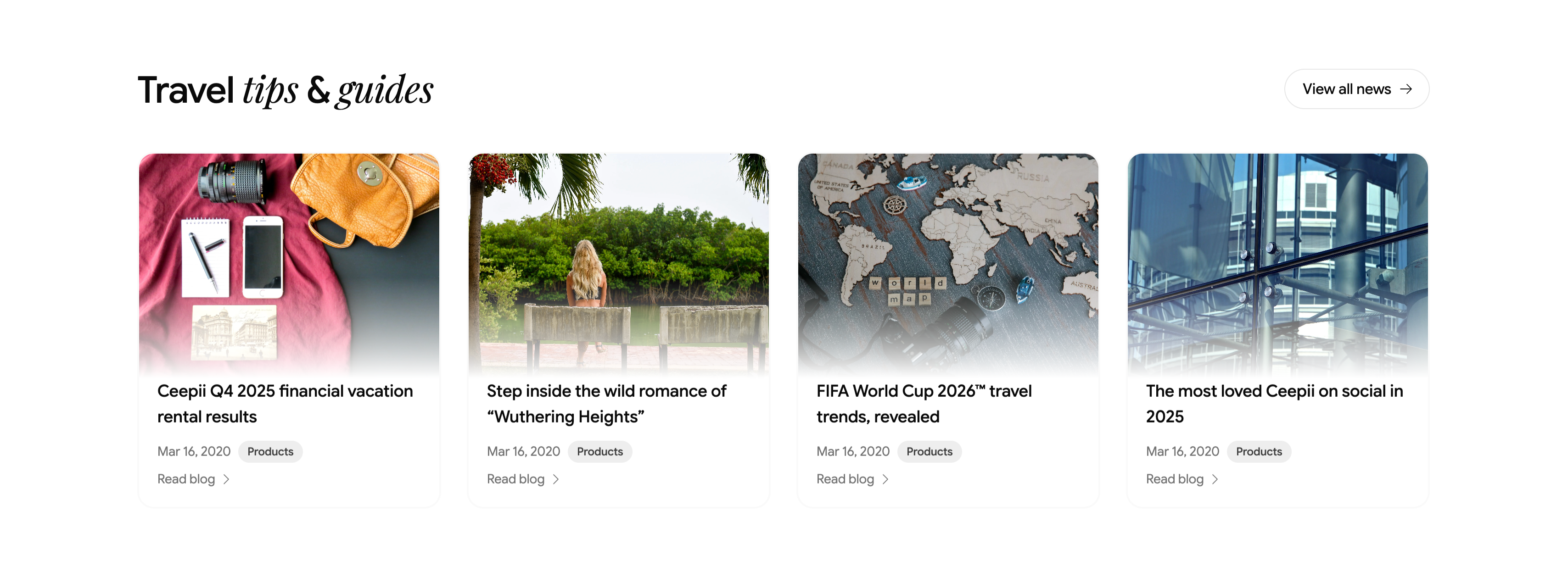
Travel Tips And Guides Blog Card Row
A blog teaser section headed 'Travel tips & guides', with 'tips & guides' in italic serif and a pill 'View all news →' button at upper-right. Below runs a four-up row of article cards, each a rounded cover image above a title, a 'Mar 16, 2020' date, a gray 'Products' category tag, and a 'Read blog →' link. The featured posts are 'Ceepii Q4 2025 financial vacation rental results', 'Step inside the wild romance of "Wuthering Heights"', 'FIFA World Cup 2026™ travel trends, revealed', and 'The most loved Ceepii on social in 2025', with editorial photography (a flat-lay travel kit, a lakeside figure, a wooden world map, and glass architecture). The clean image-over-text cards give a tidy, magazine-style content row.
Ceepii-nextjs-template ↗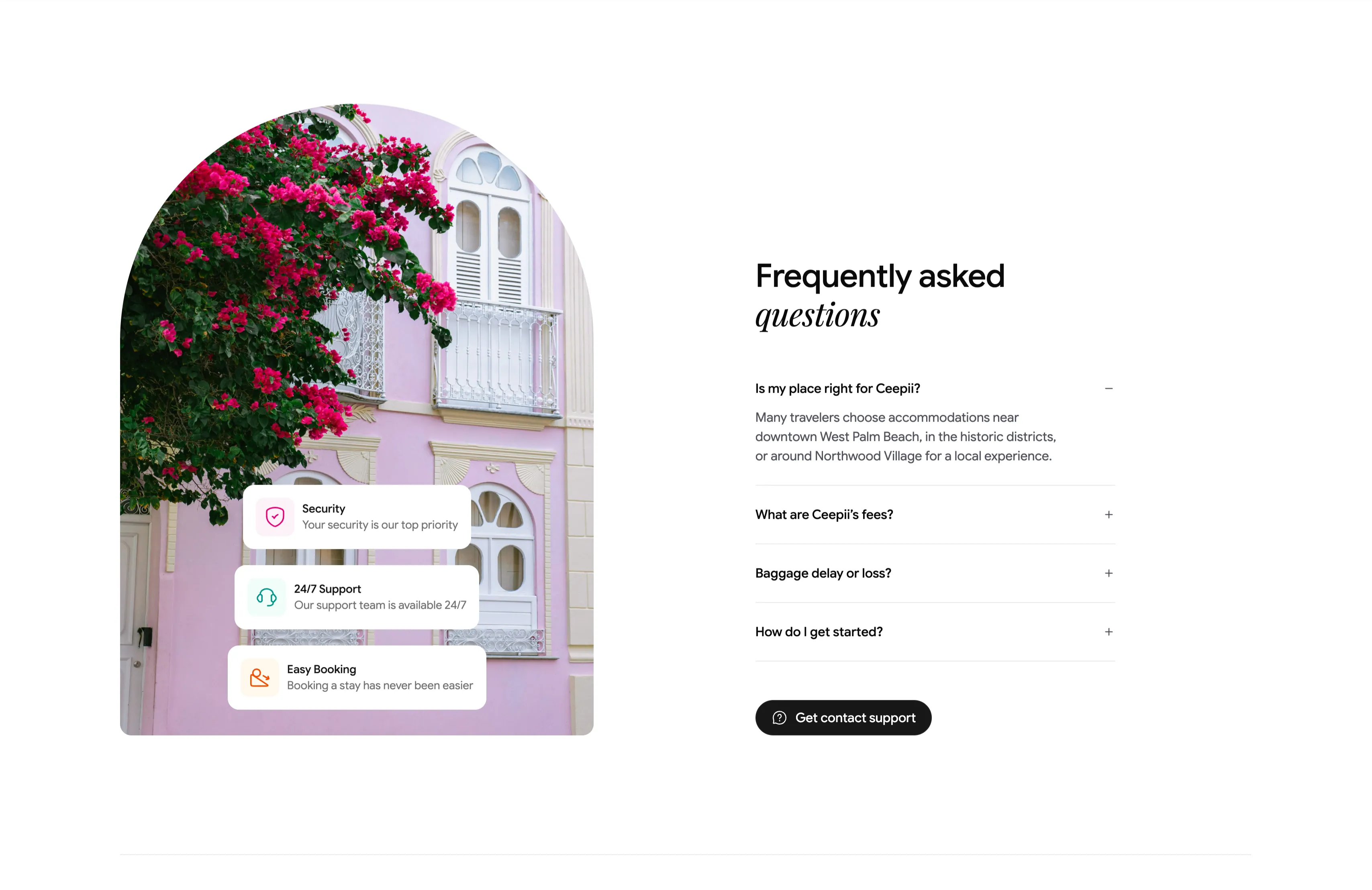
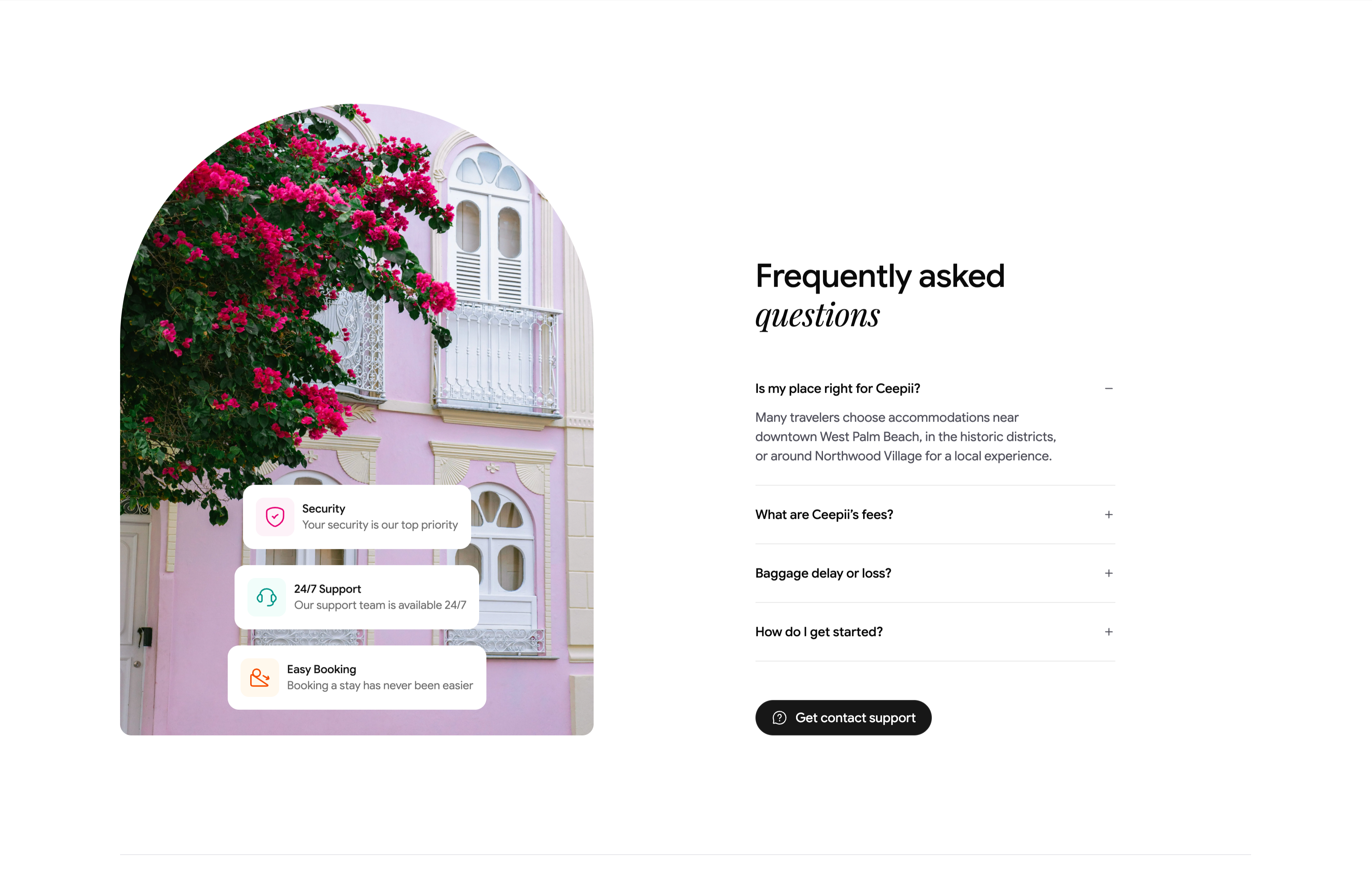
Frequently Asked Questions Accordion With Image
A two-column FAQ section. The left column is a tall arch-topped photograph of a pink colonial facade draped in magenta bougainvillea, with three floating white cards stacked over it — 'Security / Your security is our top priority', '24/7 Support / Our support team is available 24/7', and 'Easy Booking / Booking a stay has never been easier' — each fronted by a colored icon. The right column heads 'Frequently asked questions' (with 'questions' in italic serif) above an accordion list: 'Is my place right for Ceepii?' is expanded to reveal a paragraph about West Palm Beach neighborhoods, followed by collapsed rows 'What are Ceepii's fees?', 'Baggage delay or loss?' and 'How do I get started?', each with a +/− toggle. A black pill 'Get contact support' button closes the column. The expand/collapse toggles and supporting trust cards make a standard but polished FAQ.
Ceepii-nextjs-template ↗Similar carousel sections
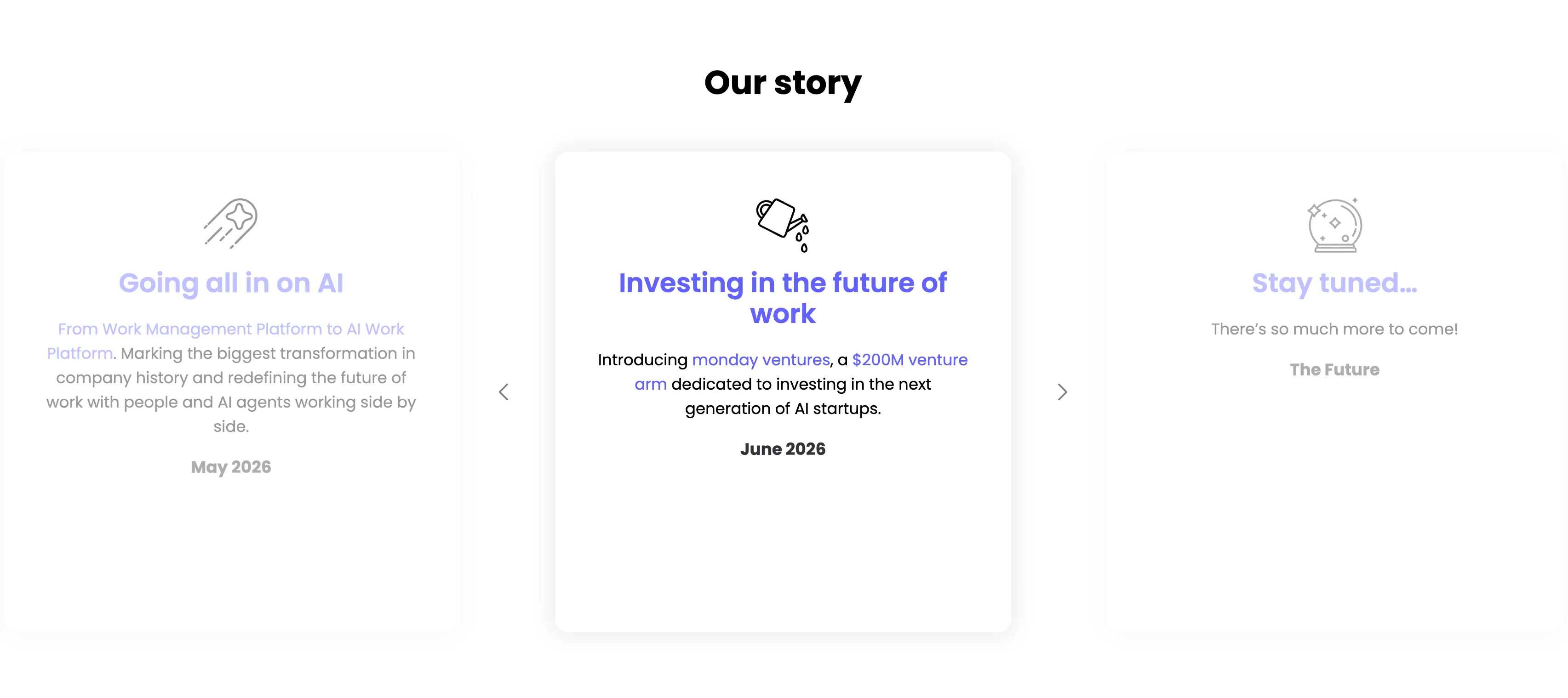
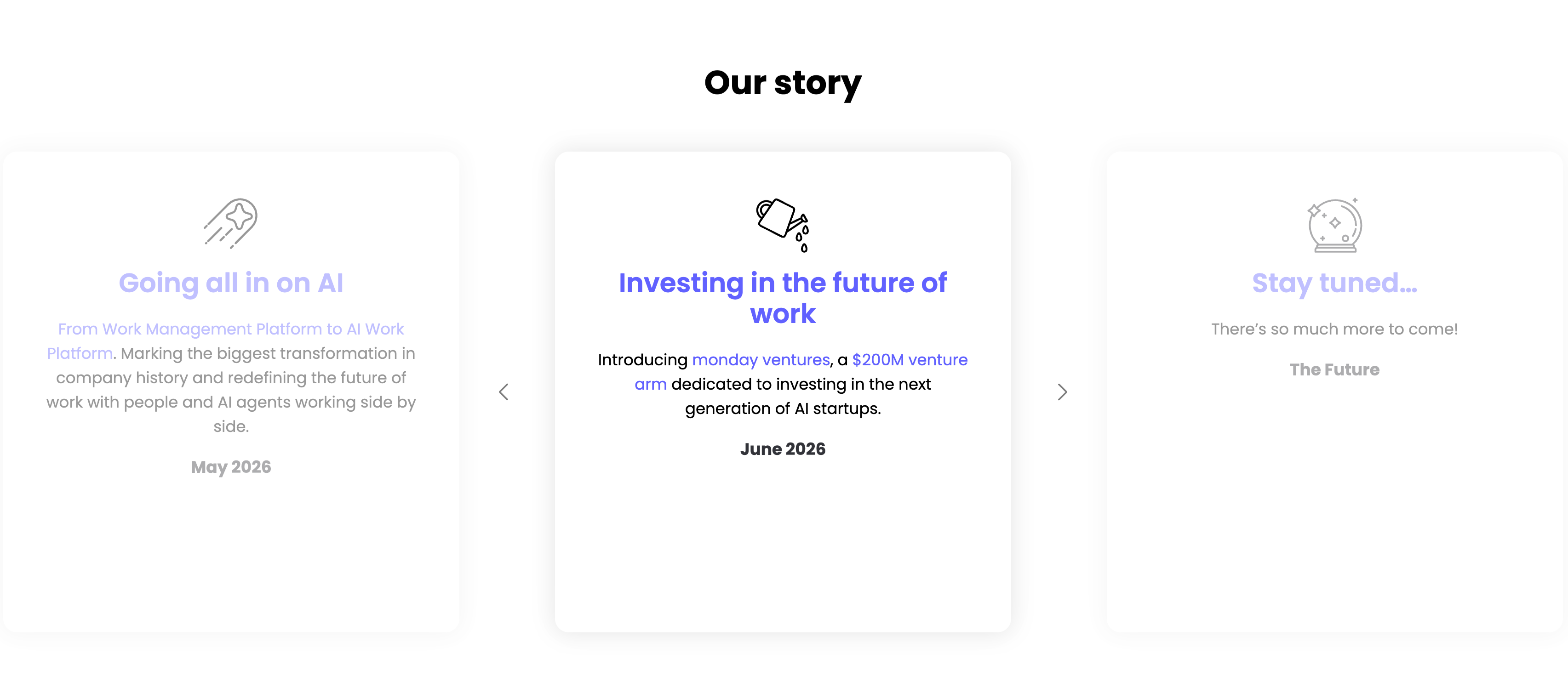
Our Story Timeline Carousel
A milestone carousel titled 'Our story', centered on a white background. Three tall rounded cards sit in a row with faded neighbours and left/right chevron arrows signalling more. The center, active card leads with a watering-can line icon and an indigo heading 'Investing in the future of work', body copy 'Introducing monday ventures, a $200M venture arm dedicated to investing in the next generation of AI startups.', and a bold 'June 2026' date. The dimmed left card reads 'Going all in on AI' ('From Work Management Platform to AI Work Platform…', May 2026) and the right card 'Stay tuned…' ('There's so much more to come!', The Future), each with its own line icon. The card-per-milestone format turns the roadmap into an easy horizontal browse.
Monday ↗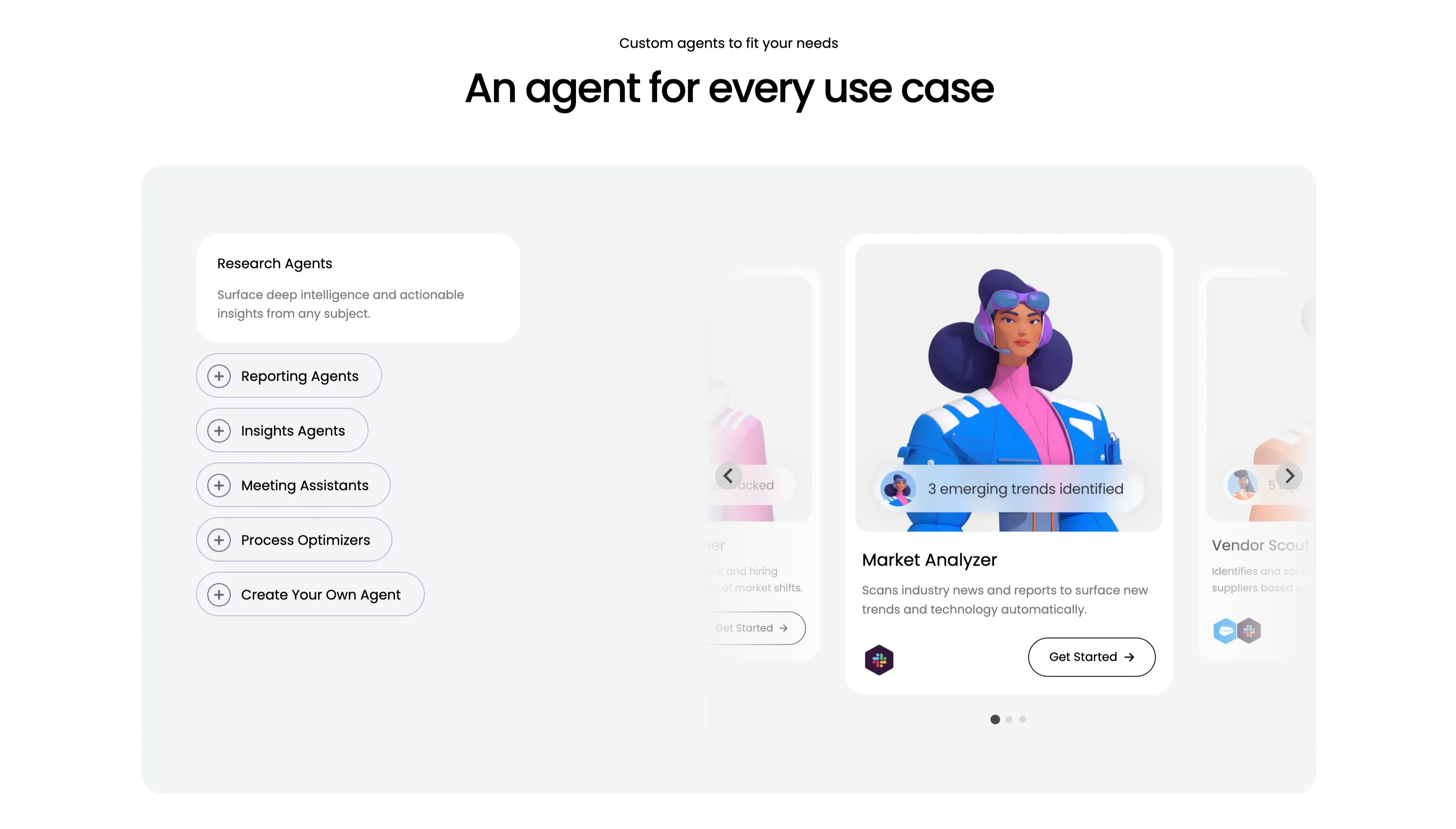
An Agent For Every Use Case Carousel
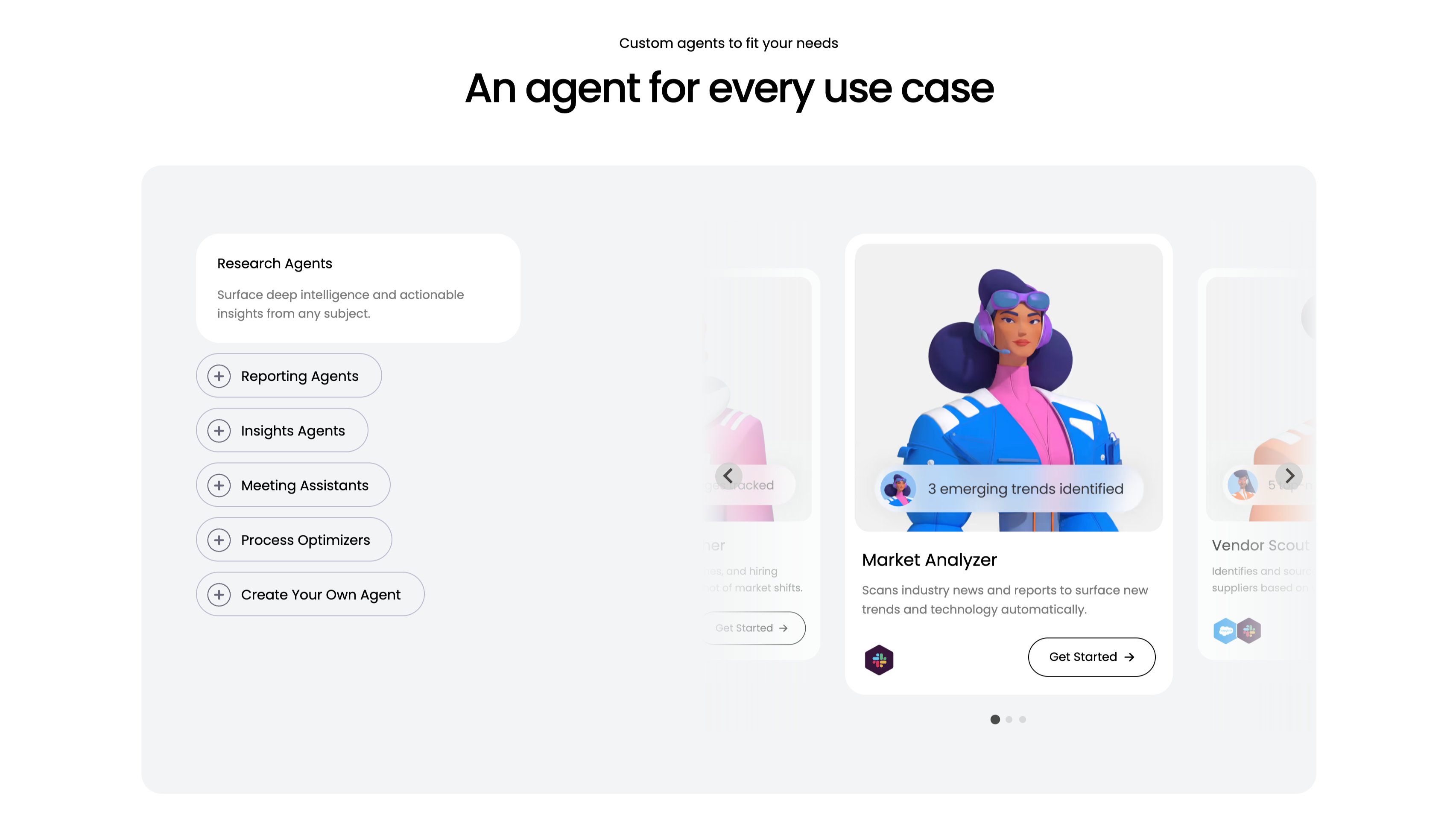
A use-case carousel introduced by a small 'Custom agents to fit your needs' eyebrow and the centered headline 'An agent for every use case.' Inside a large pale-gray panel, the left column is a vertical selector: a highlighted white 'Research Agents' card ('Surface deep intelligence and actionable insights from any subject.') above outlined pill buttons with plus icons — Reporting Agents, Insights Agents, Meeting Assistants, Process Optimizers and 'Create Your Own Agent.' The right column is a scrollable card deck centered on a 'Market Analyzer' card with a stylised 3D character, a '3 emerging trends identified' chip, the line 'Scans industry news and reports to surface new trends and technology automatically', an integration icon and a 'Get Started' button, flanked by faded neighbouring cards including 'Vendor Scout.' Circular arrows and three pagination dots confirm it scrolls. The category list plus previewed agent cards make the breadth easy to browse.
Monday ↗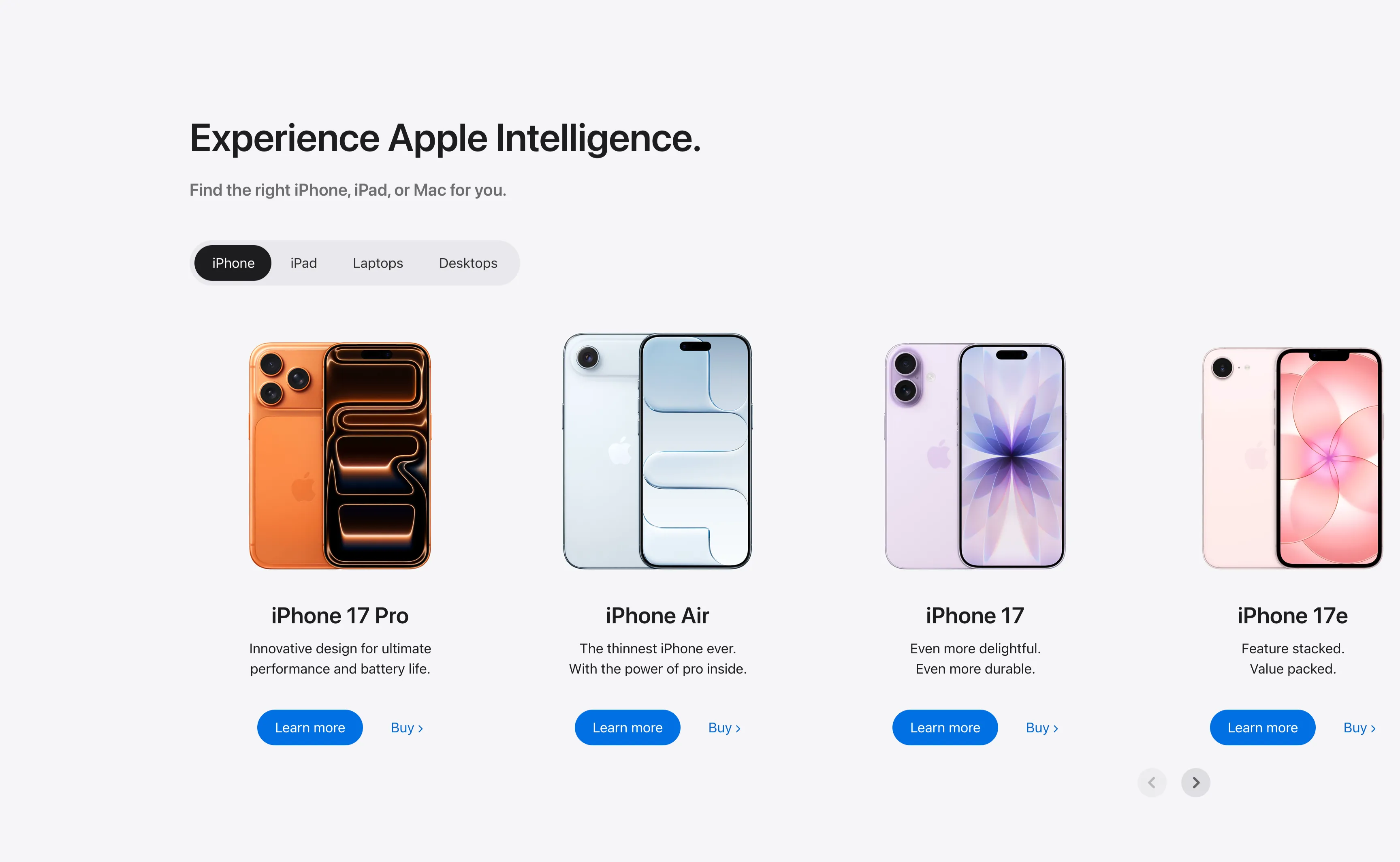
Experience Apple Intelligence Product Carousel
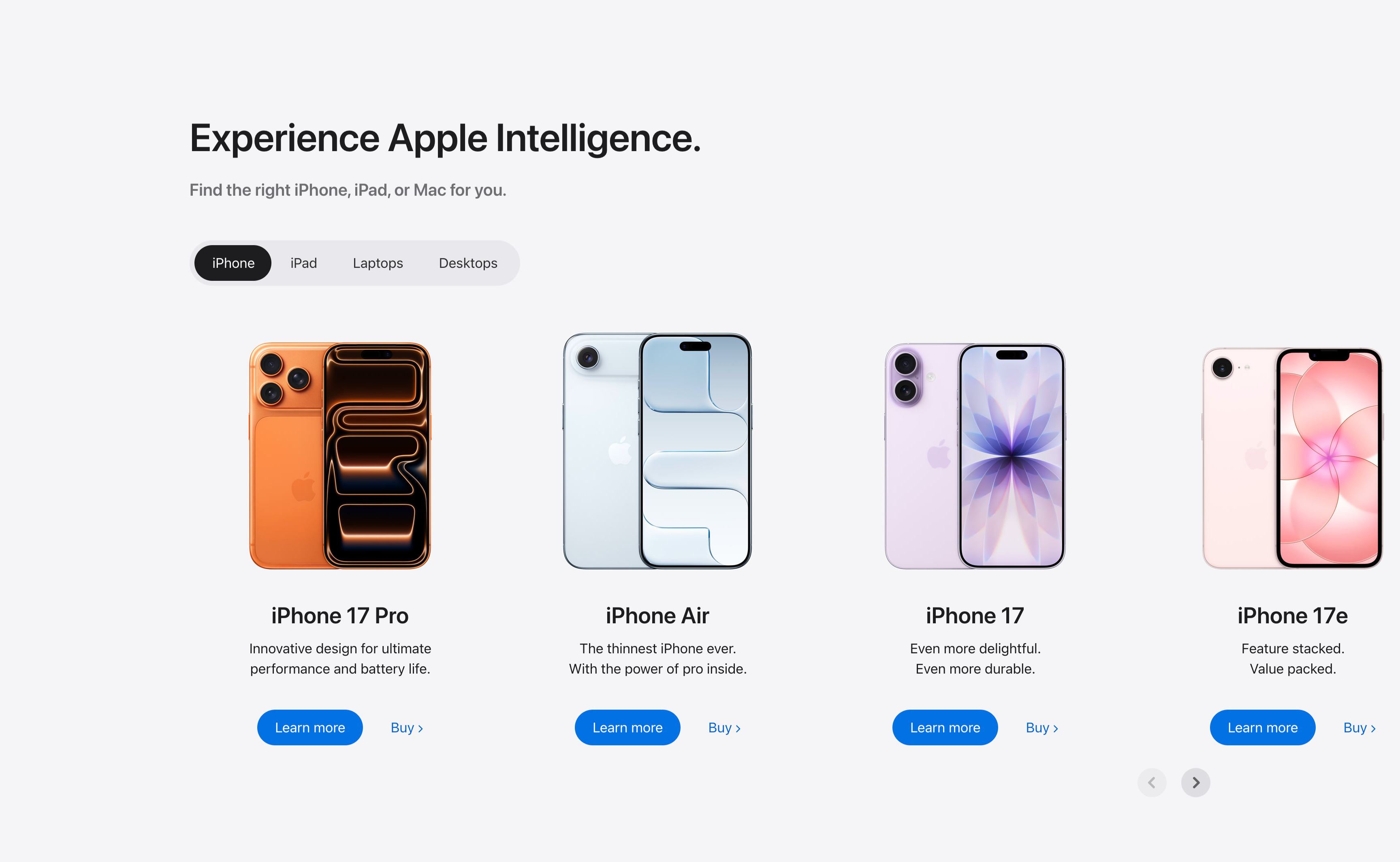
A product-finder carousel headed 'Experience Apple Intelligence.' with the subhead 'Find the right iPhone, iPad, or Mac for you.' A pill-shaped tab switcher offers iPhone (selected, dark), iPad, Laptops and Desktops. Below it four product cards sit in a scrollable row, each showing a device render, a bold model name, a two-line tagline, a solid blue 'Learn more' button and a 'Buy' text link: iPhone 17 Pro (orange), iPhone Air (light blue), iPhone 17 (purple) and iPhone 17e (pink). Circular previous/next arrows in the lower right reveal further models. The tabbed filter plus dual learn/buy calls-to-action make it a conversion-focused product showcase.
Apple ↗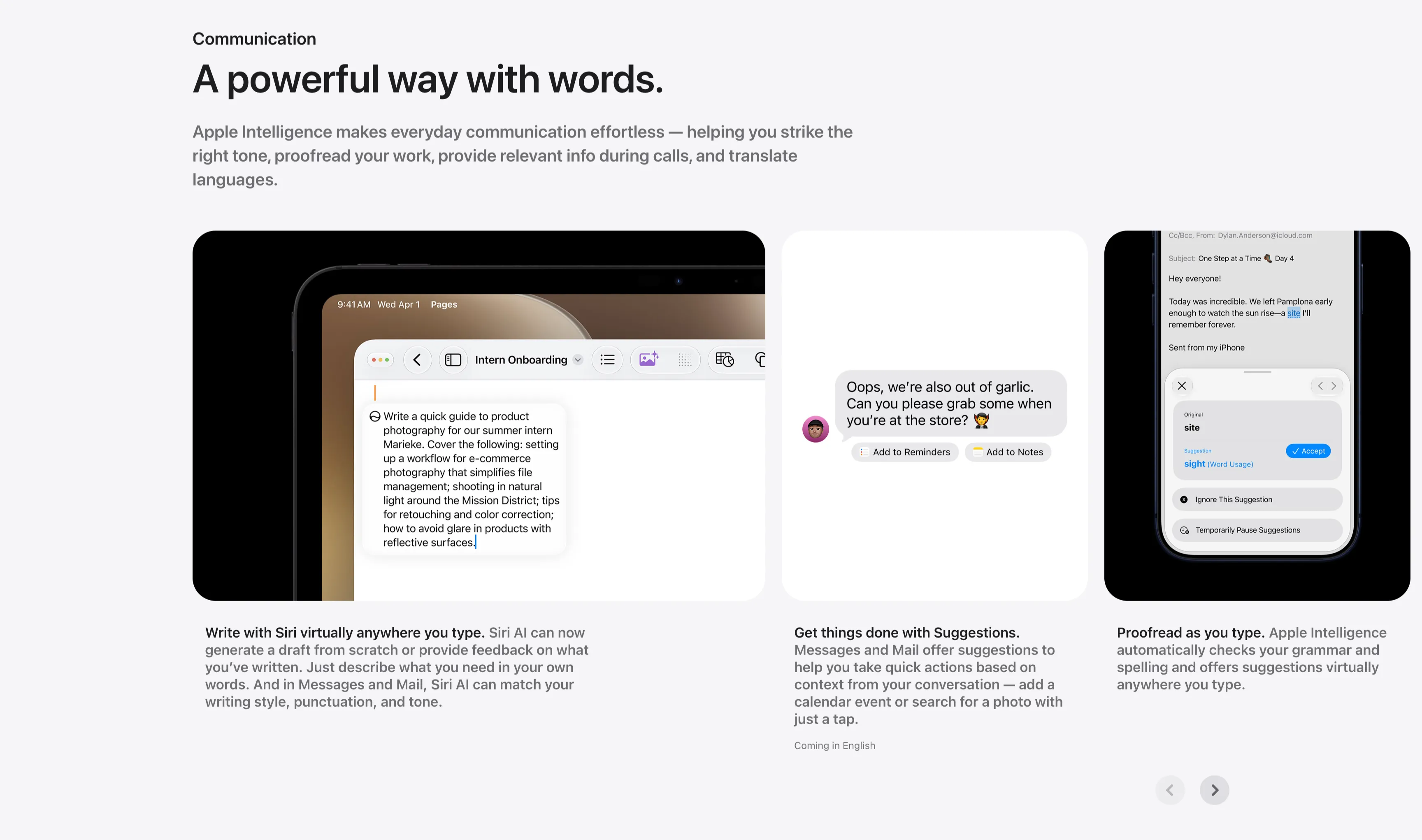
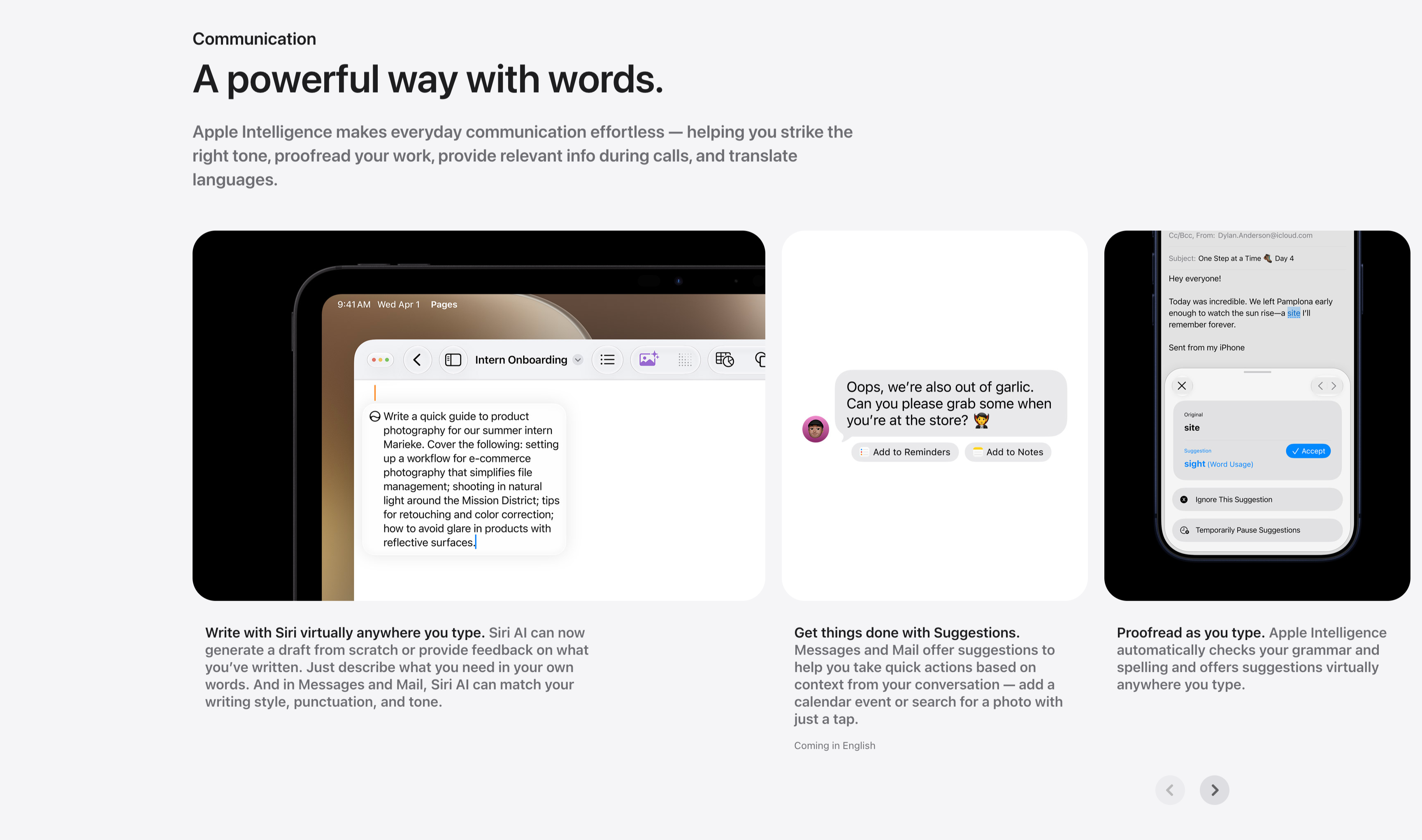
Communication Three-Up Feature Carousel
A communication feature row under a small 'Communication' label and the headline 'A powerful way with words.', with a gray paragraph about striking the right tone, proofreading and translating. Three cards sit side by side, each a screenshot with a bold-lead caption beneath: an iPad in Pages drafting a product-photography guide ('Write with Siri virtually anywhere you type.'), a Messages thread offering 'Add to Reminders' and 'Add to Notes' suggestion chips ('Get things done with Suggestions.'), and a Mail proofreading panel suggesting 'site' → 'sight' with an Accept button ('Proofread as you type.'). Circular previous/next arrows in the lower right indicate more cards. The consistent three-up screenshot layout keeps the writing-tool capabilities clear and comparable.
Apple ↗