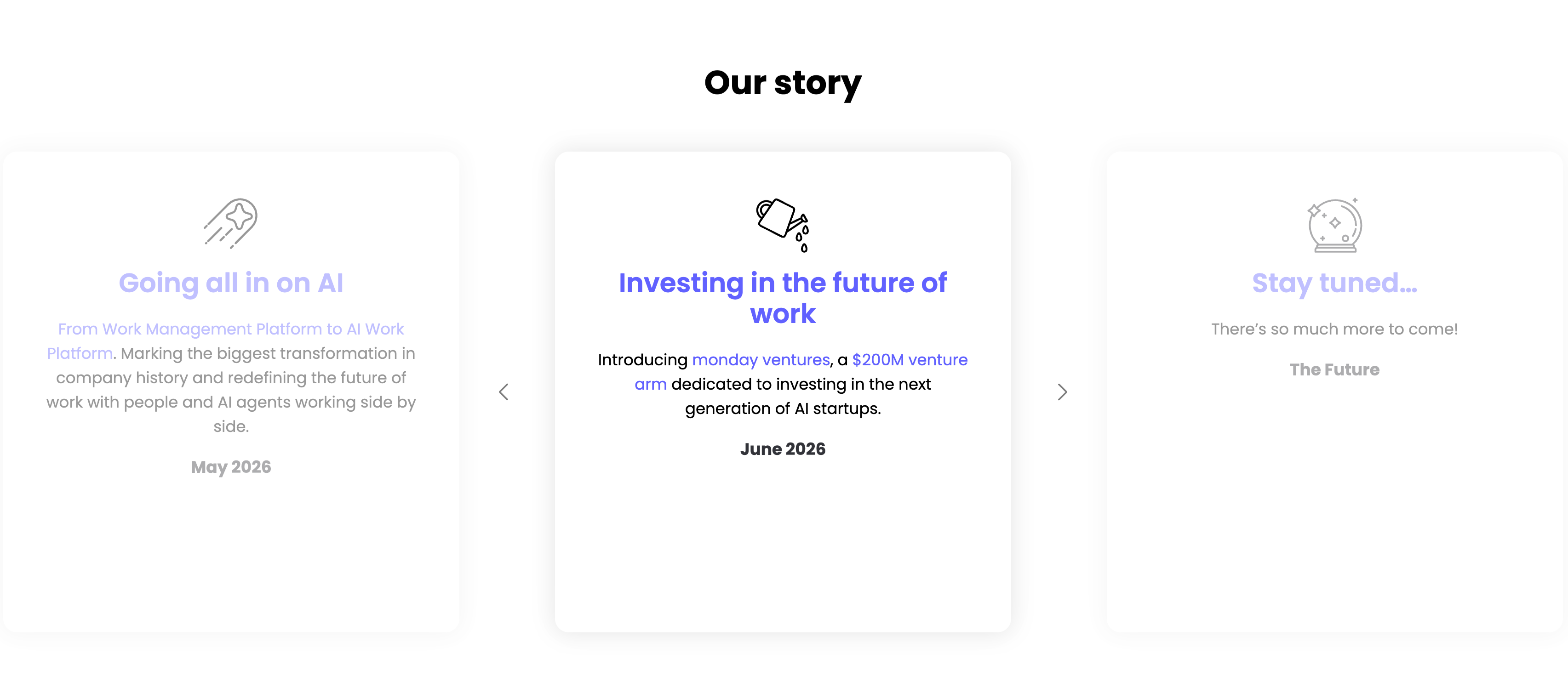
Our Story Timeline Carousel
Description
A milestone carousel titled ‘Our story’, centered on a white background. Three tall rounded cards sit in a row with faded neighbours and left/right chevron arrows signalling more. The center, active card leads with a watering-can line icon and an indigo heading ‘Investing in the future of work’, body copy ‘Introducing monday ventures, a $200M venture arm dedicated to investing in the next generation of AI startups.’, and a bold ‘June 2026’ date. The dimmed left card reads ‘Going all in on AI’ (‘From Work Management Platform to AI Work Platform…’, May 2026) and the right card ‘Stay tuned…’ (‘There’s so much more to come!’, The Future), each with its own line icon. The card-per-milestone format turns the roadmap into an easy horizontal browse.
Related


Empowering Teams Final Signup CTA
A closing sign-up call-to-action split between an indigo panel on the left and a large photo on the right. The left side stacks a two-line headline — a lighter 'Empowering teams to' over a bold 'accomplish more, together' in white — followed by the qualifier '14-day free trial | No credit card needed' and a white 'Get Started' pill button with an arrow. The right side is a circular-masked photograph of a diverse group of eight colleagues seated on tiered wooden steps, several holding laptops (one displaying a monday board), smiling toward the camera. The bold value headline, risk-reducing trial note and friendly team photo combine into a warm, low-friction final conversion prompt.
Monday ↗

Let's Get Social Video Thumbnail Grid
A social section headed by a centered bold 'Let's get social' with a row of six round black social icons (LinkedIn, Facebook, Twitter, YouTube, Instagram and Dribbble) beneath it. Below sits a single row of five square video thumbnails, each with a white play-triangle overlay: an 'Elevate26 — NYC, Oct 27–29 / Pre-register now' event graphic with 3D characters, a news-desk clip captioned 'monday.com is now open for agents!', a dark 'Join monday.com Community Week!' promo, a bright blue 'workcanvas — Open your first canvas' card, and a talking-head clip asking 'Are small businesses winning the AI race?'. The icon row plus playable video tiles invites the visitor to follow and watch, and the uniform square grid reads as a lightweight social feed.
Monday ↗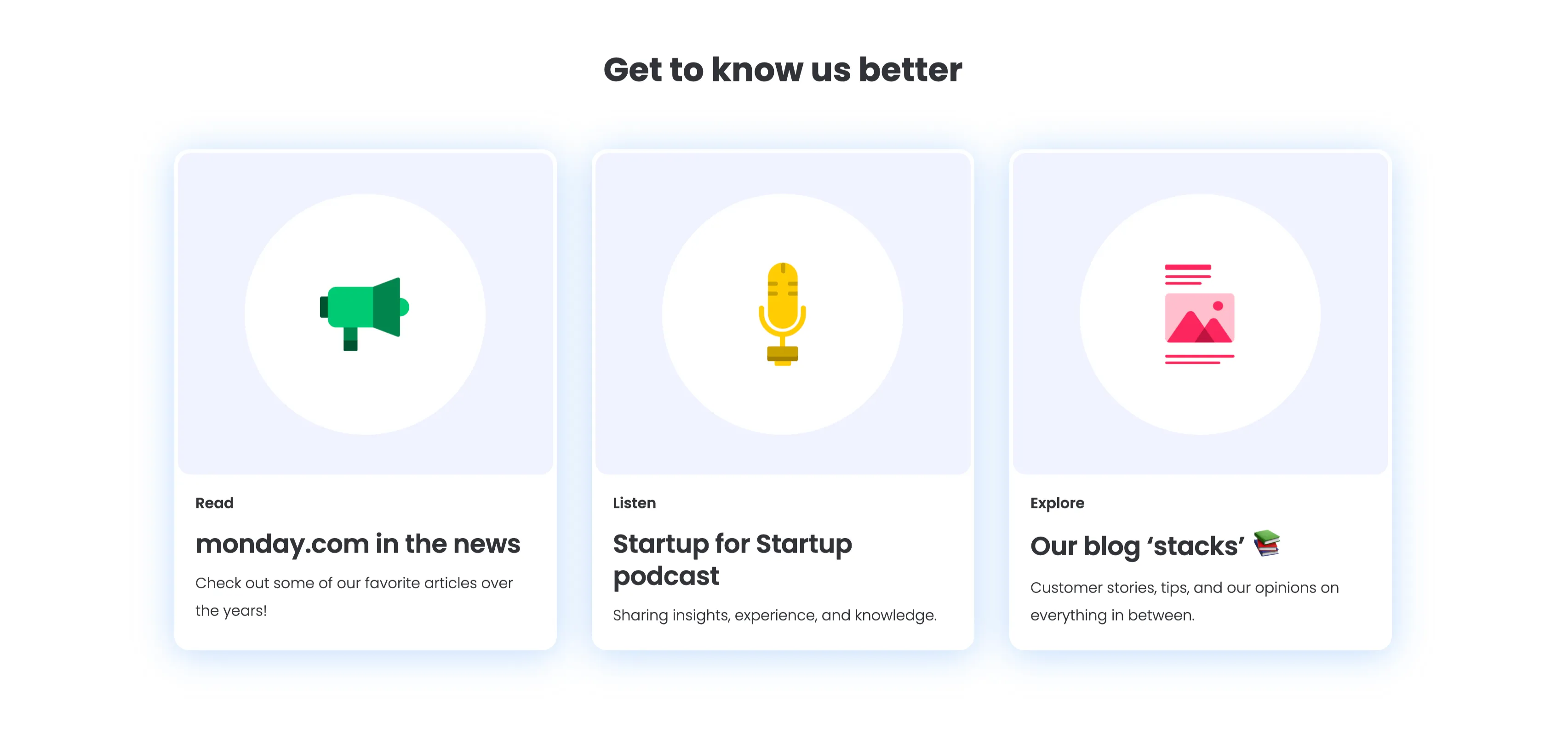
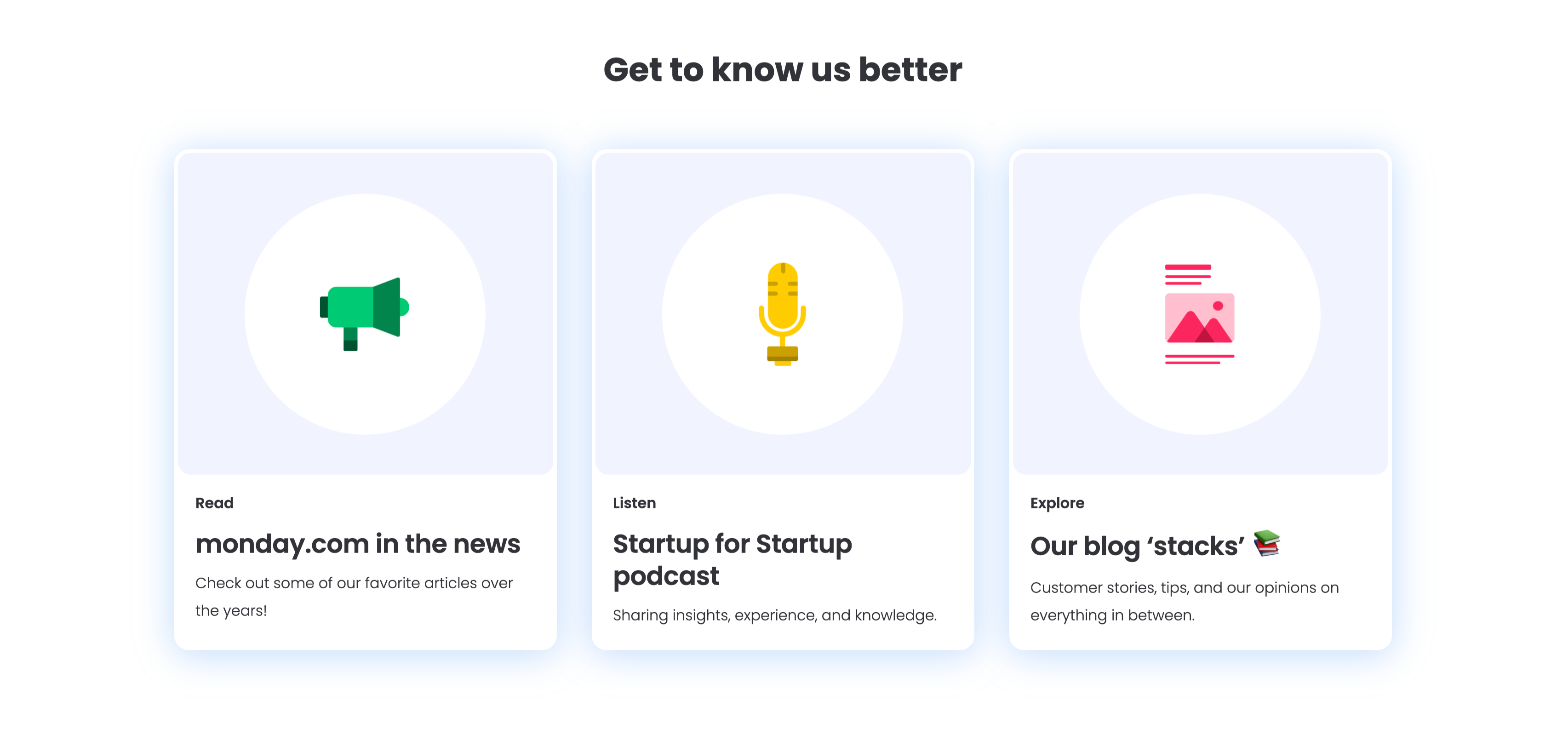
Get To Know Us Better Resource Cards
A three-up resource section under a centered bold 'Get to know us better' heading, with a soft blue glow behind the cards. Each of the three white rounded cards pairs a large circular flat icon with a small category label, a bold title and one line of copy: a green megaphone for 'Read — monday.com in the news' ('Check out some of our favorite articles over the years!'), a yellow microphone for 'Listen — Startup for Startup podcast' ('Sharing insights, experience, and knowledge.'), and a pink image icon for 'Explore — Our blog stacks' ('Customer stories, tips, and our opinions on everything in between.'). The colourful icons and consistent Read/Listen/Explore labelling make the content channels instantly distinguishable.
Monday ↗

Together We Can Impact Careers CTA Band
A careers call-to-action set in a wide dark-indigo rounded band. On the left, a two-line headline mixes weights — a bold 'Together we can impact' leading into a lighter 'how teams work across the globe' — in white type. Directly beneath sits a white pill button labelled 'Join our team!' with a right arrow. The right side of the band is pure decoration: overlapping brighter-indigo circular and arc shapes with a small glowing dot, adding depth without imagery or copy. The deep background, single bold headline and lone button make the recruiting ask focused and unmissable.
Monday ↗Similar carousel sections
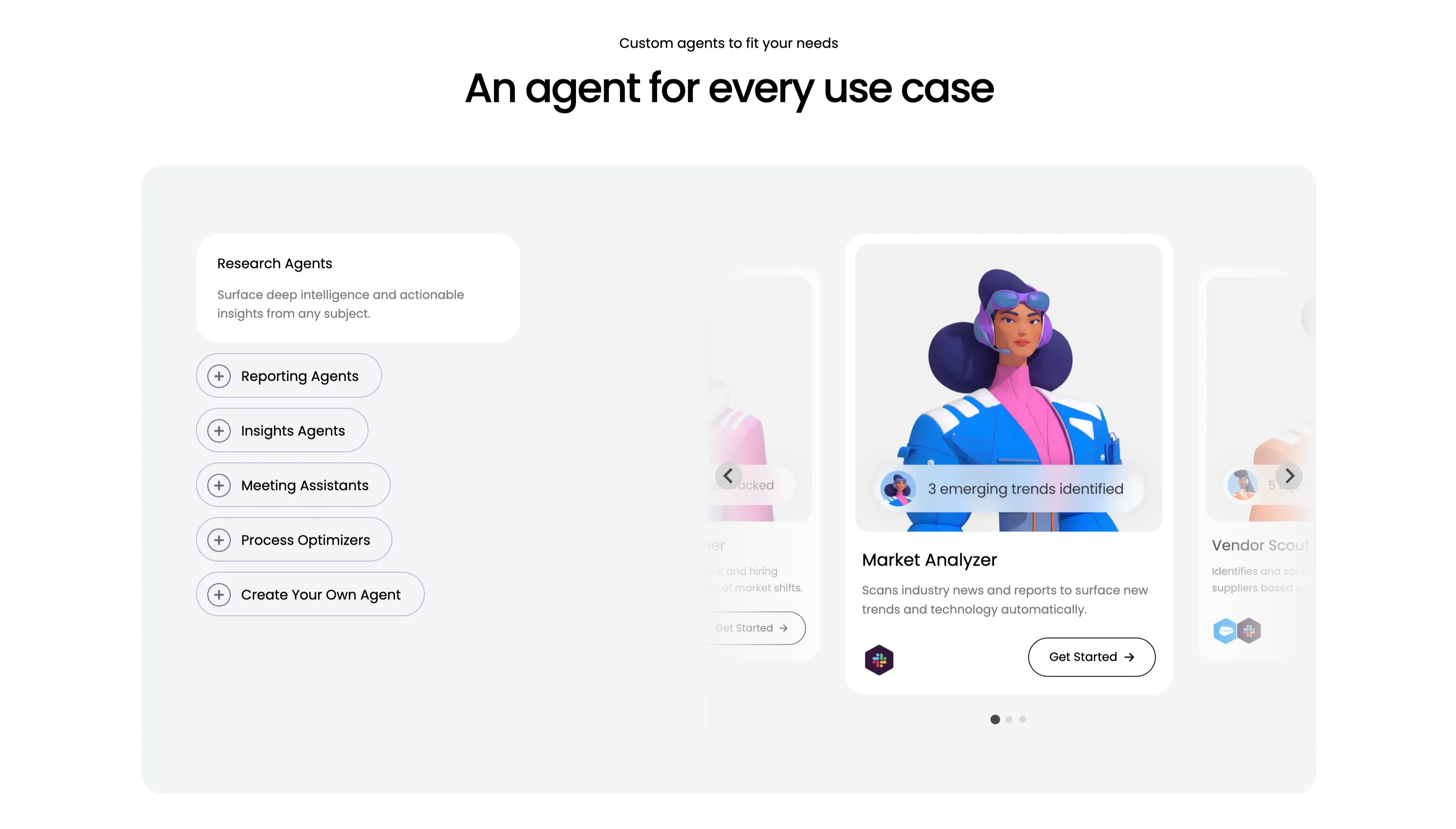
An Agent For Every Use Case Carousel
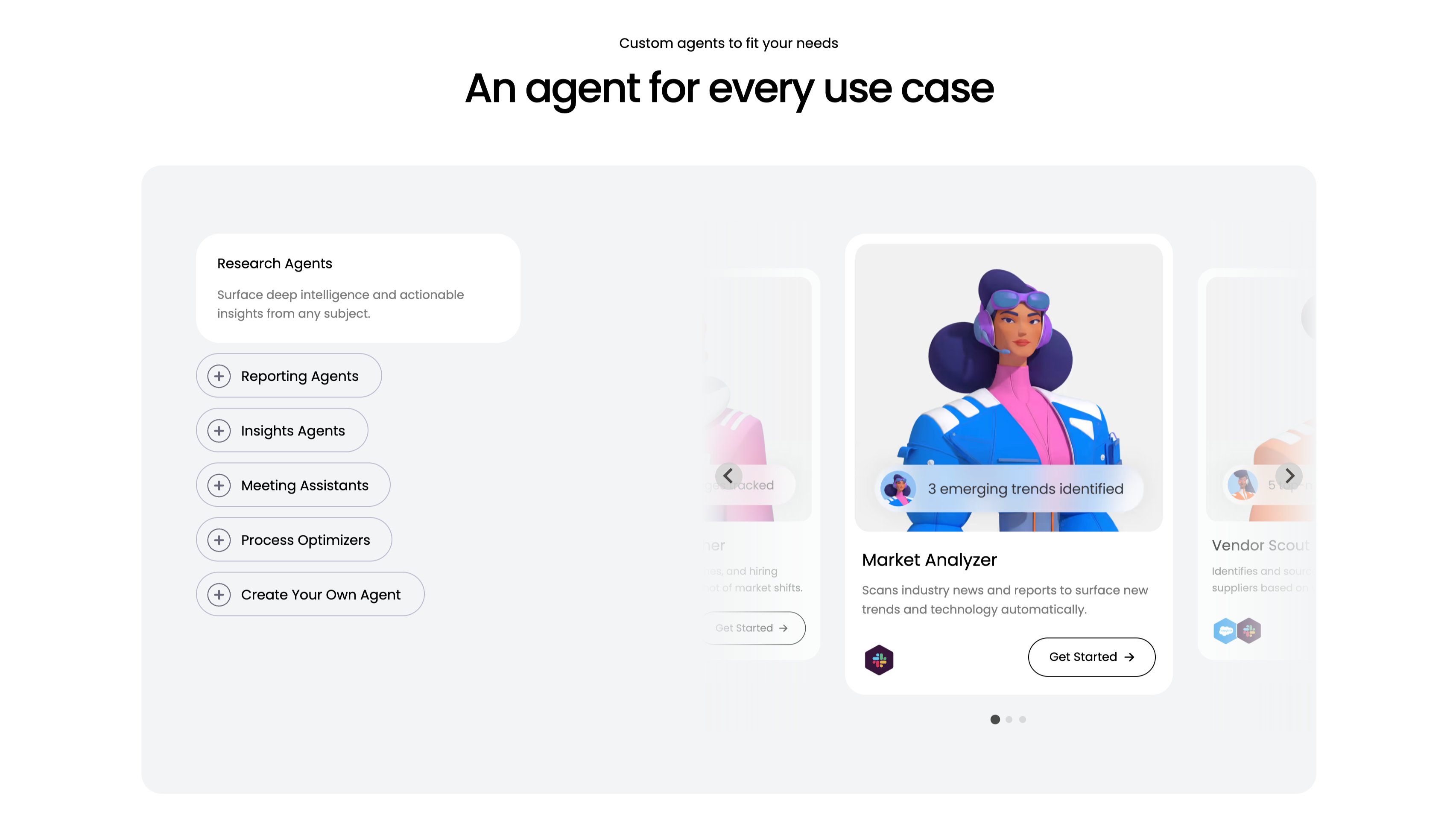
A use-case carousel introduced by a small 'Custom agents to fit your needs' eyebrow and the centered headline 'An agent for every use case.' Inside a large pale-gray panel, the left column is a vertical selector: a highlighted white 'Research Agents' card ('Surface deep intelligence and actionable insights from any subject.') above outlined pill buttons with plus icons — Reporting Agents, Insights Agents, Meeting Assistants, Process Optimizers and 'Create Your Own Agent.' The right column is a scrollable card deck centered on a 'Market Analyzer' card with a stylised 3D character, a '3 emerging trends identified' chip, the line 'Scans industry news and reports to surface new trends and technology automatically', an integration icon and a 'Get Started' button, flanked by faded neighbouring cards including 'Vendor Scout.' Circular arrows and three pagination dots confirm it scrolls. The category list plus previewed agent cards make the breadth easy to browse.
Monday ↗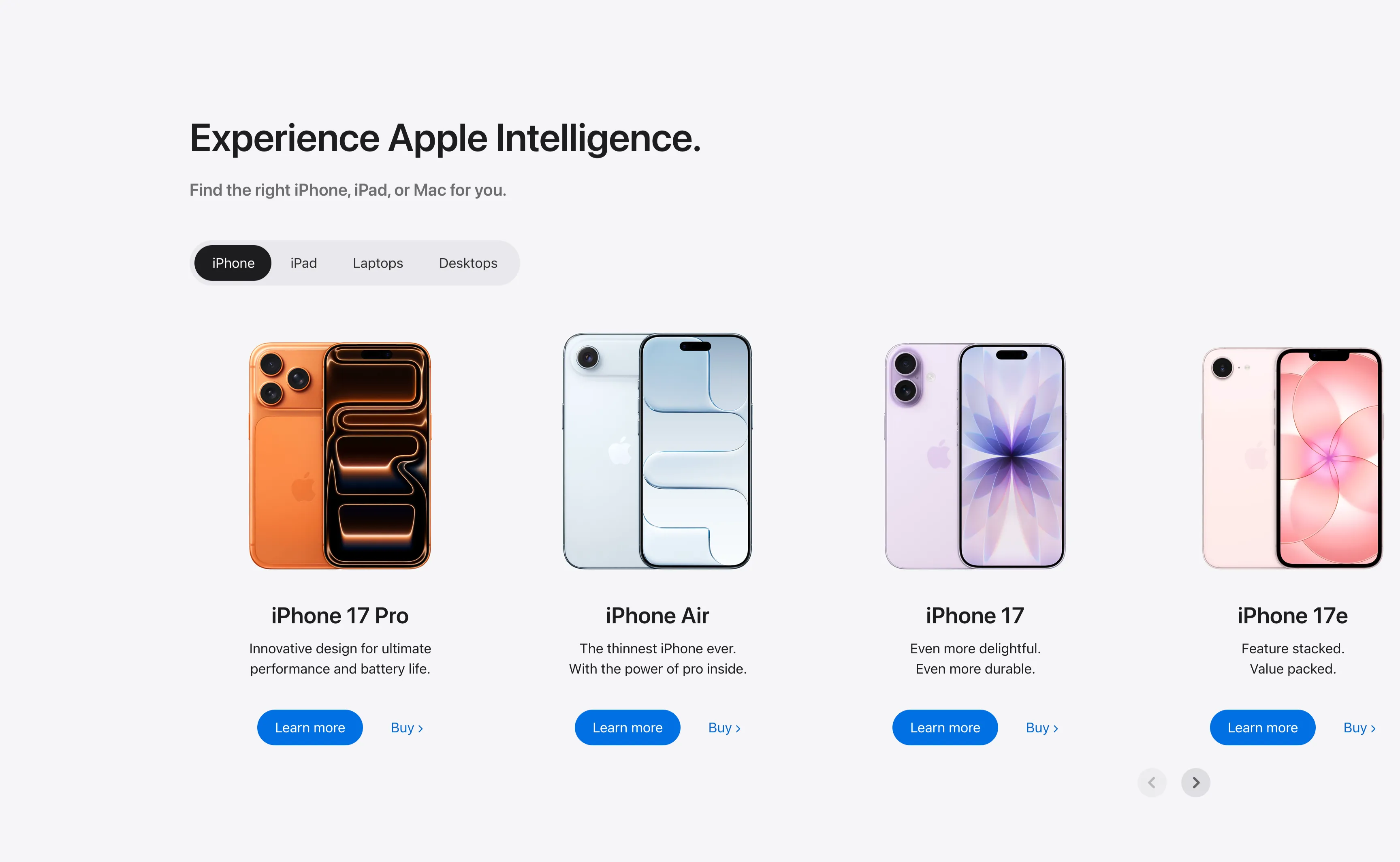
Experience Apple Intelligence Product Carousel
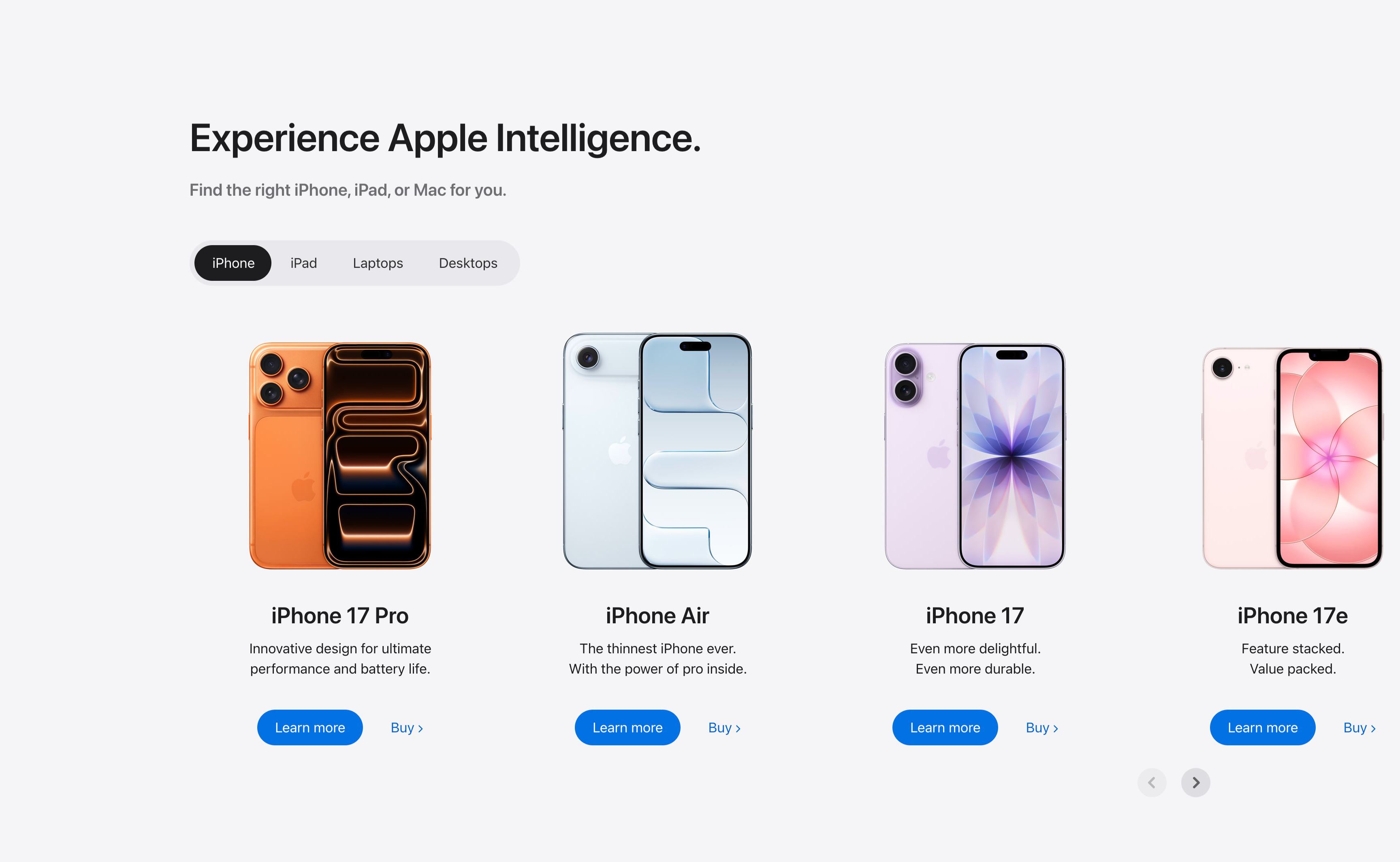
A product-finder carousel headed 'Experience Apple Intelligence.' with the subhead 'Find the right iPhone, iPad, or Mac for you.' A pill-shaped tab switcher offers iPhone (selected, dark), iPad, Laptops and Desktops. Below it four product cards sit in a scrollable row, each showing a device render, a bold model name, a two-line tagline, a solid blue 'Learn more' button and a 'Buy' text link: iPhone 17 Pro (orange), iPhone Air (light blue), iPhone 17 (purple) and iPhone 17e (pink). Circular previous/next arrows in the lower right reveal further models. The tabbed filter plus dual learn/buy calls-to-action make it a conversion-focused product showcase.
Apple ↗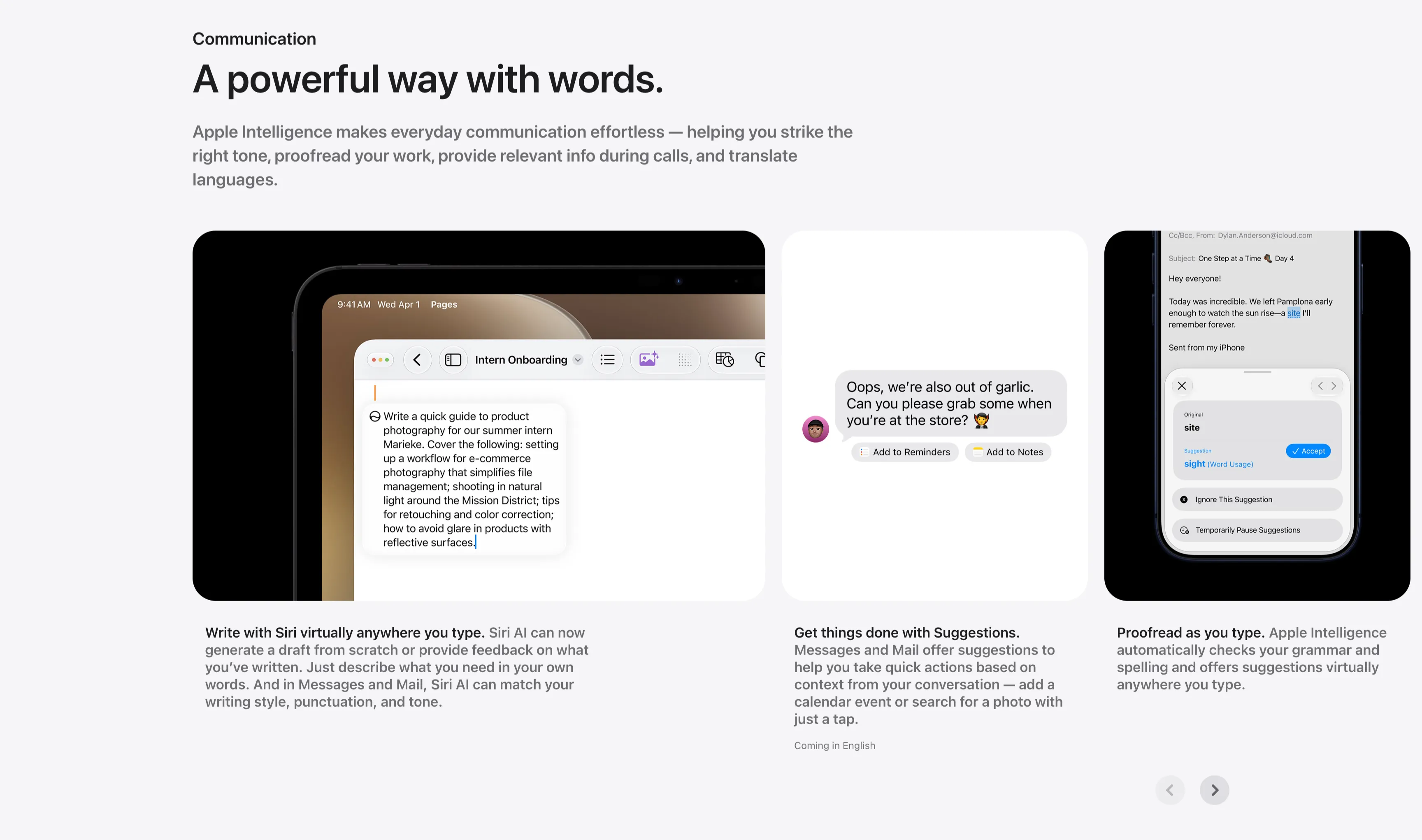
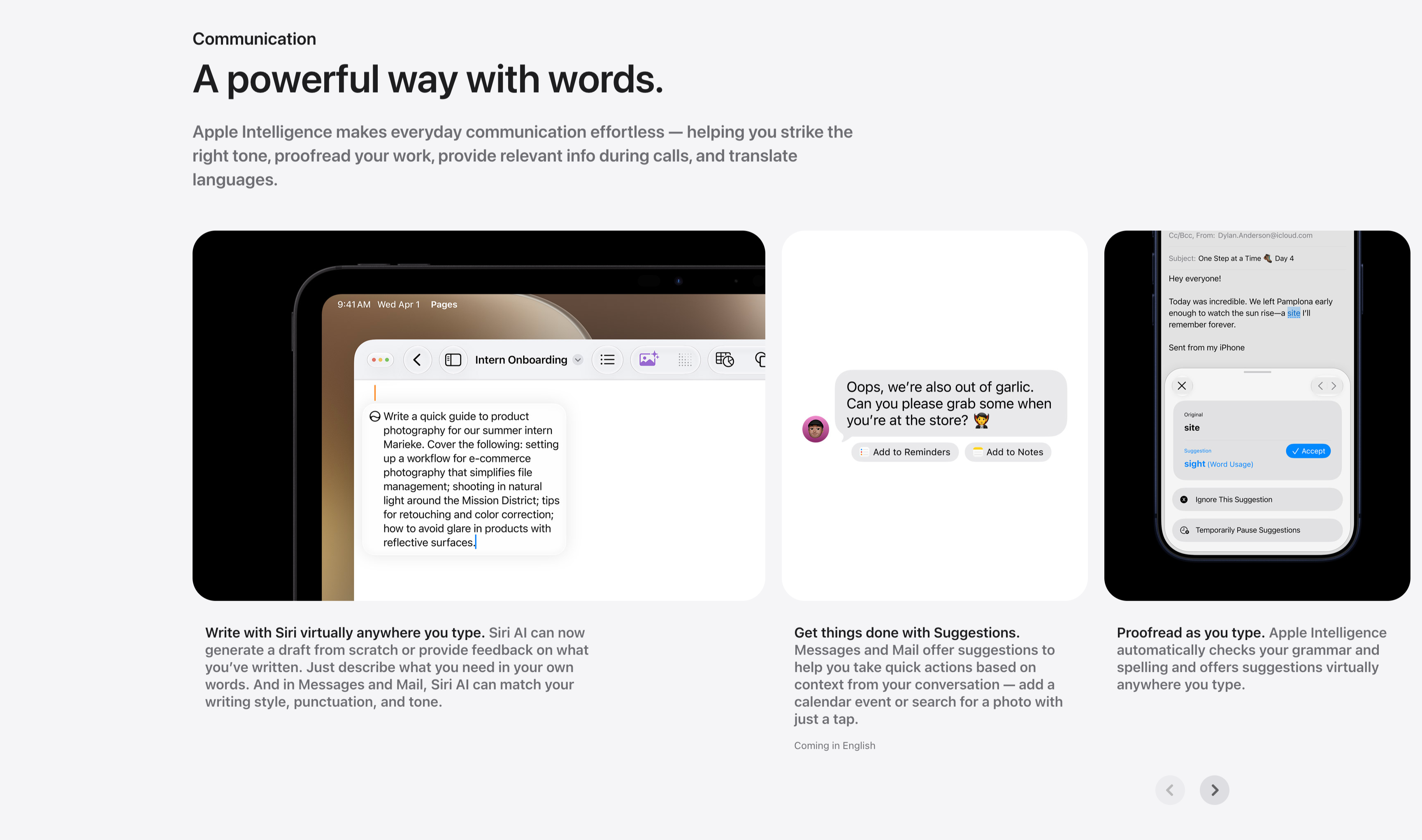
Communication Three-Up Feature Carousel
A communication feature row under a small 'Communication' label and the headline 'A powerful way with words.', with a gray paragraph about striking the right tone, proofreading and translating. Three cards sit side by side, each a screenshot with a bold-lead caption beneath: an iPad in Pages drafting a product-photography guide ('Write with Siri virtually anywhere you type.'), a Messages thread offering 'Add to Reminders' and 'Add to Notes' suggestion chips ('Get things done with Suggestions.'), and a Mail proofreading panel suggesting 'site' → 'sight' with an Accept button ('Proofread as you type.'). Circular previous/next arrows in the lower right indicate more cards. The consistent three-up screenshot layout keeps the writing-tool capabilities clear and comparable.
Apple ↗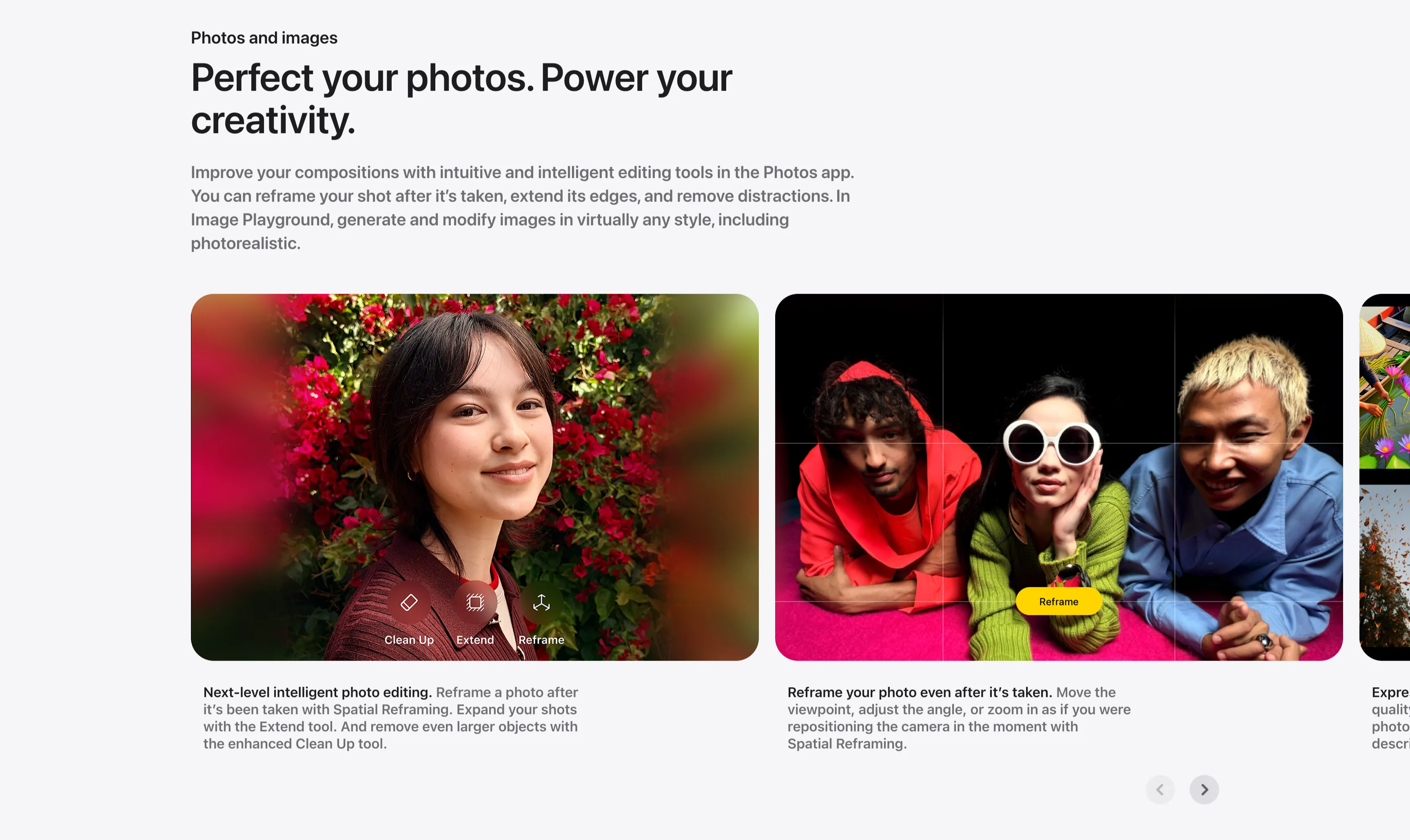
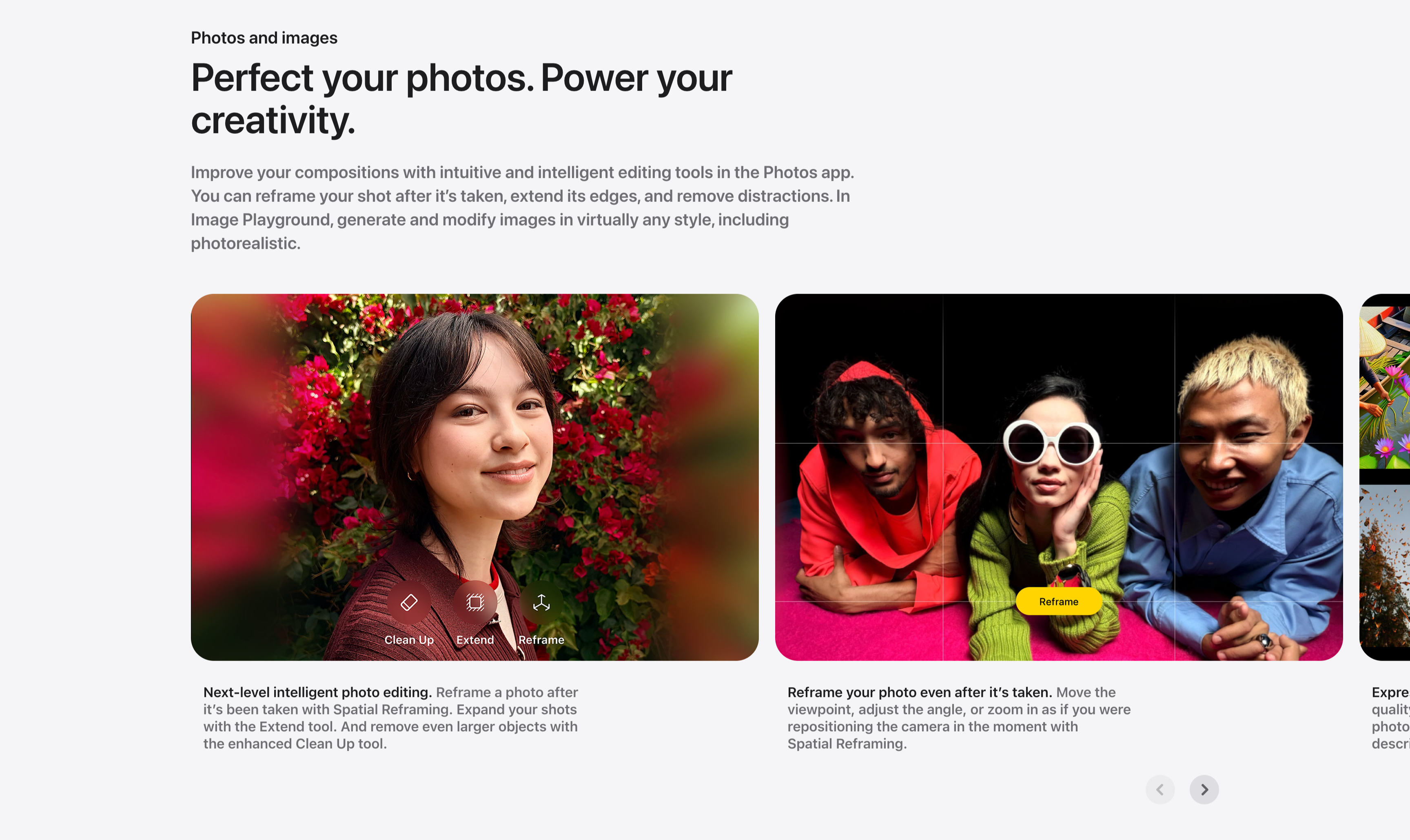
Photos And Images Editing Carousel
A photo-editing showcase carousel introduced by a small 'Photos and images' label and a two-line headline, 'Perfect your photos. Power your creativity.', with a gray paragraph about reframing, extending and Image Playground. Below, large rounded image cards scroll horizontally: a portrait of a woman against red bougainvillea overlaid with Clean Up, Extend and Reframe tool icons ('Next-level intelligent photo editing.'), and a wide shot of three friends on a pink floor with a Reframe grid and yellow 'Reframe' button ('Reframe your photo even after it's taken.'), with a third card just entering from the right edge. Bold-lead captions sit beneath each card and circular previous/next arrows anchor the lower right. The full-bleed photography and on-image tool chips make the editing features feel tangible.
Apple ↗