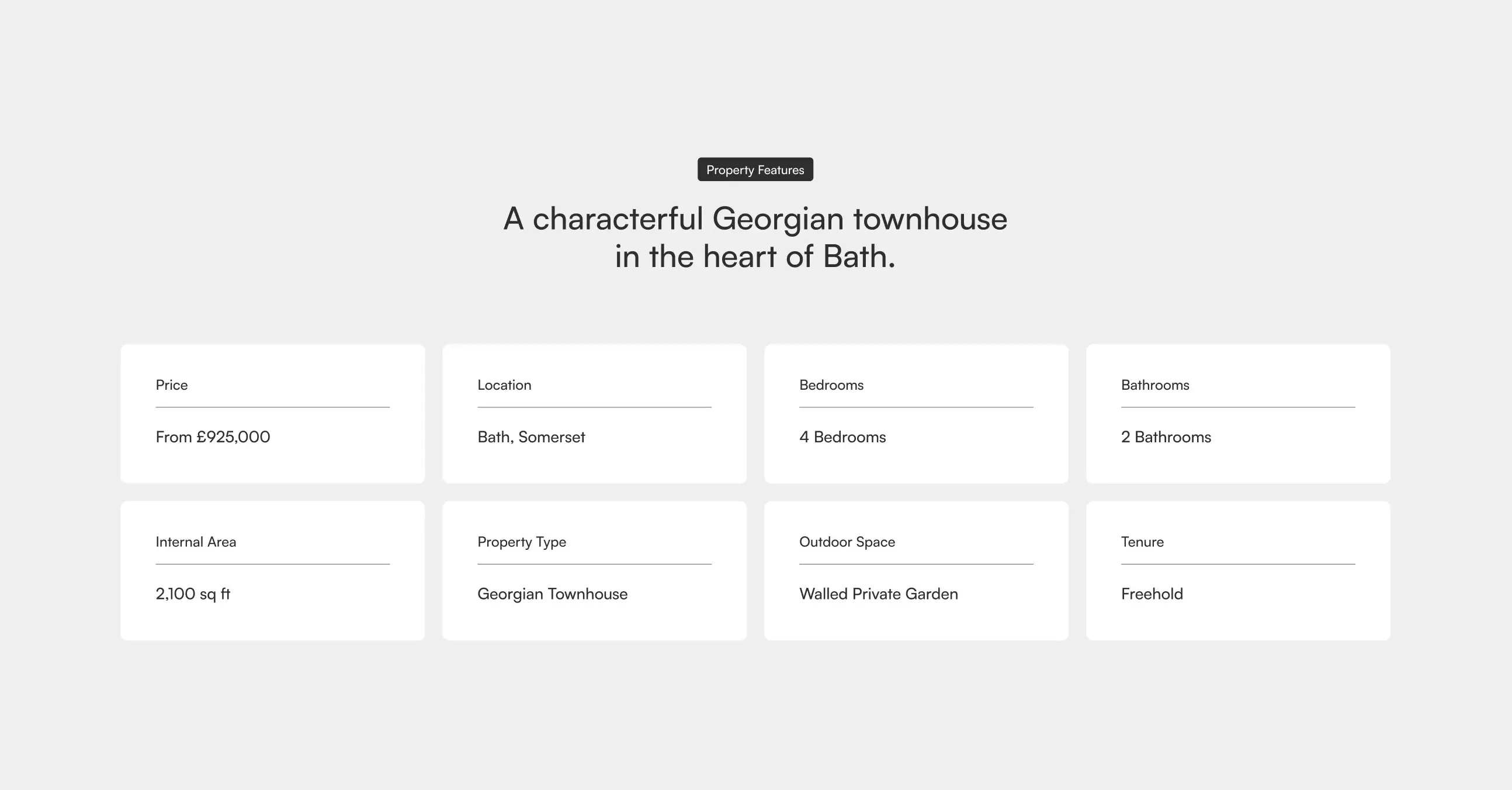
Property Features Grid
Description
A two-row grid of feature cards highlighting a property’s key specifications such as price, location, bedrooms, bathrooms, internal area, property type, outdoor space, and tenure, beneath a centred badge label and headline. Best used on property or listing pages to summarise core details at a glance.
Related
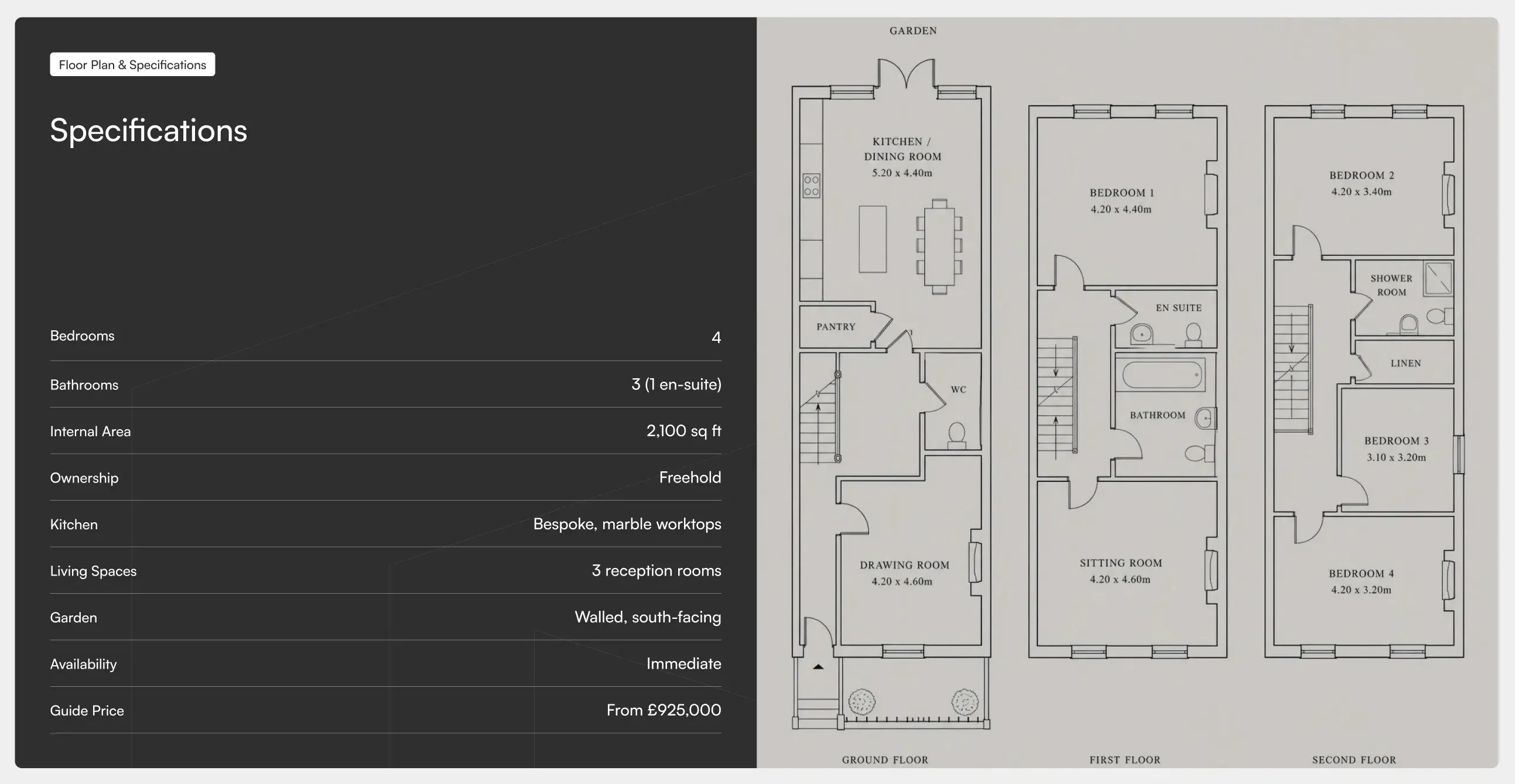
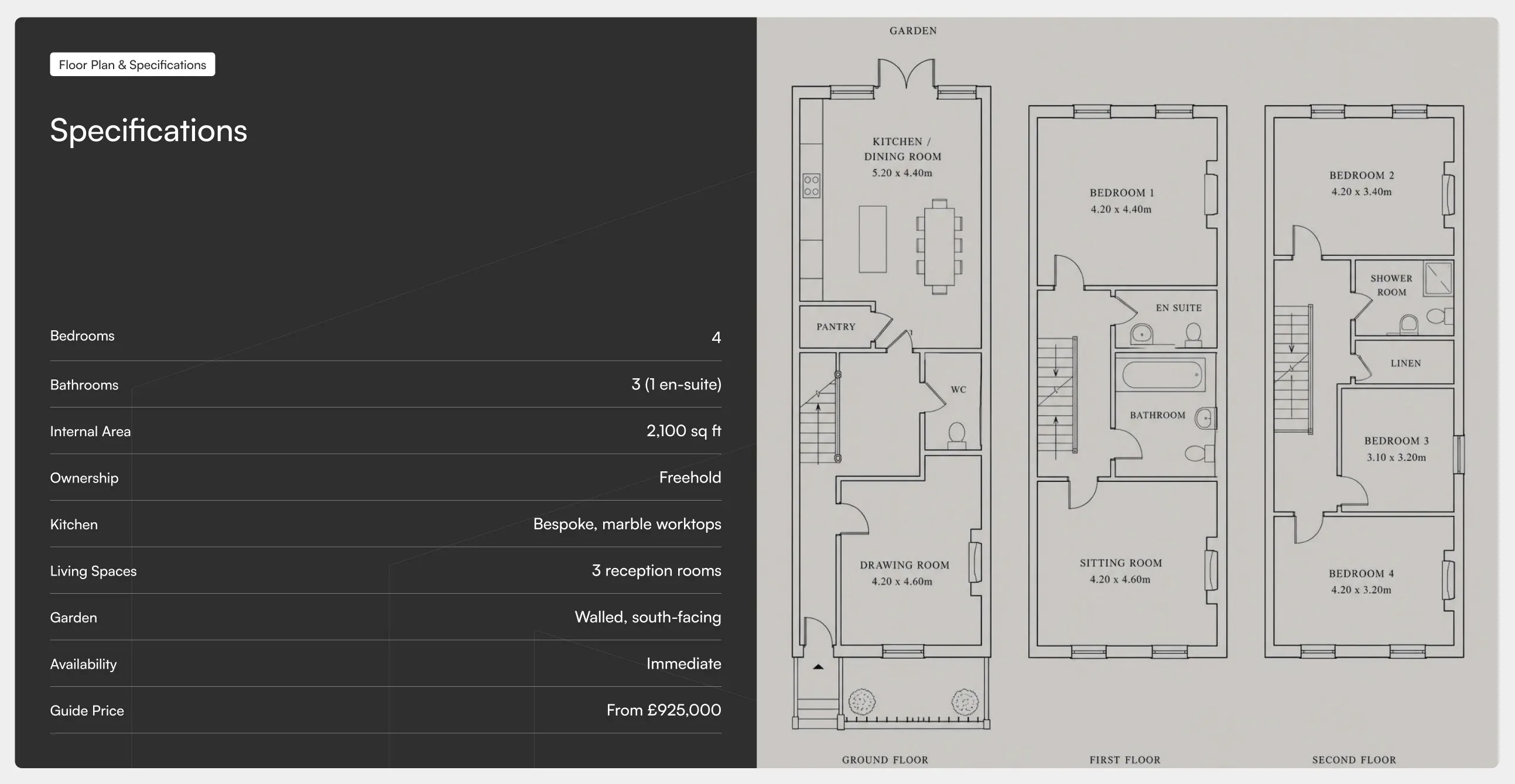
Avenor Specifications & Floor Plan
A two-panel split layout pairing a dark specifications table on the left, with label and value rows for key property details, against a light floor plan panel on the right showing room layouts across multiple levels. Best used on property pages to present technical specs alongside a visual floor plan.
Dribbble ↗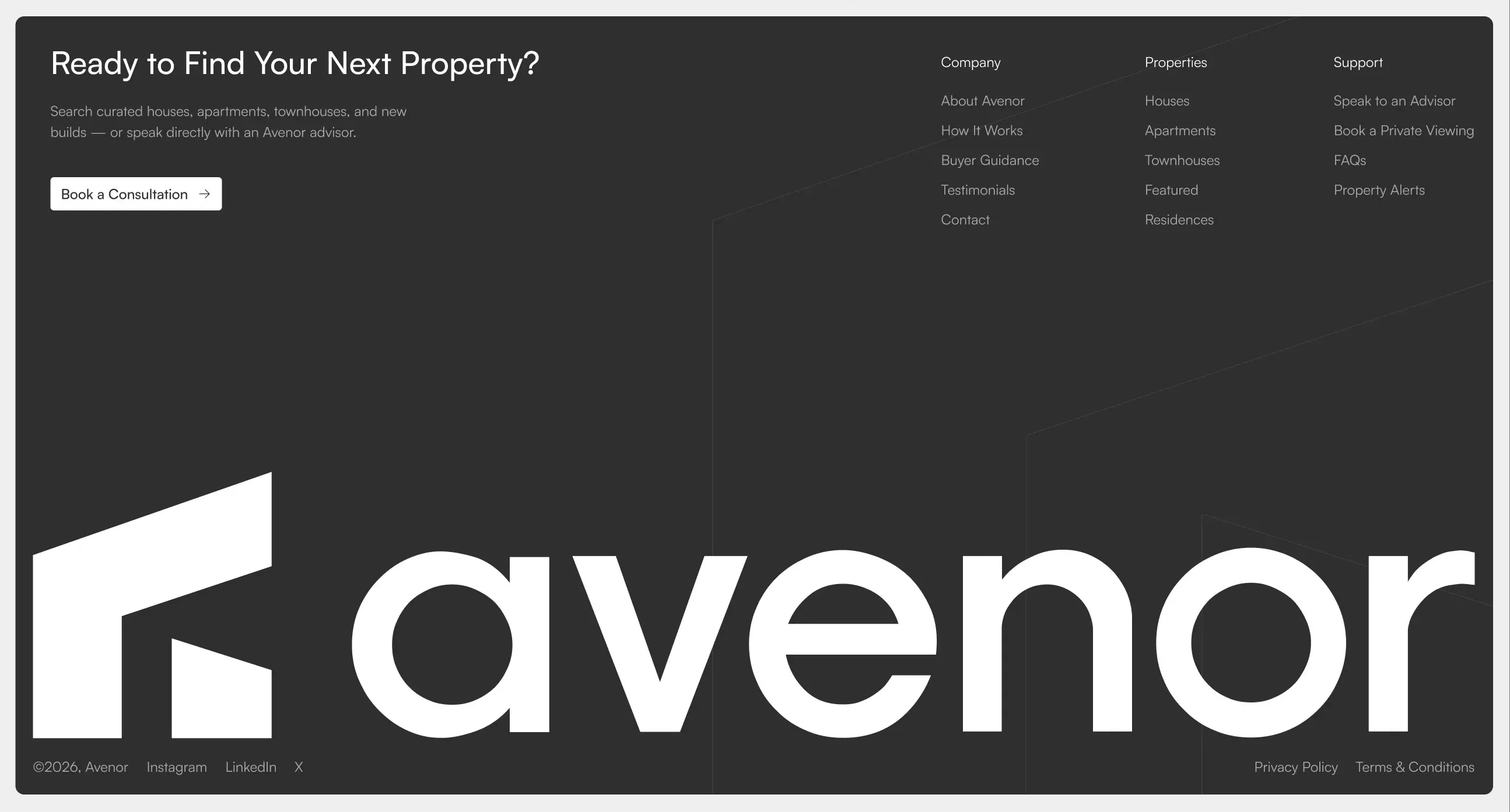
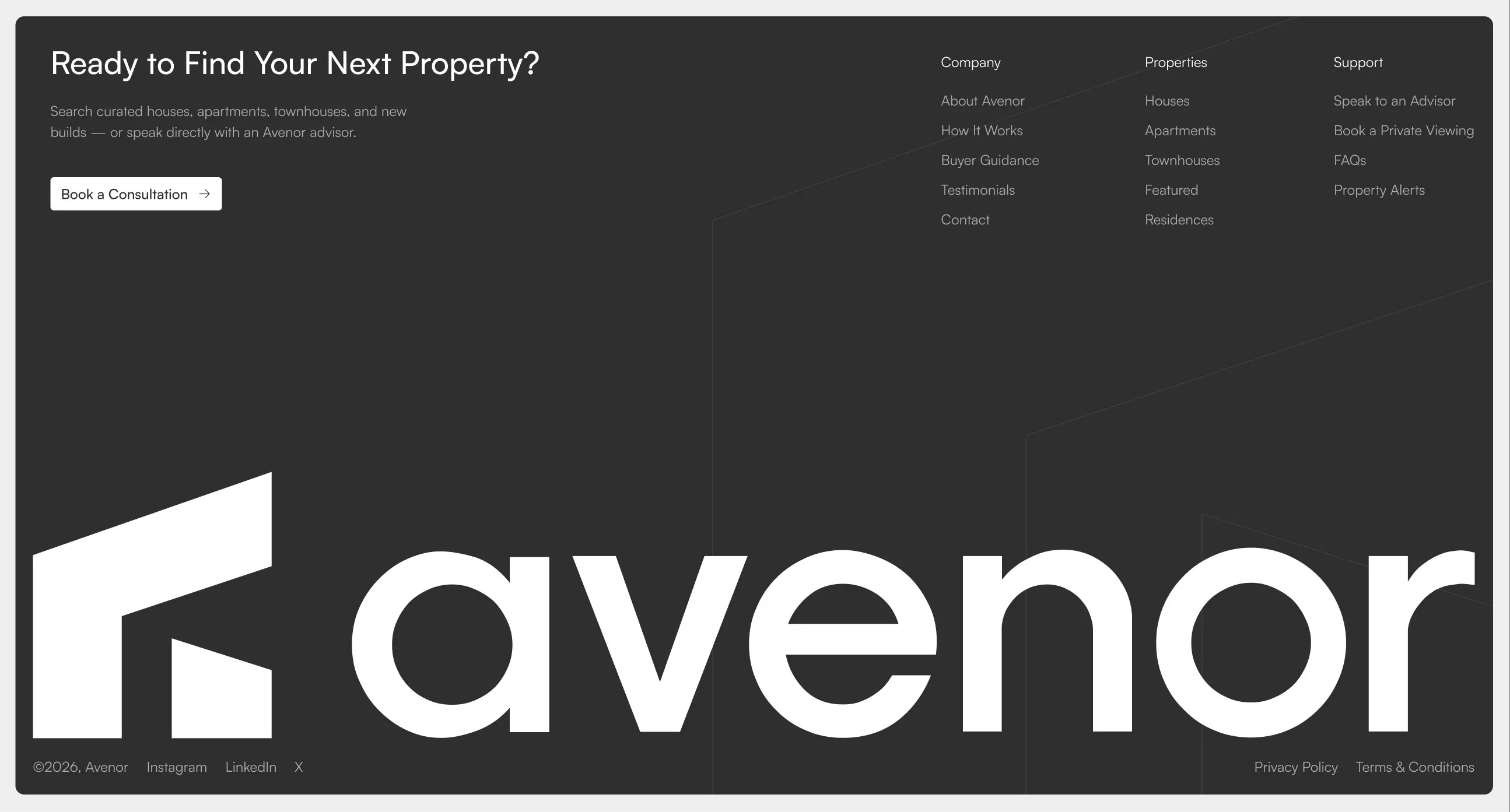
Avenor Footer with CTA & Oversized Logo
A dark full-width footer pairing a closing call-to-action headline, supporting text, and a button on the left with multi-column navigation links on the right, anchored by an oversized brand logo and a bottom bar for copyright, social links, and legal pages. Best used as the closing section of a site to prompt a final action and surface site-wide navigation.
Dribbble ↗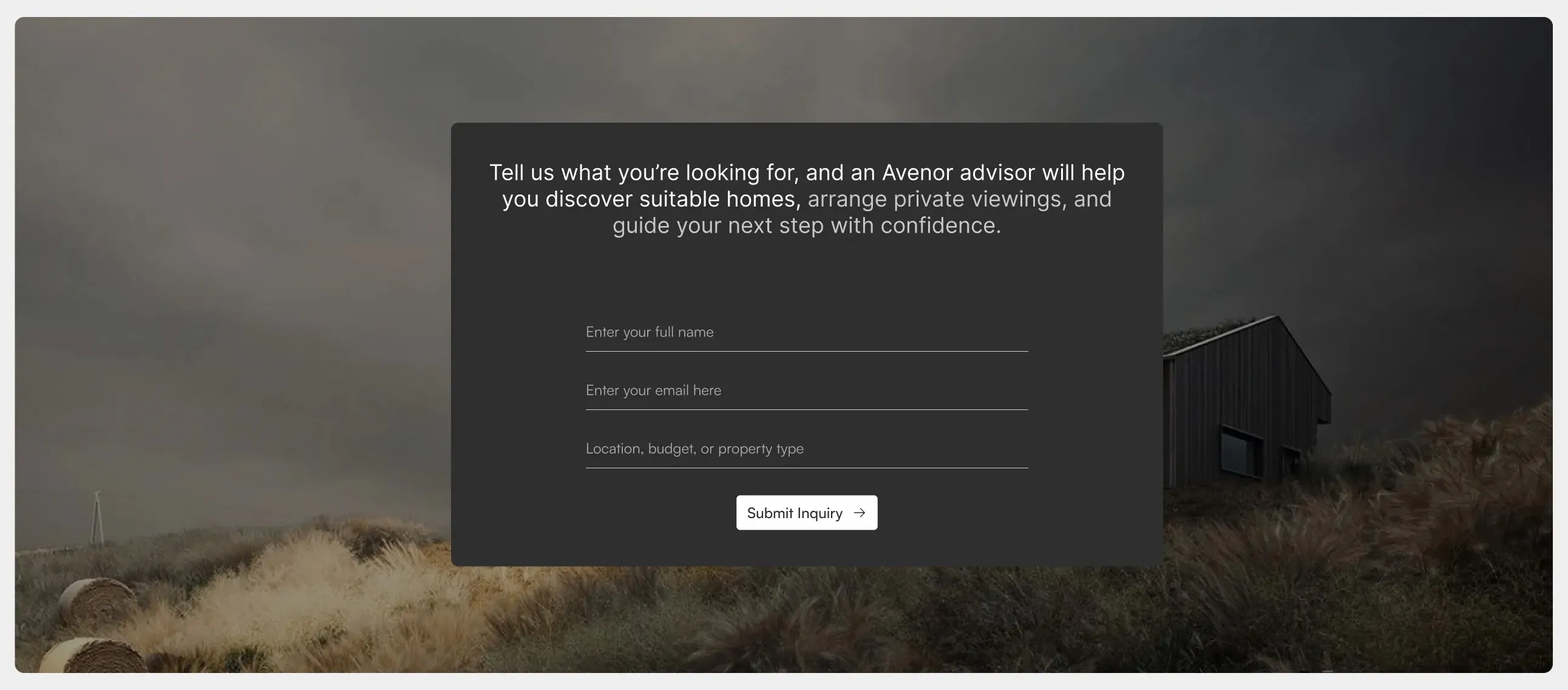
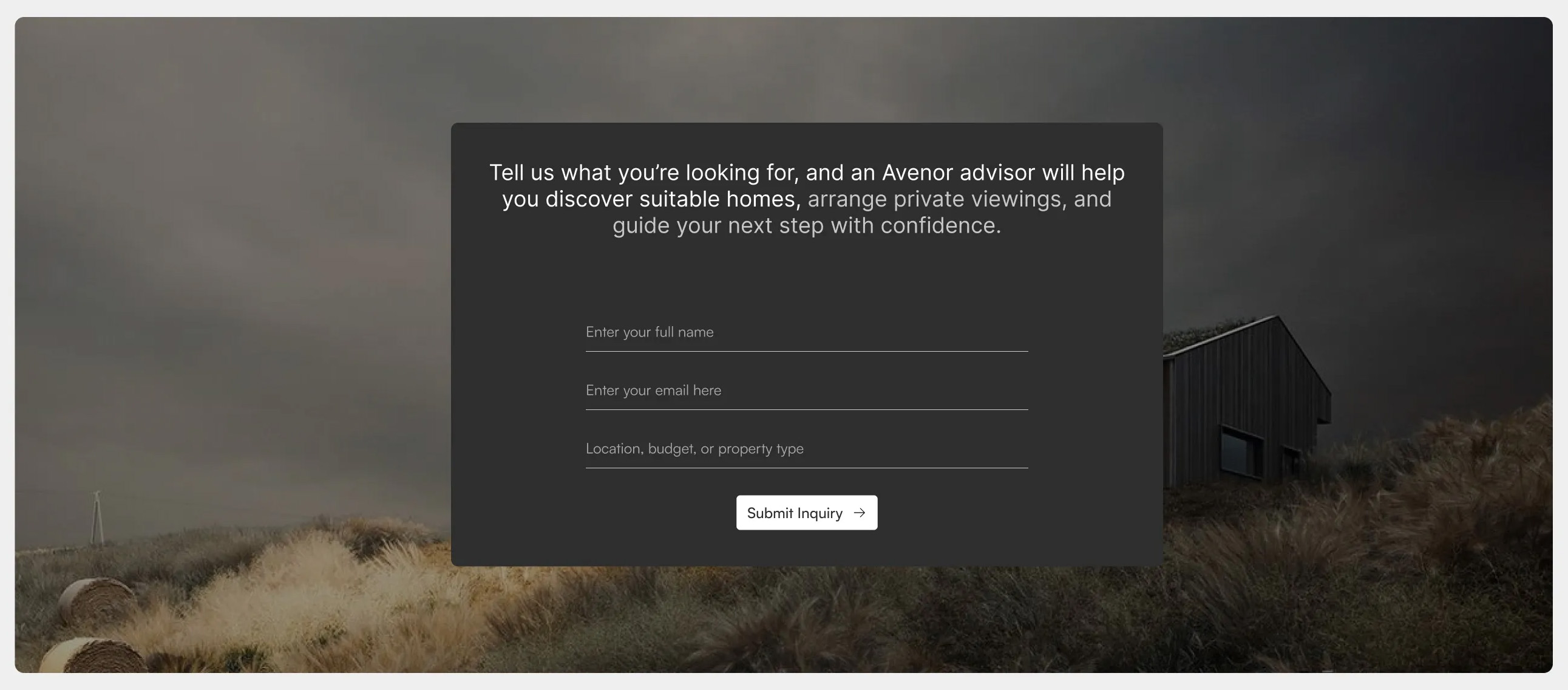
Avenor Inquiry Form with Background
A centred contact form set in a dark card over a full-width background image, with an introductory headline, underline-style input fields for name, email, and free-text details, and a primary submit button. Best used as a lead-capture or enquiry section to invite visitors to get in touch.
Dribbble ↗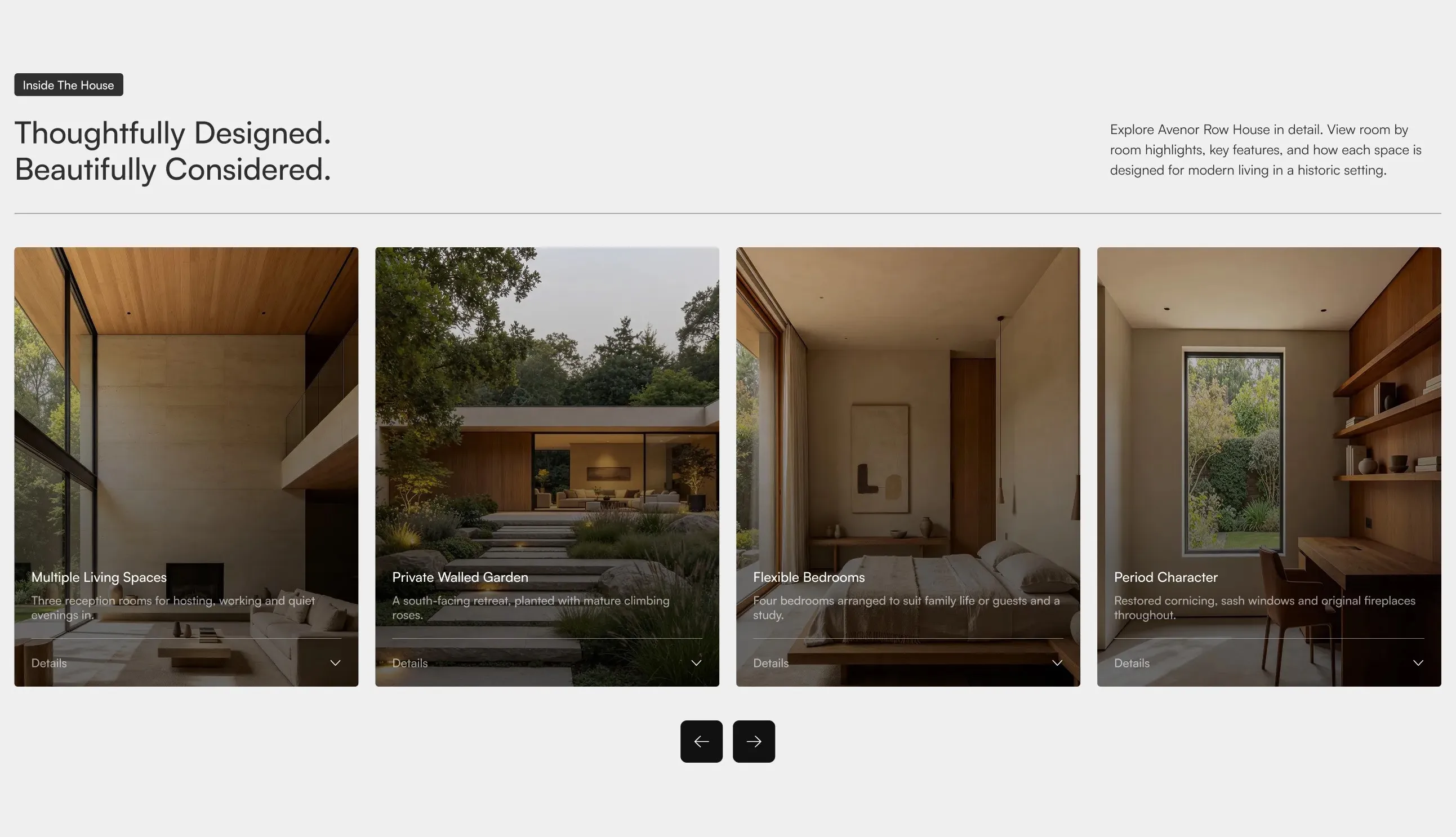
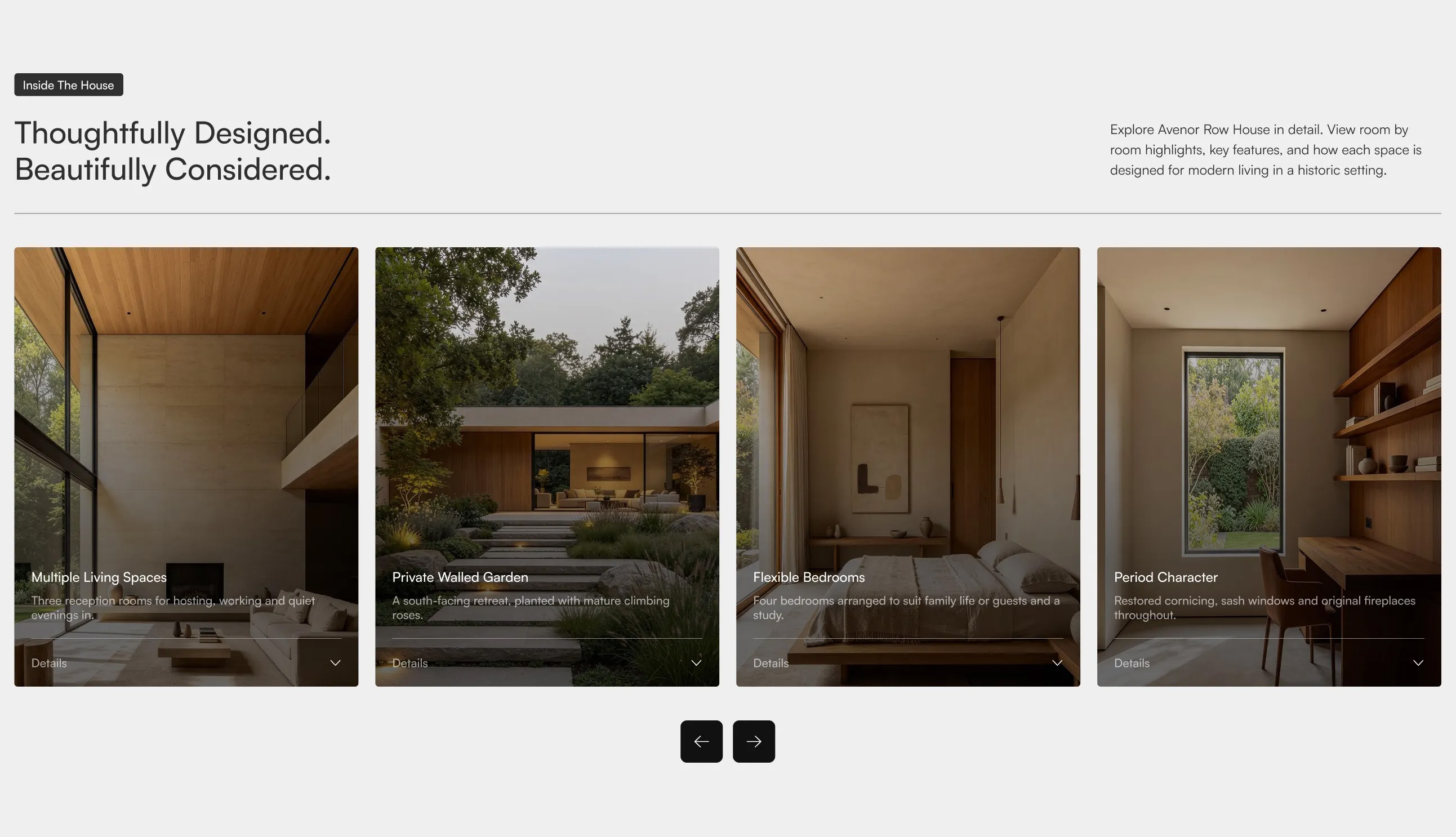
Avenor Feature Cards Carousel
A horizontal carousel of tall image cards, each with an overlaid title, short description, and a "Details" expand control, introduced by a badge, a two-part headline on the left, and supporting copy on the right, with previous and next navigation controls below. Best used on property or product pages to highlight key features in a scrollable, browsable format.
Dribbble ↗Similar features sections
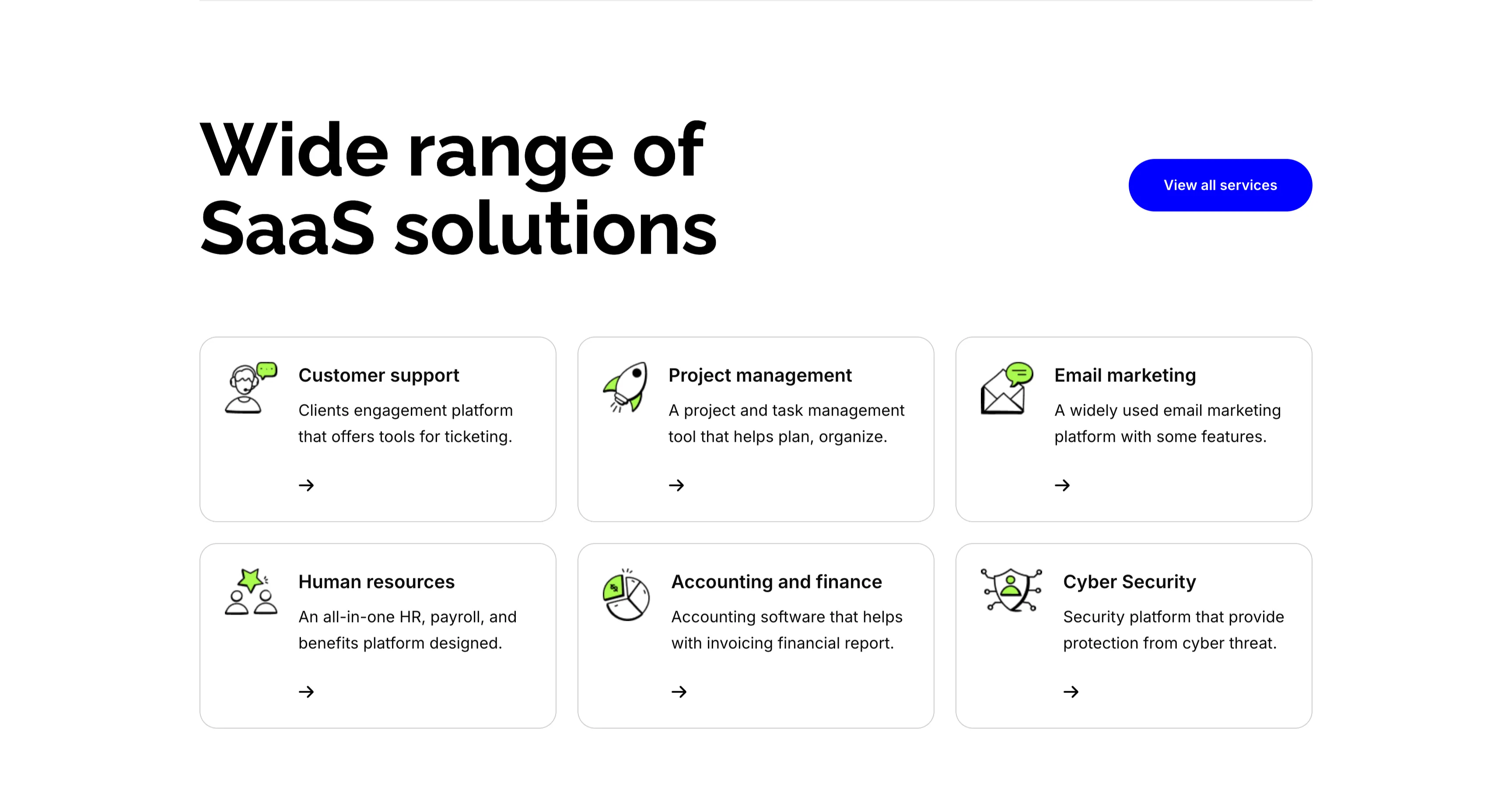
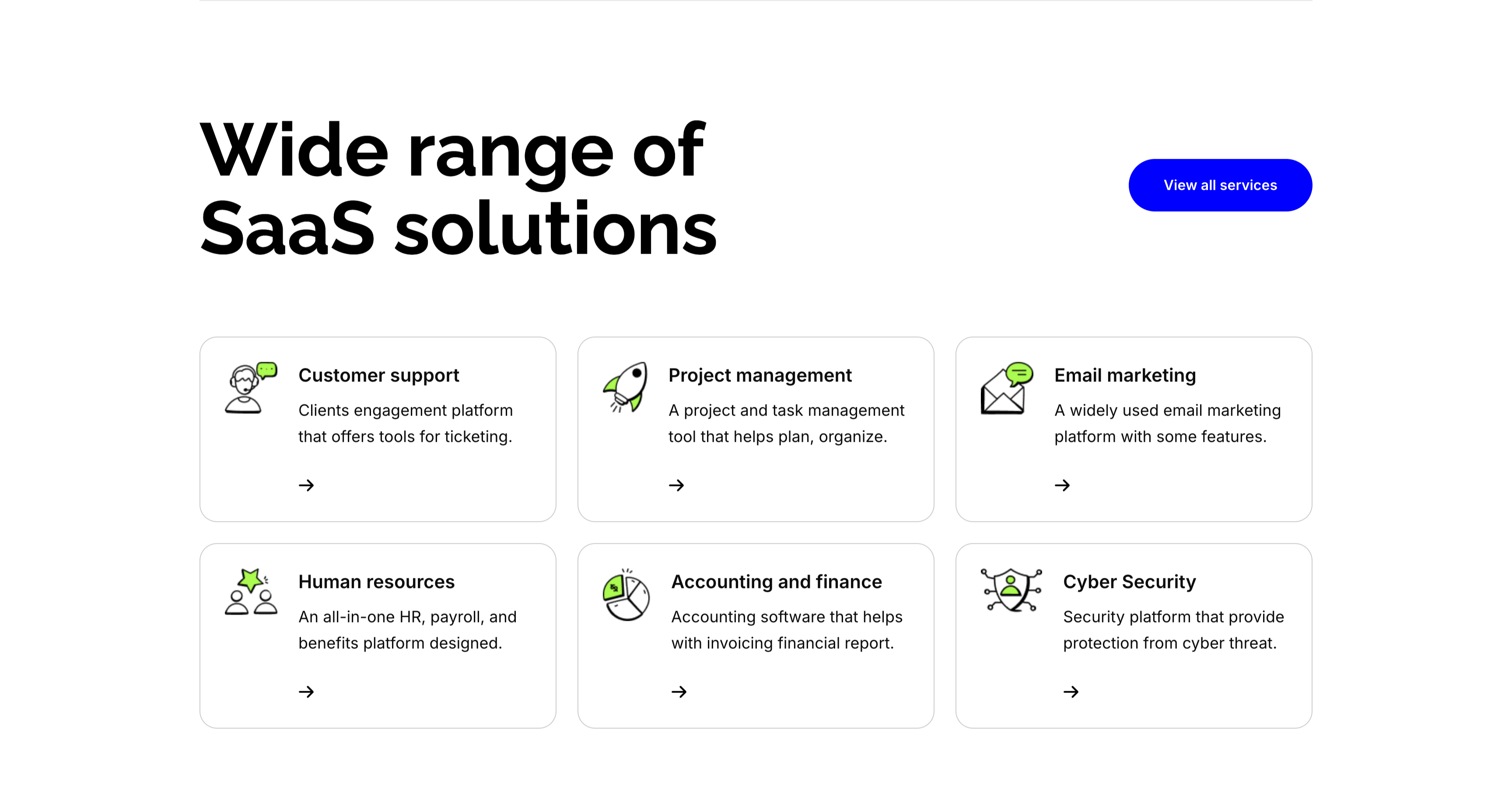
Wide Range Of SaaS Solutions Services Grid
A services section on white. The top pairs an oversized 'Wide range of SaaS solutions' heading on the left with a solid blue 'View all services' button on the right. Below, six white bordered cards form a three-column, two-row grid, each led by a line-and-green illustrative icon, a bold title, a one-line description and a small arrow link: 'Customer support' (ticketing engagement platform), 'Project management' (plan and organize), 'Email marketing' (widely used platform), 'Human resources' (all-in-one HR and payroll), 'Accounting and finance' (invoicing and reports) and 'Cyber Security' (protection from threats). The even icon-card grid makes the breadth of offerings easy to scan.
Zubuz ↗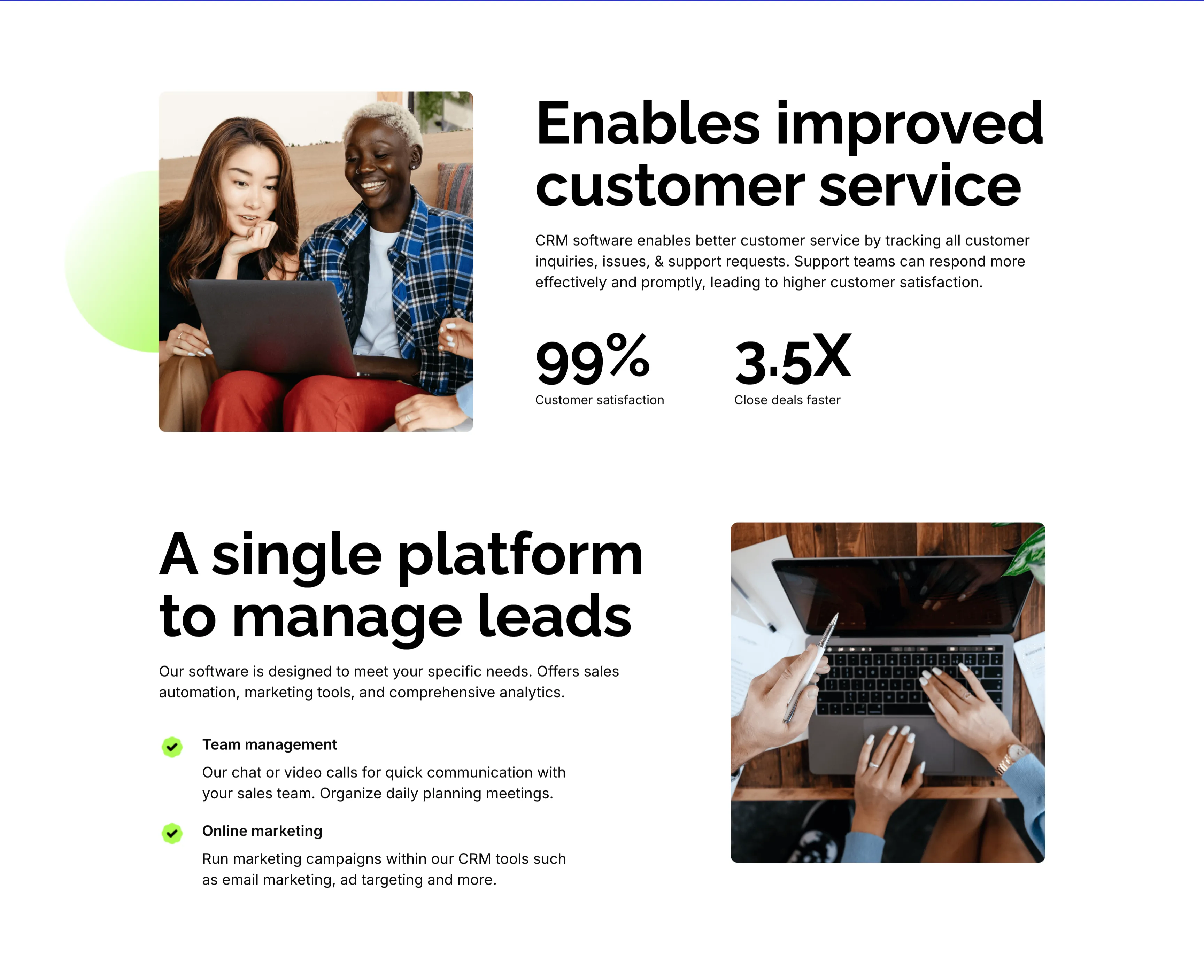
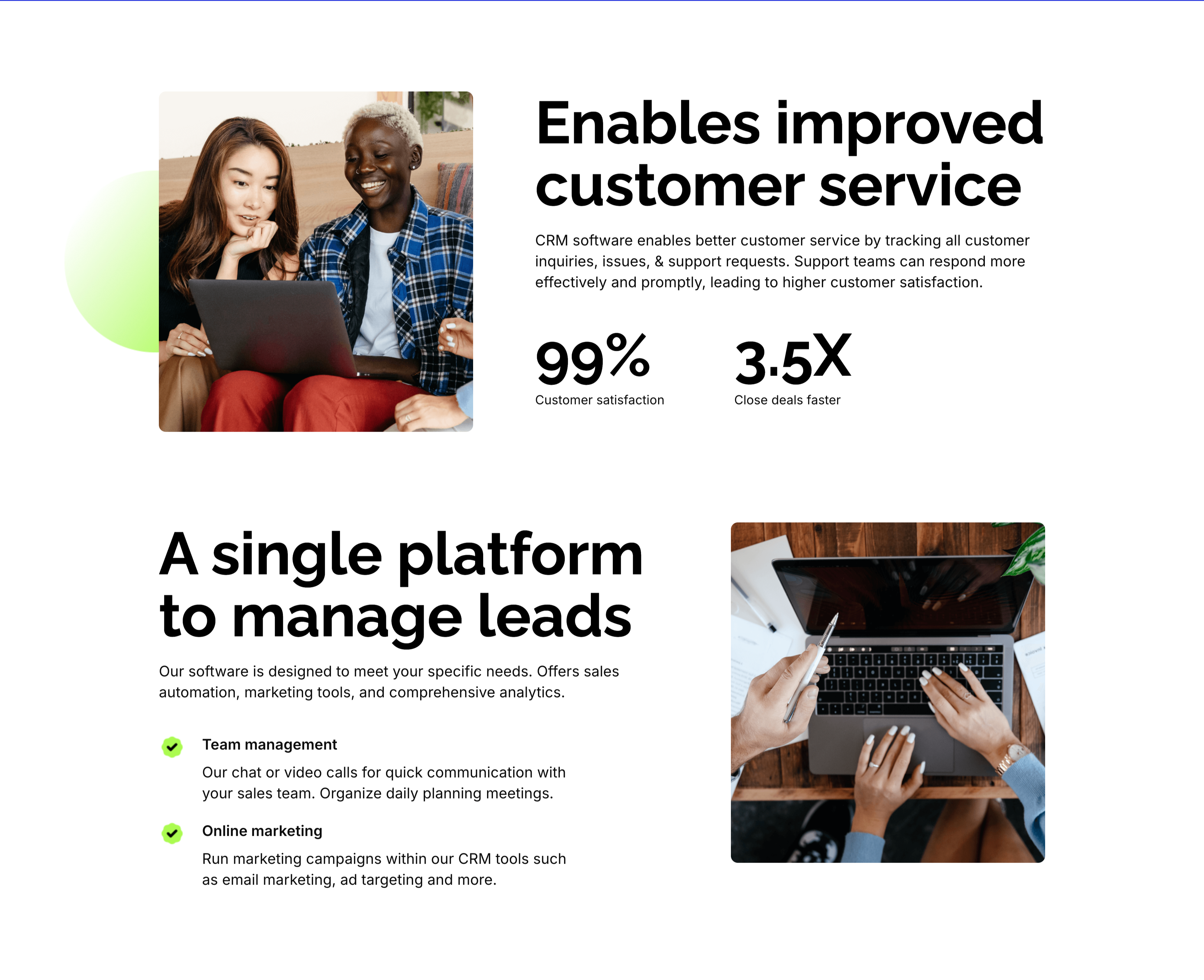
Customer Service And Lead Management Features
Two stacked alternating feature blocks on white, each mixing photography with copy. The upper block places a rounded photo of two colleagues at a laptop on the left beside an oversized 'Enables improved customer service' heading, a paragraph, and two bold stats — '99%' customer satisfaction and '3.5X' close deals faster. The lower block flips the layout: an oversized 'A single platform to manage leads' heading with green-checked items 'Team management' and 'Online marketing' sits left of a top-down photo of hands working at a laptop. The mirrored image-and-text rhythm, punchy metrics and checklist make the CRM benefits tangible and easy to compare.
Zubuz ↗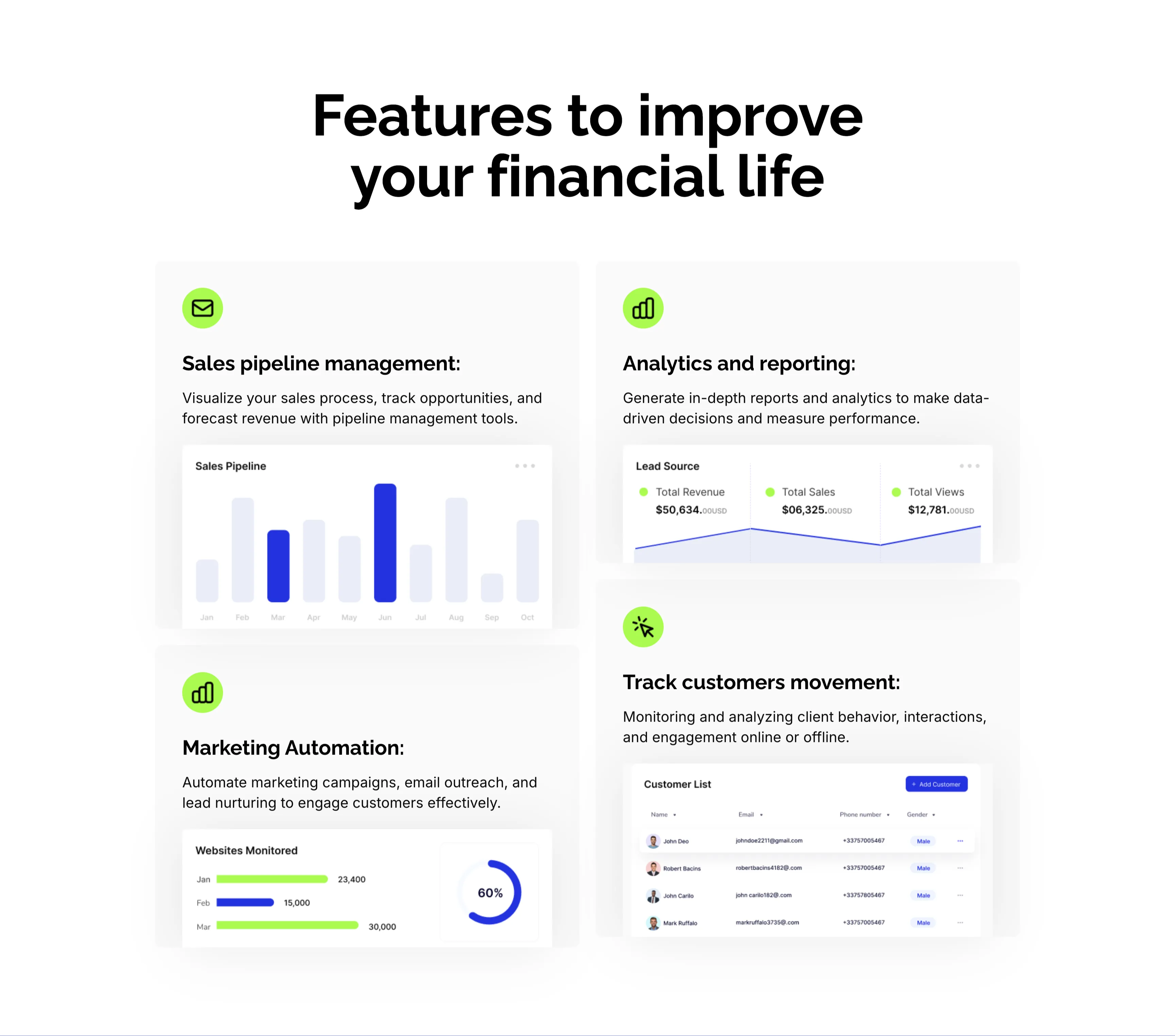
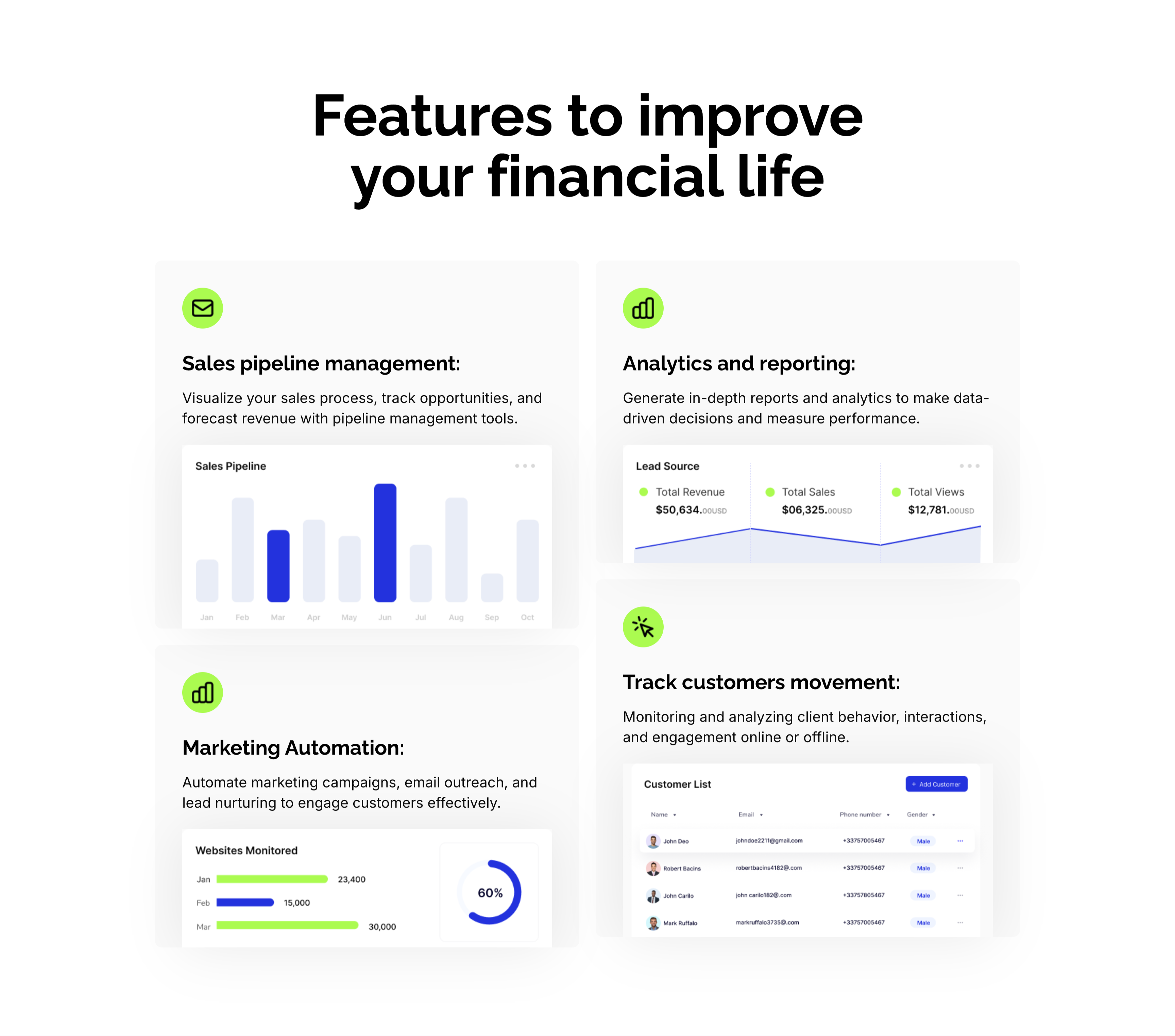
CRM Features With Dashboard Cards
A CRM feature section on a pale background under an oversized centered 'Features to improve your financial life' heading. Four large cards form a 2x2 grid, each led by a lime-green icon, a bold title and a line of copy, then a mini product screenshot: 'Sales pipeline management:' with a monthly bar chart, 'Analytics and reporting:' with a Lead Source panel (Total Revenue $50,634, Total Sales, Total Views), 'Marketing Automation:' with a 'Websites Monitored' bar-and-donut chart, and 'Track customers movement:' with a Customer List table. Embedding a real dashboard fragment in each card makes the abstract CRM capabilities feel concrete and demonstrable.
Zubuz ↗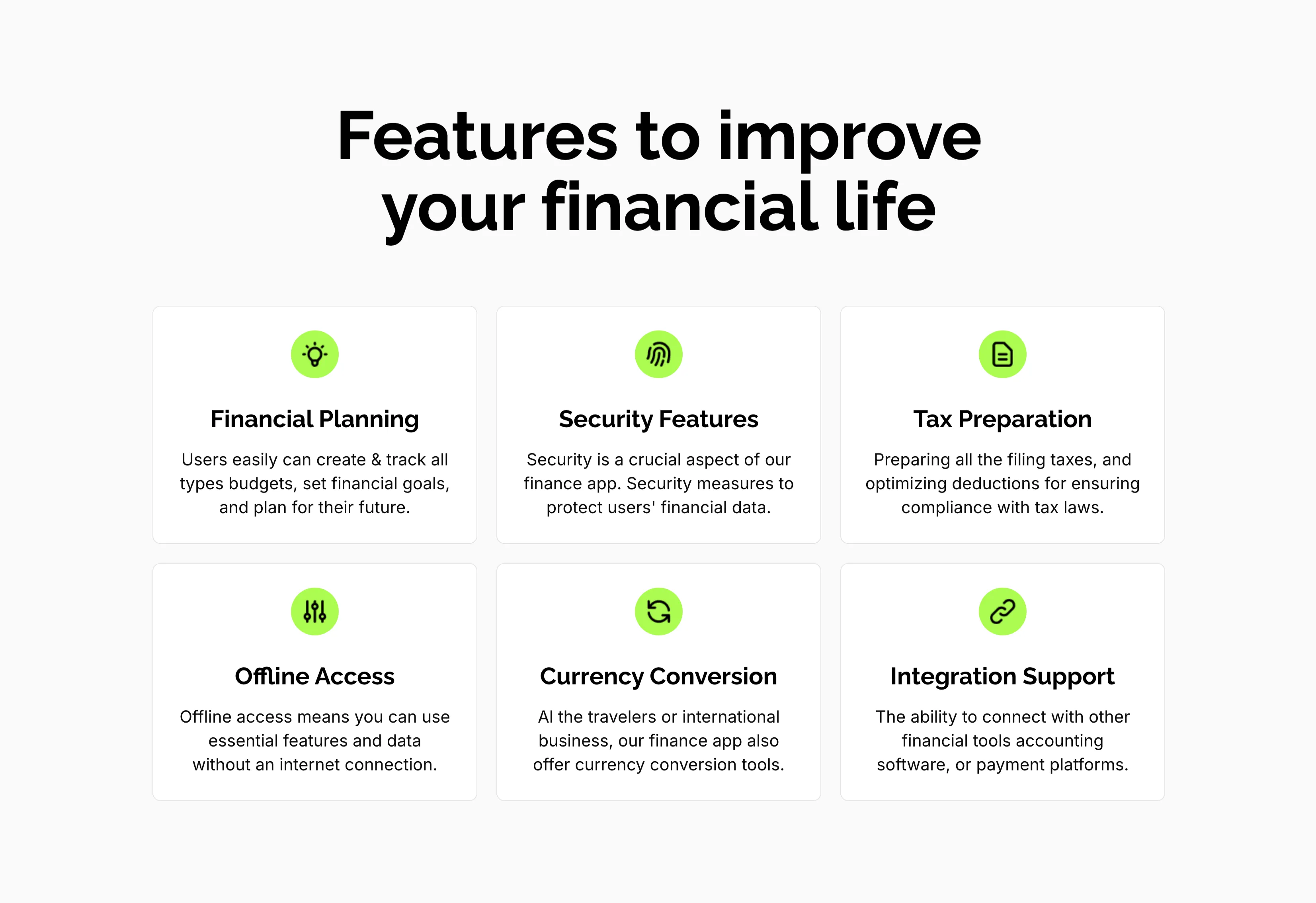
Features To Improve Financial Life Grid
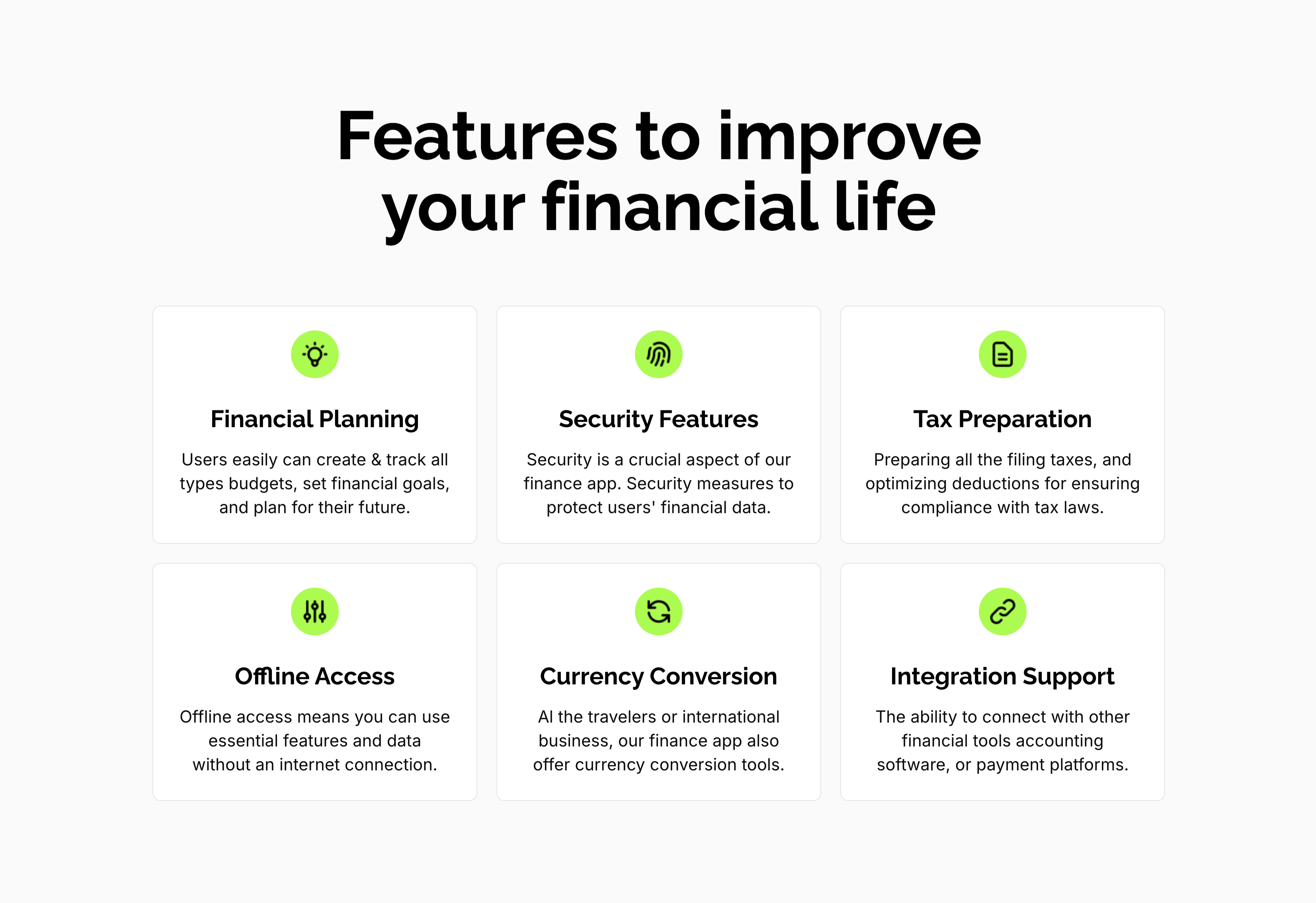
A feature grid on a pale background under a centered oversized 'Features to improve your financial life' heading. Six white rounded cards are arranged three across and two down, each centered on a lime-green circular icon above a bold title and a short gray description: 'Financial Planning' (create and track budgets, set goals), 'Security Features' (measures to protect financial data), 'Tax Preparation' (filing and deductions), 'Offline Access' (use essential features without internet), 'Currency Conversion' (tools for travelers and international business) and 'Integration Support' (connect with other financial tools). The even three-up rhythm and single green accent make the capabilities calm and scannable.
Zubuz ↗